
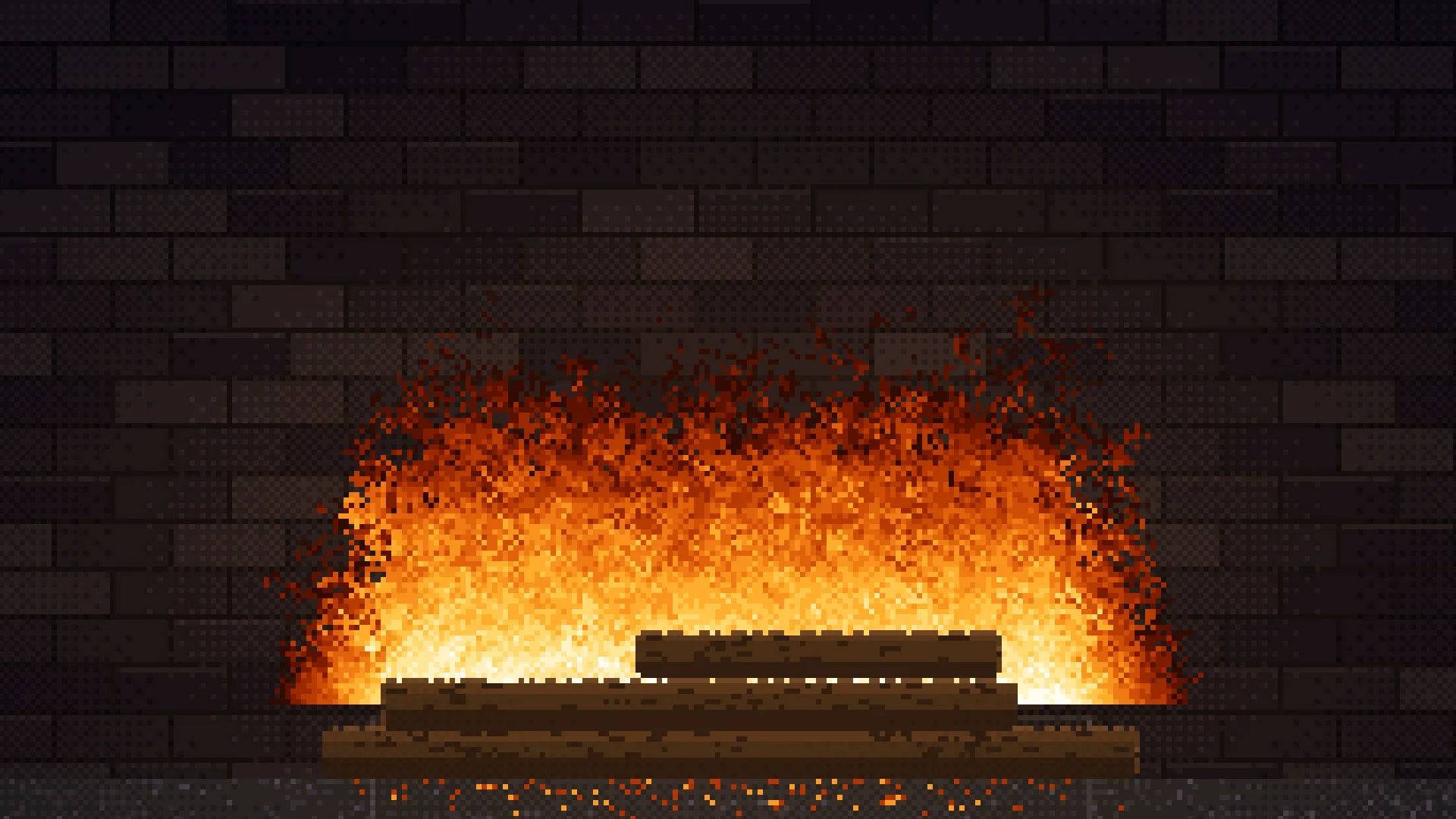
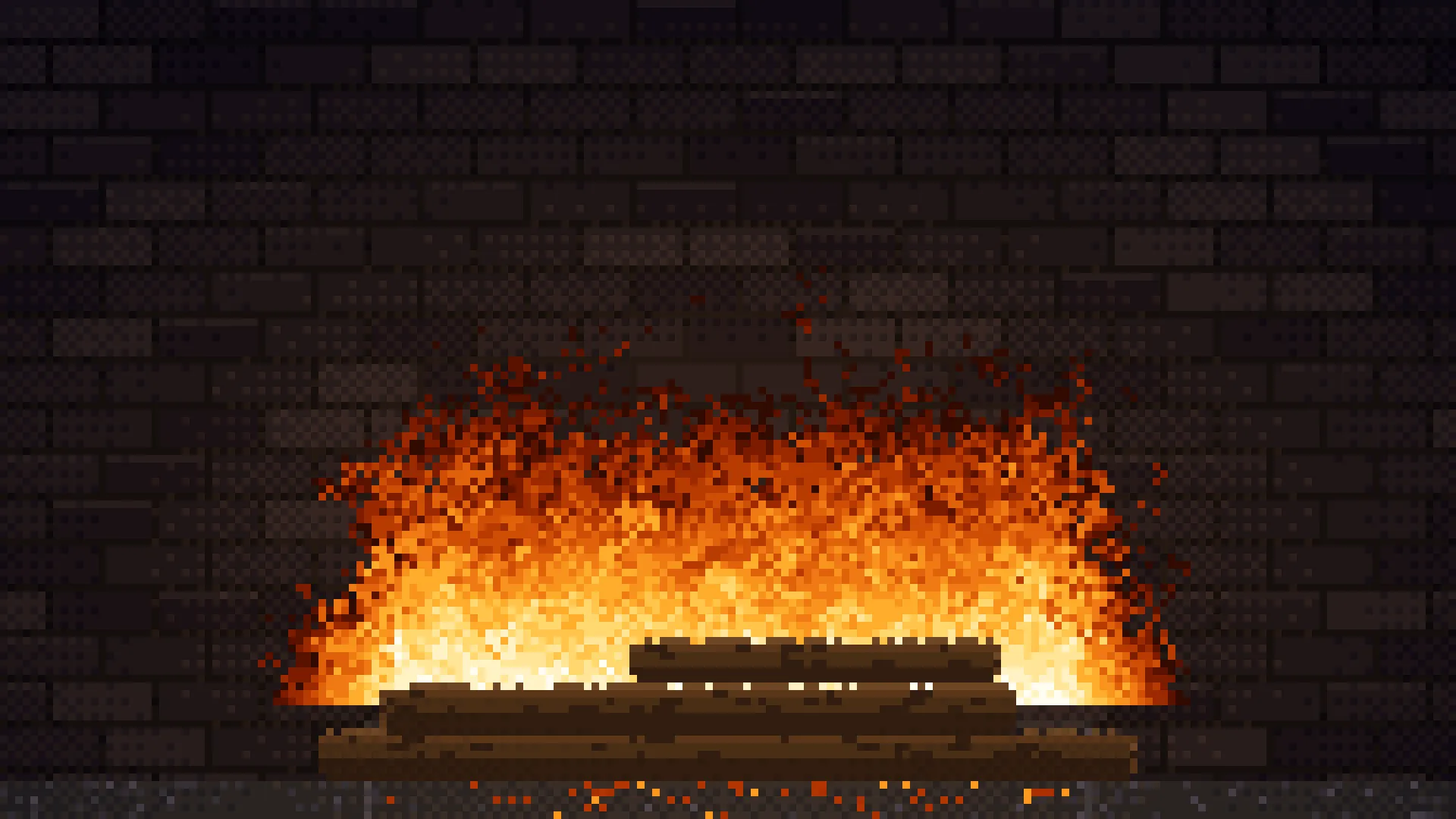
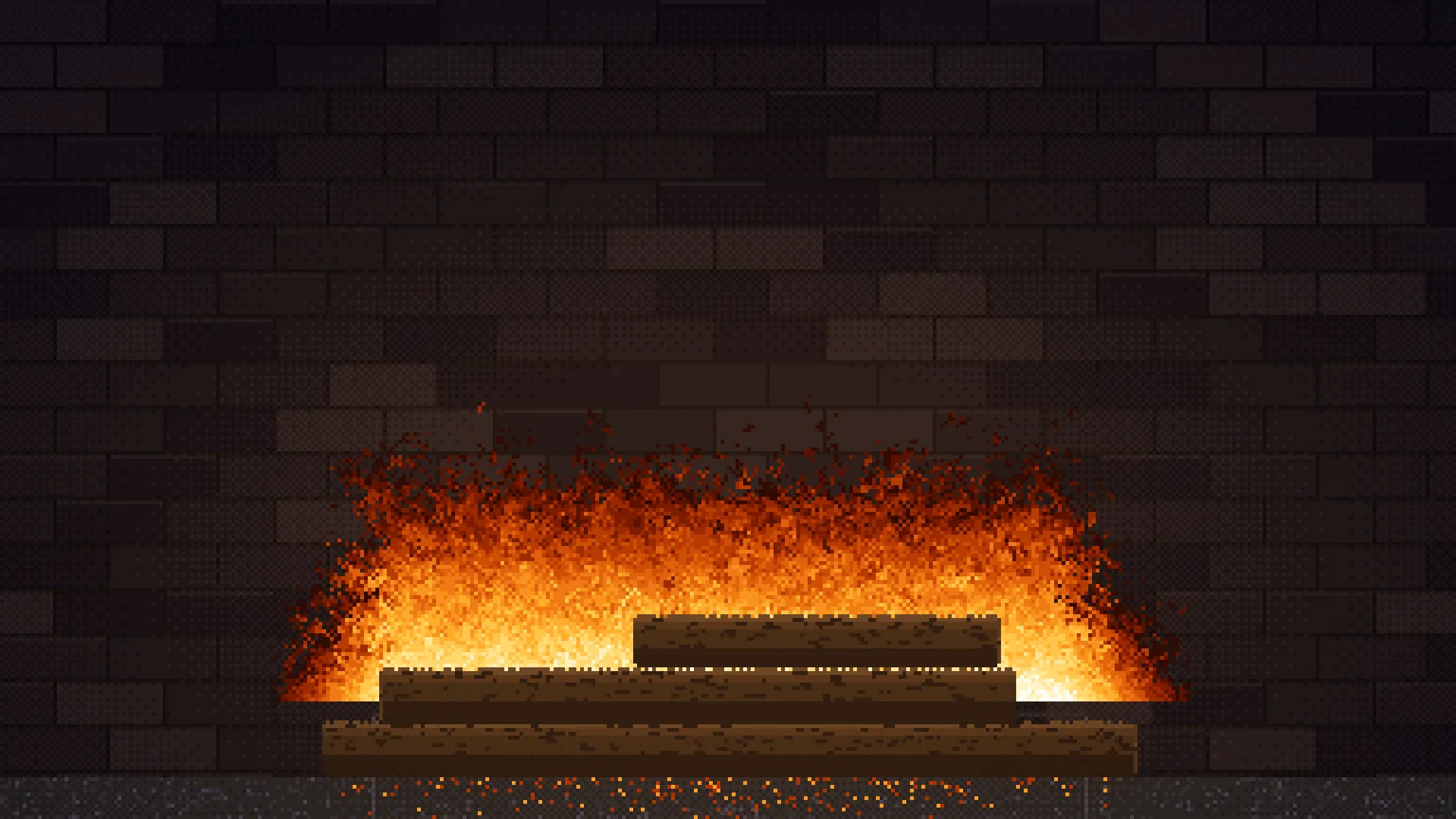
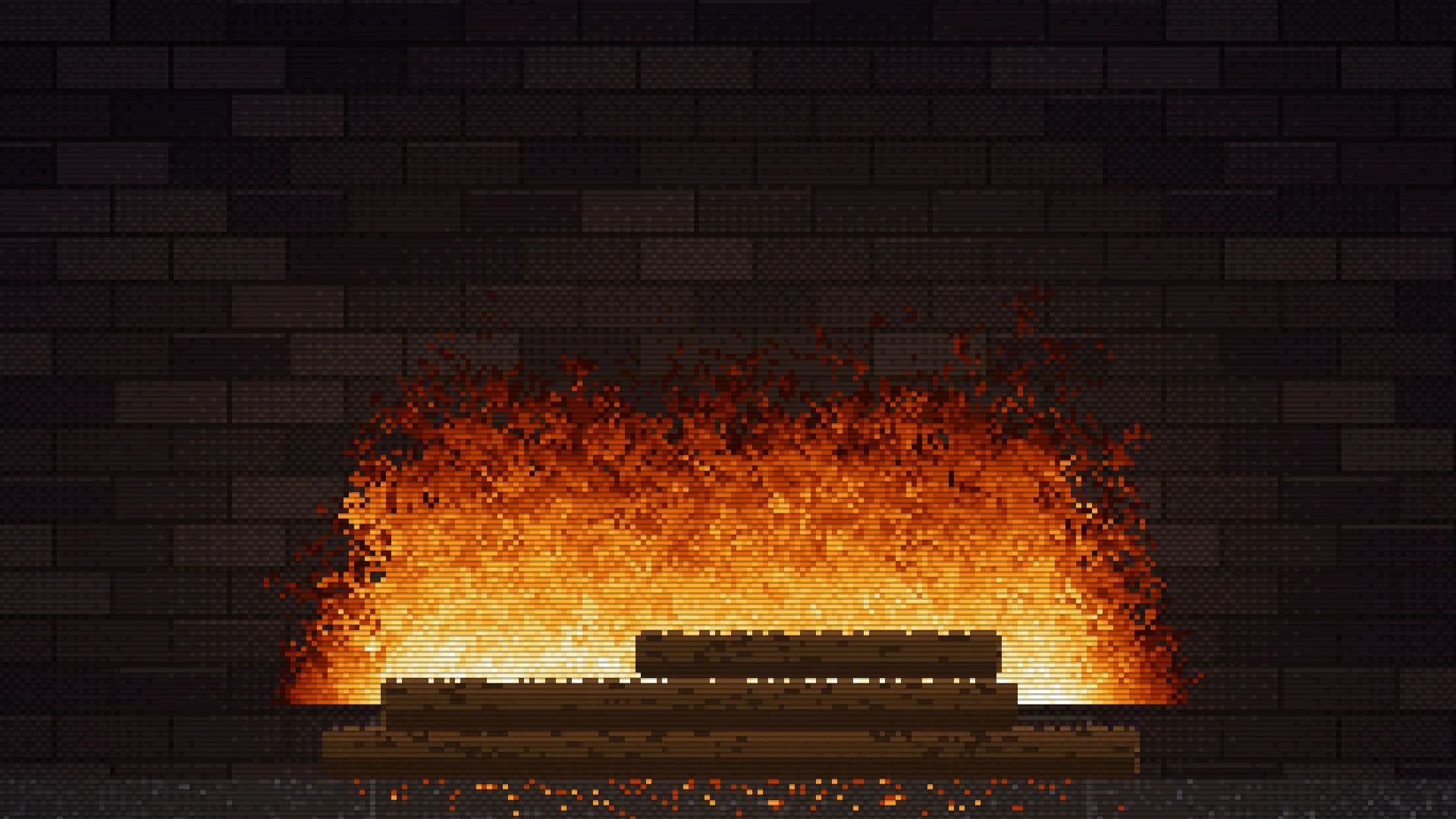
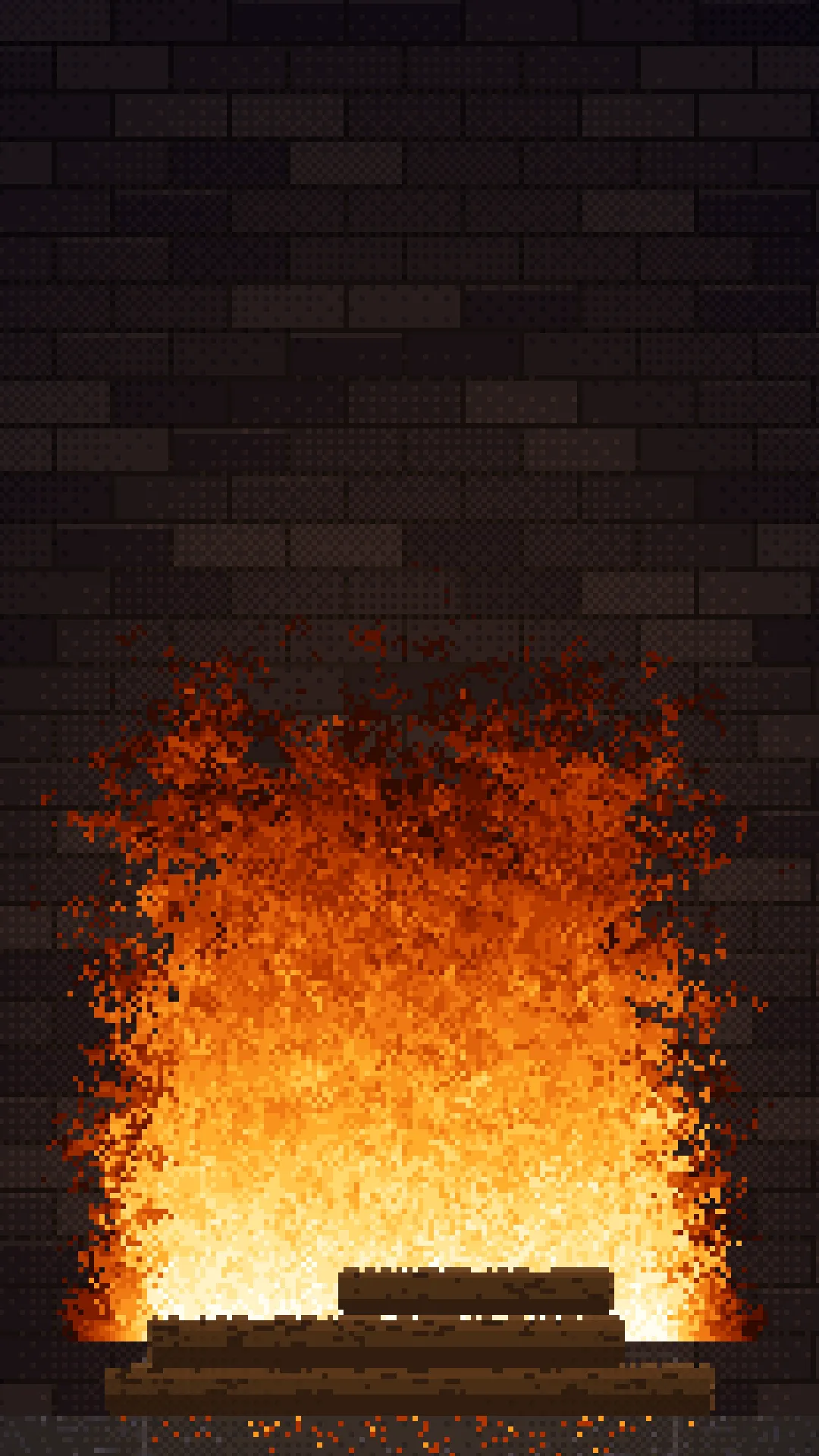
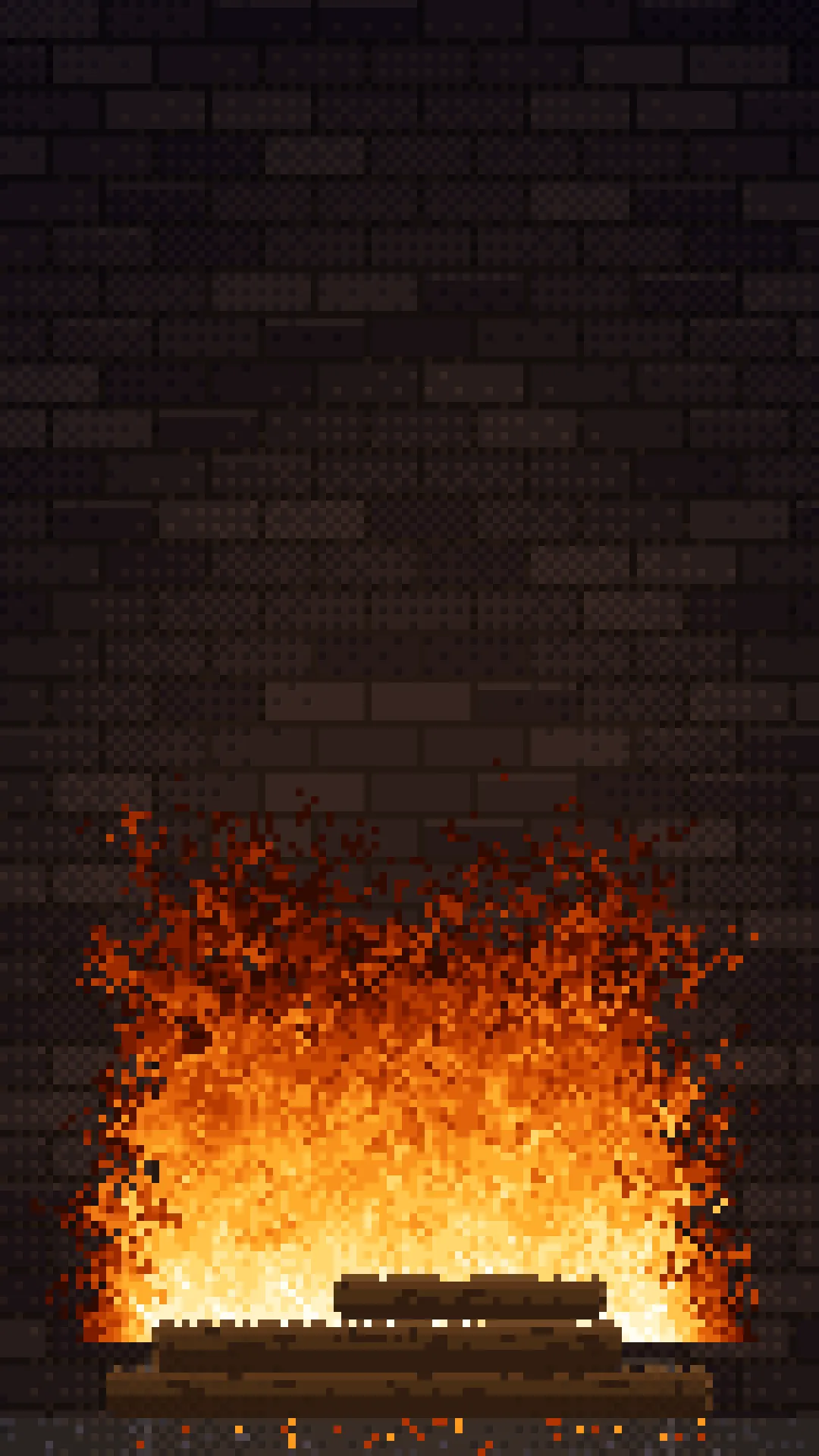
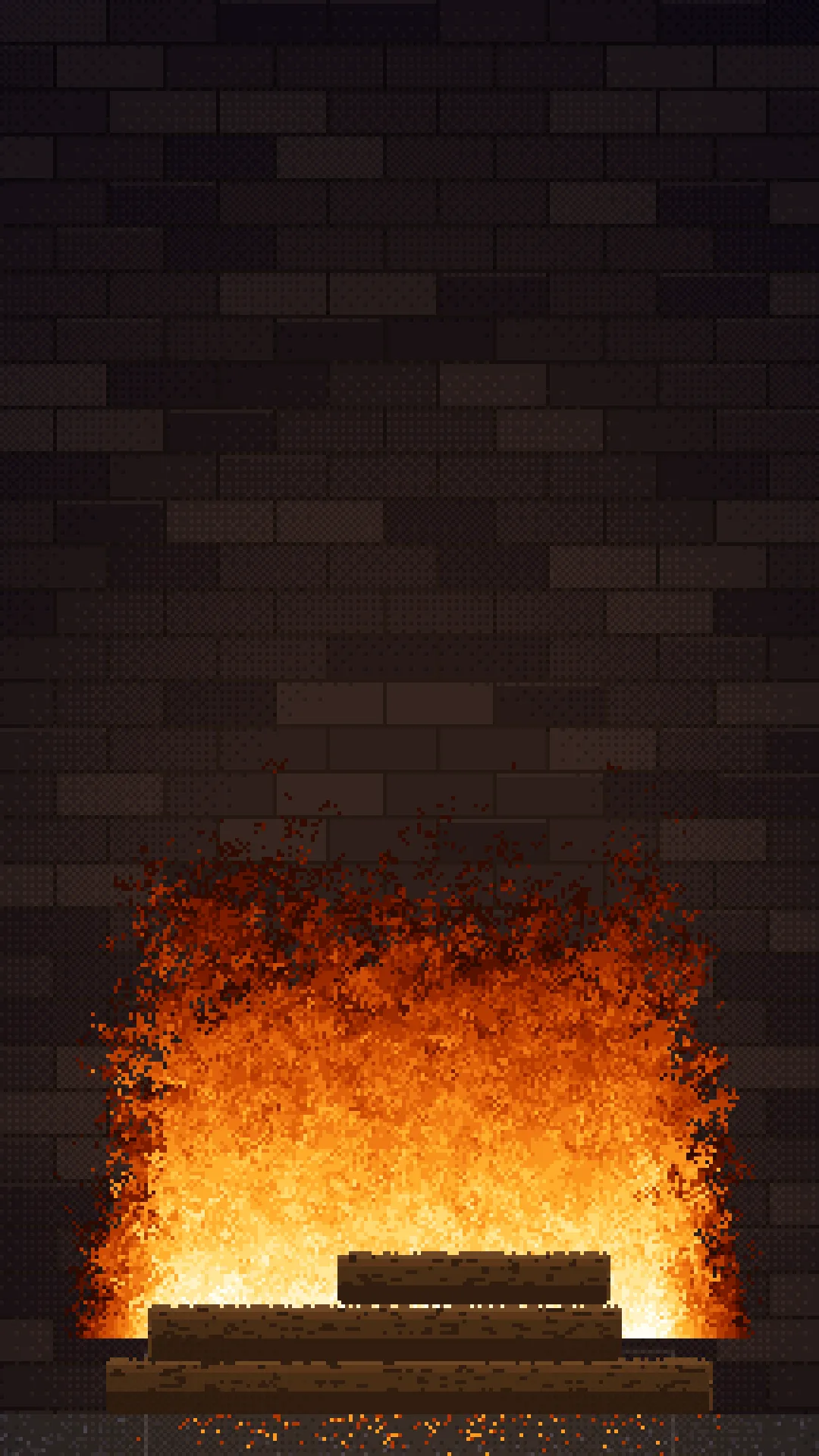
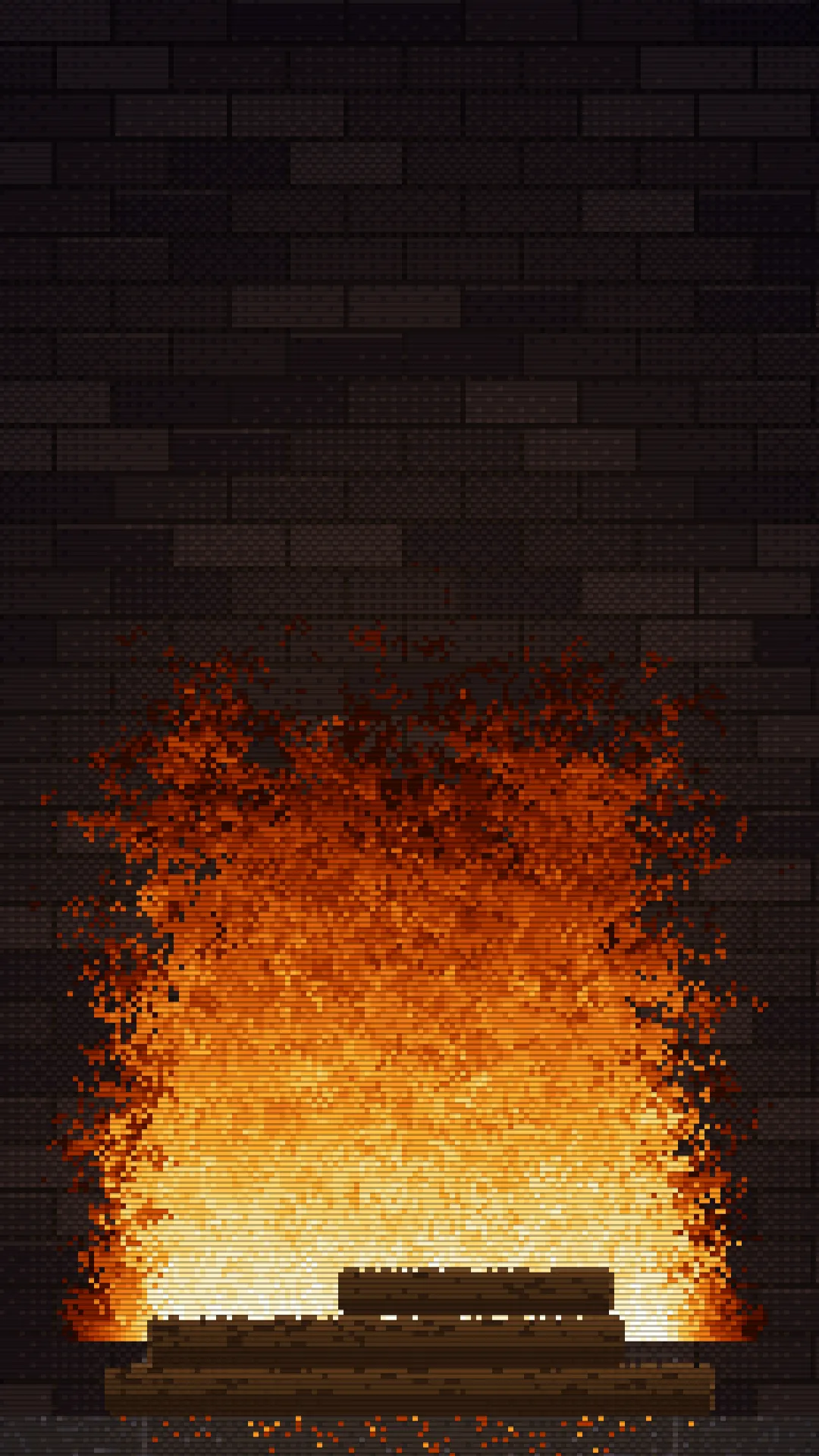
A full-screen 8-bit fireplace for digital signage: a burning pixel-art log pile with drifting embers and firelight moving across the firebrick behind it.
The screen is the mantelpiece
There is deliberately no drawn surround, mantel, or caption. The screen's own bezel frames the hearth, so the TV itself becomes the mantelpiece. Perfect for lobbies, waiting areas, seasonal displays, or anywhere you want a warm, retro atmosphere without looping a video file.
How it works
The whole picture is one small canvas (around 280×155 pixels), upscaled by a whole number of device pixels and drawn with crisp pixelation. That keeps every chunky pixel exactly square from 480×800 up to 4K, and means performance barely changes with the display's resolution.
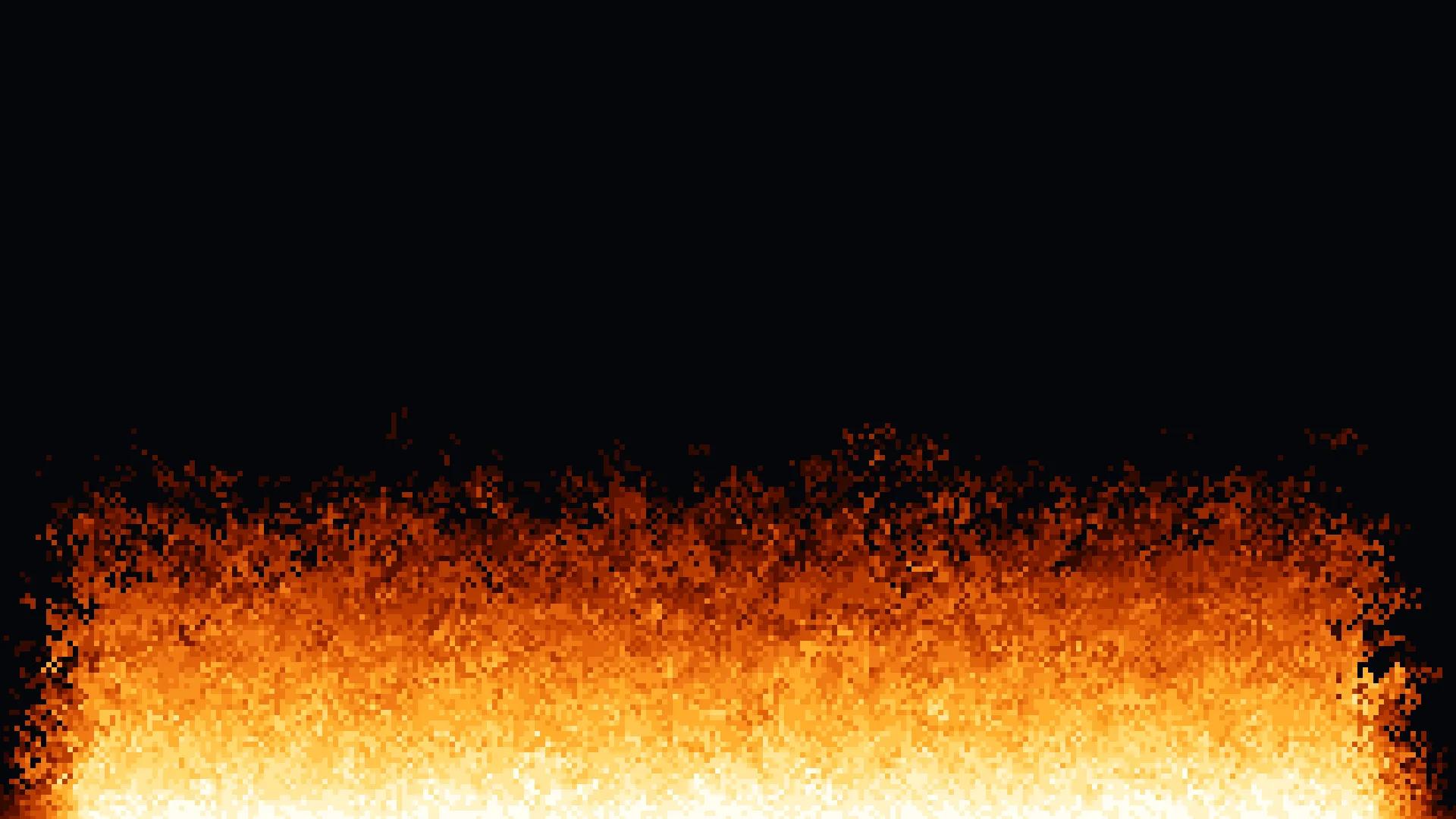
- Flames use the classic cellular “Doom fire” effect, seeded along the top of the log pile and spreading upward with a little random loss.
- Firelight is palette animation: each static pixel stores a color plus how exposed it is to the fire, then lighting is a lookup against a pre-baked table.
- Brickwork is generated from a seed derived from the screen's hostname, so each screen gets its own firebox but always looks the same after a restart.
Hardware Screenly players only. This app is built for the player environment.
Customizable settings
| Setting | Description | Default |
|---|---|---|
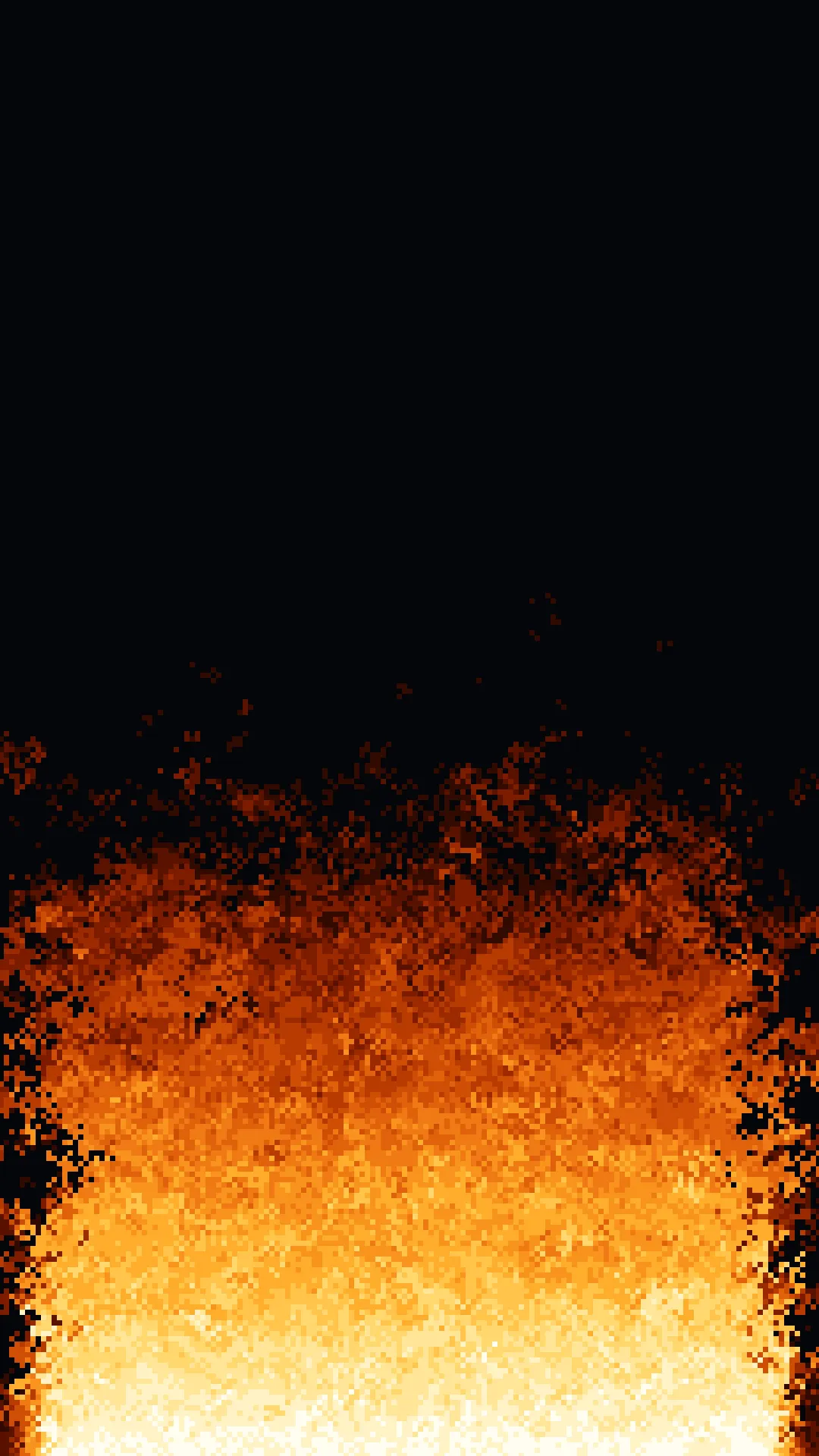
| Scene | hearth for the log fire, or inferno for a full screen of flame | hearth |
| Theme | auto follows the calendar, standard is the plain fireplace, and halloween adds the Halloween dressing all year | auto |
| Sound | Play 8-bit background music with the Halloween theme. Only turn this on for screens with speakers | off |
| Music | Which tune plays when Sound is on: shuffle, haunted_hall, graveyard_waltz, creeping, or toccata | shuffle |
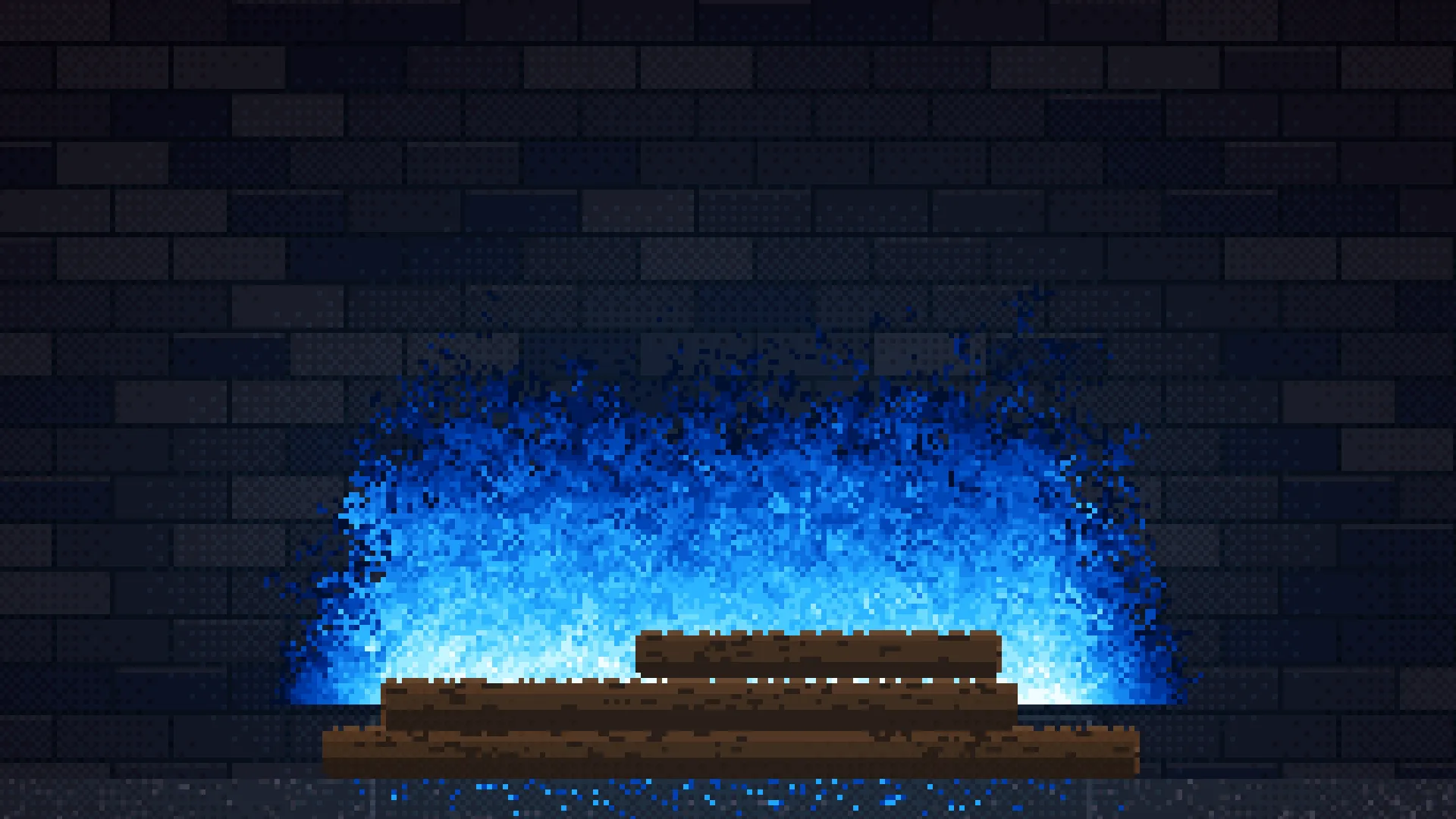
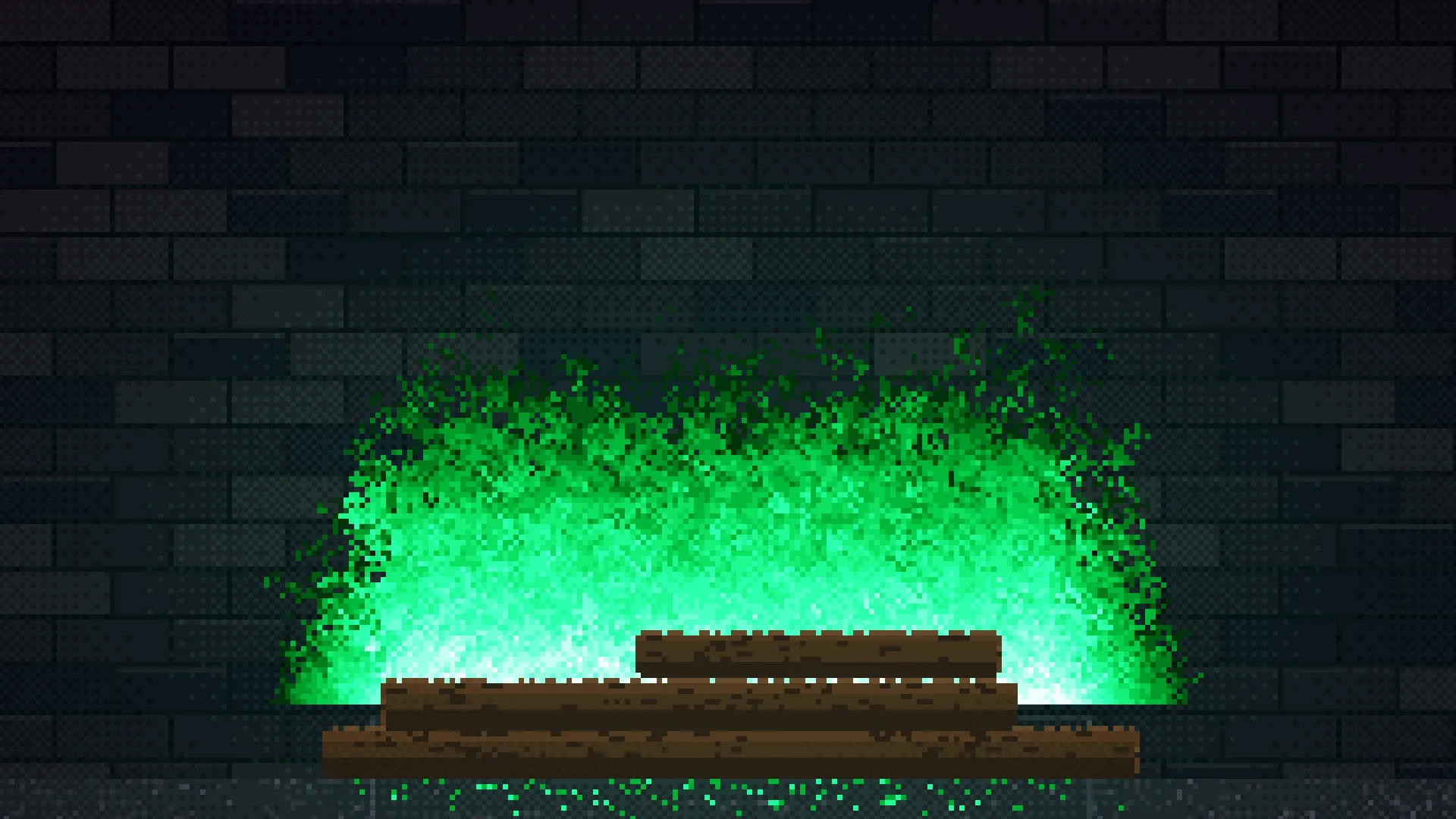
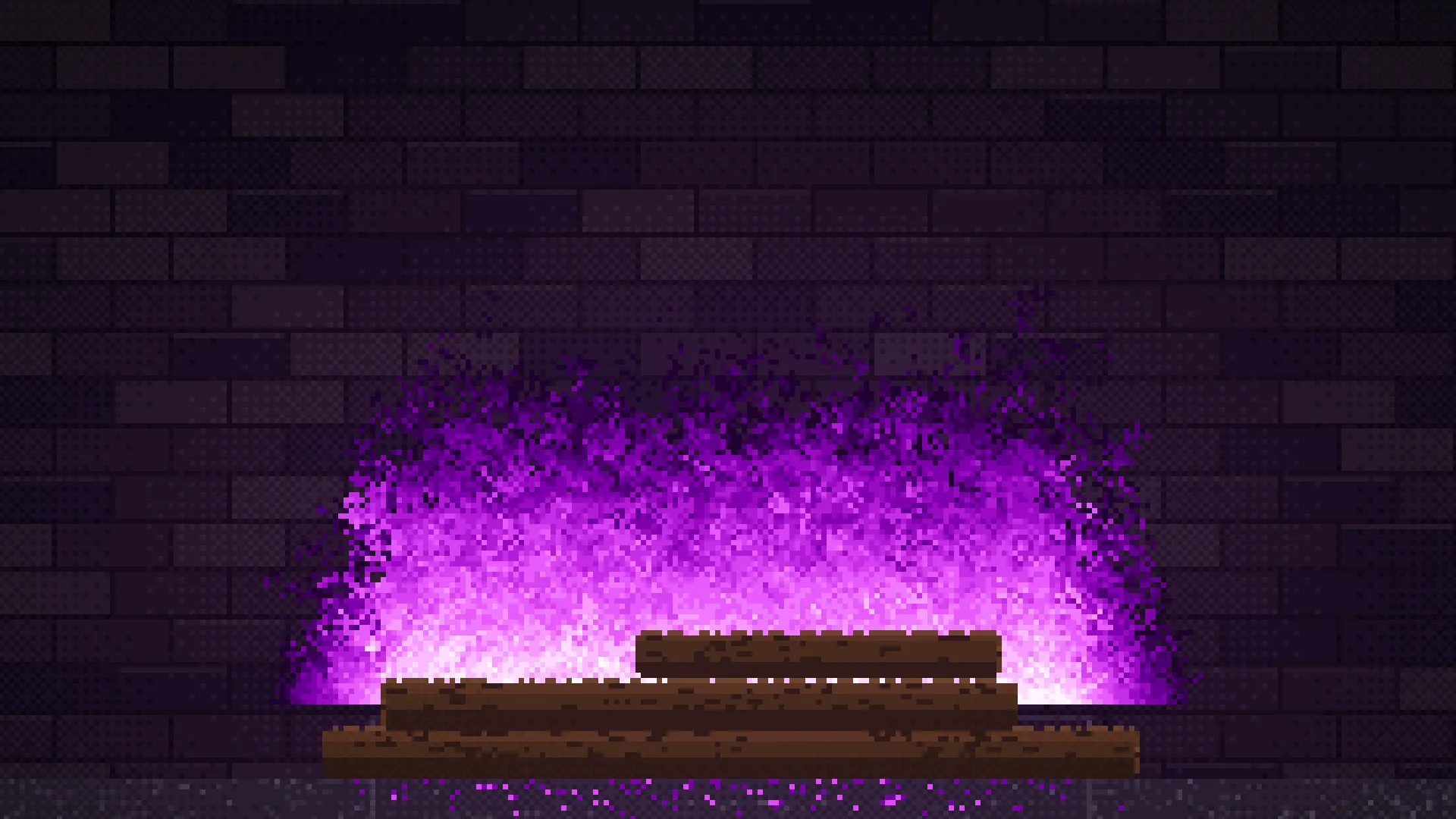
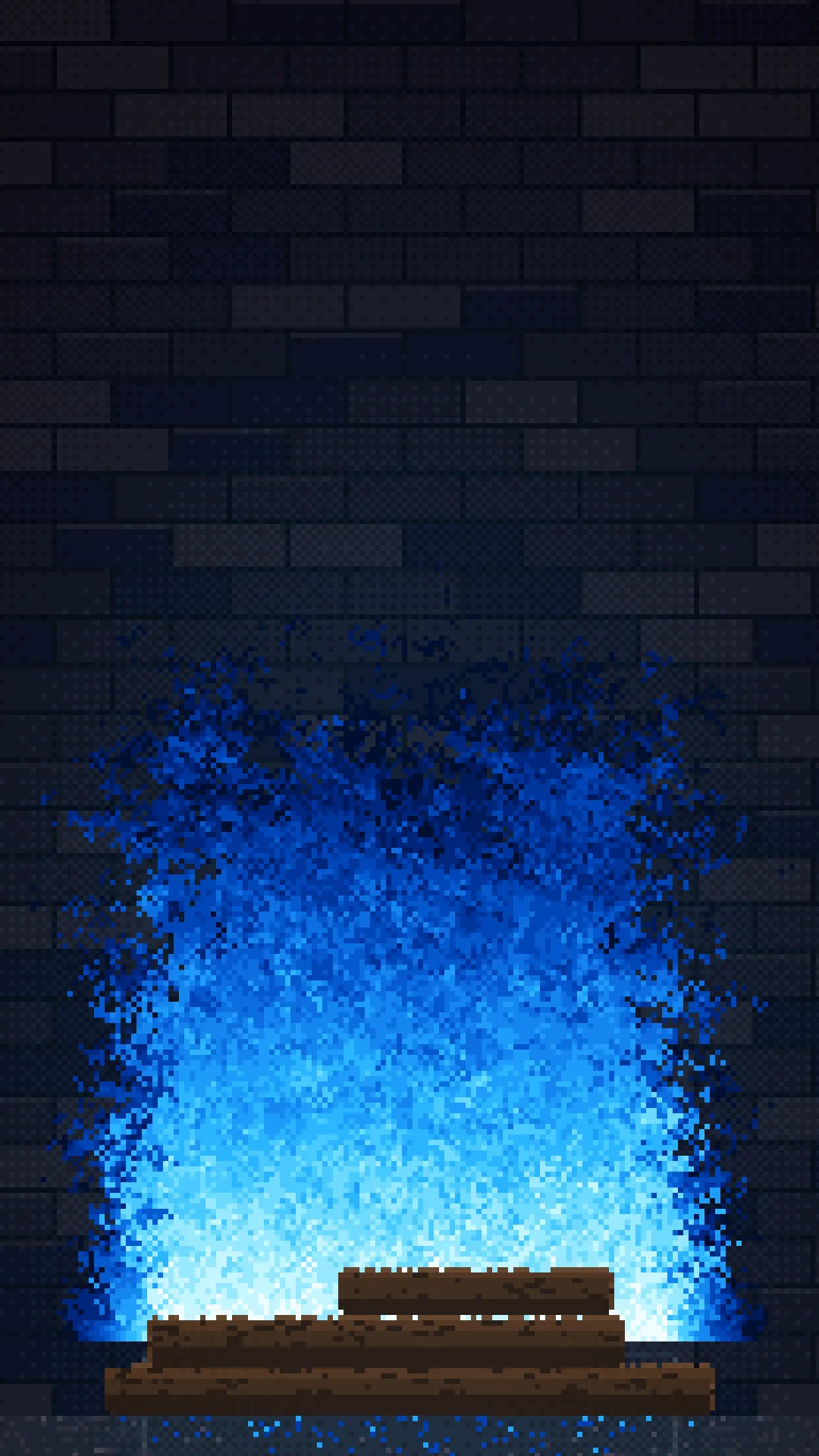
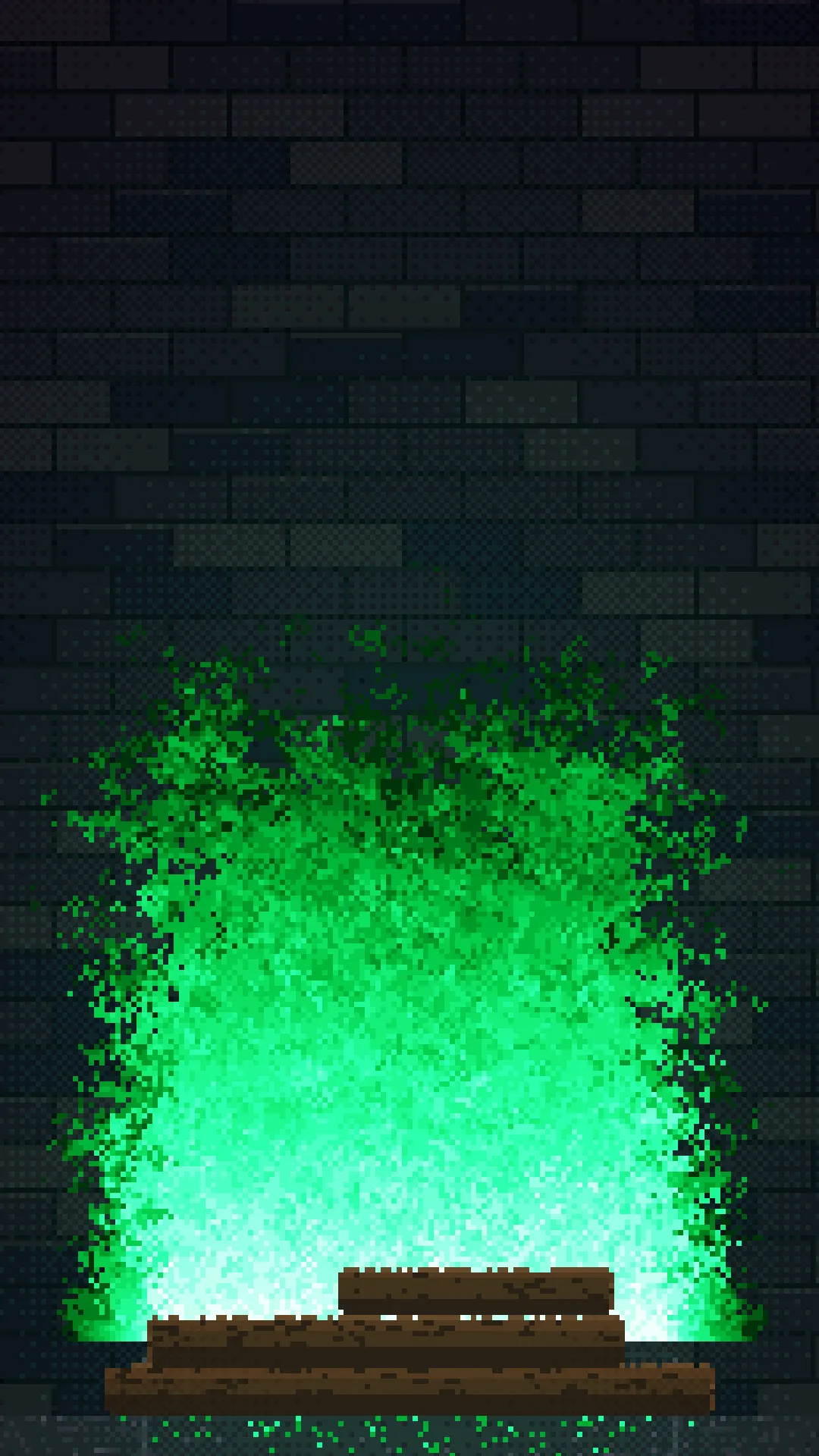
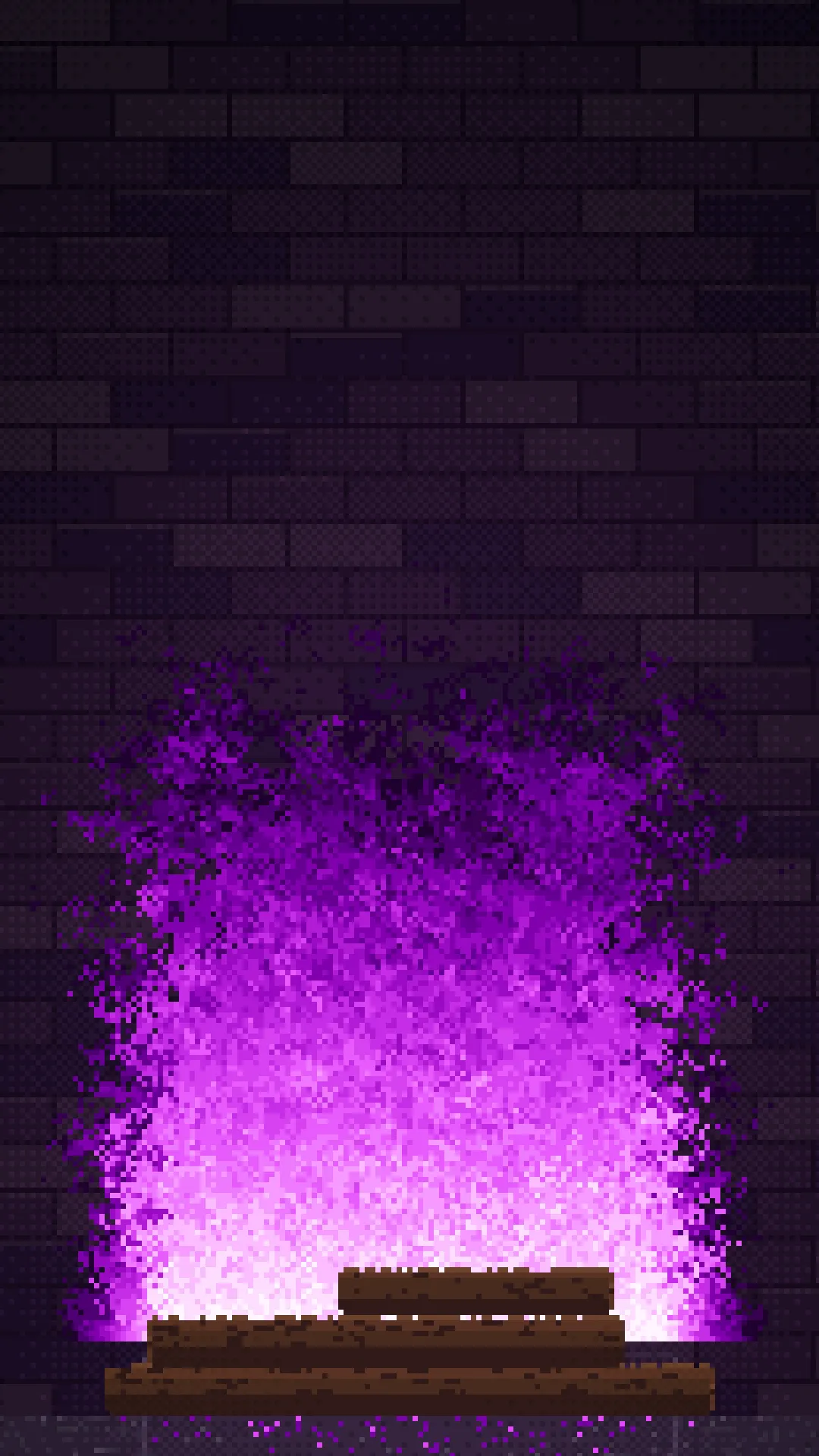
| Flame Colour | classic (orange), azure (blue), emerald (green), or violet (purple) | classic |
| Flame Height | How far the flames reach: low, medium, or high | medium |
| Pixel Size | How chunky the pixels are: chunky, classic, or fine | classic |
| CRT Scanlines | Overlay CRT-style scanlines for a period-correct look | off |
Unrecognized values fall back to their defaults rather than blanking the screen. The app uses a fixed period palette (workspace brand colors are ignored on purpose). Use Flame Colour to change the mood instead.
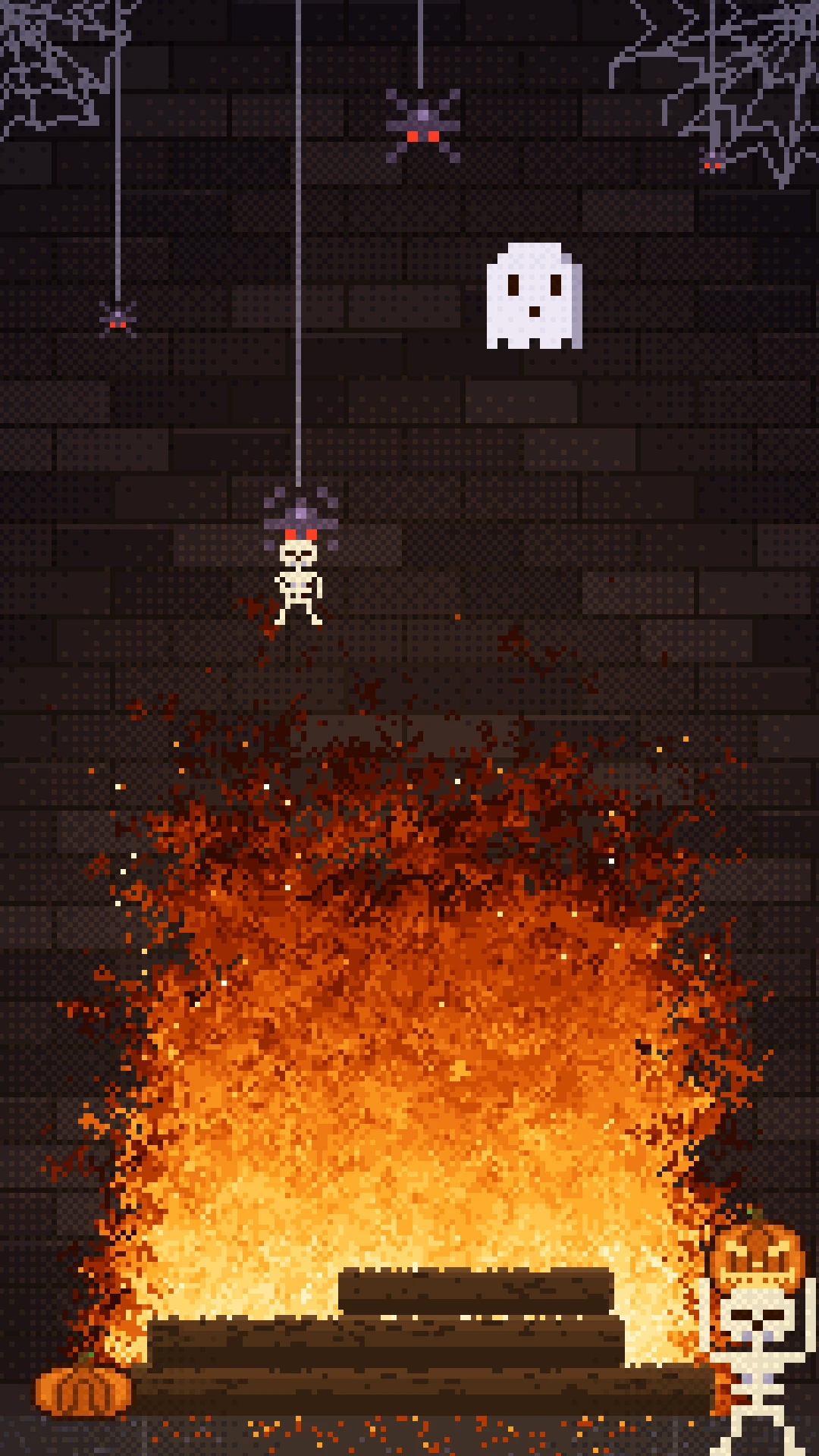
Halloween theme
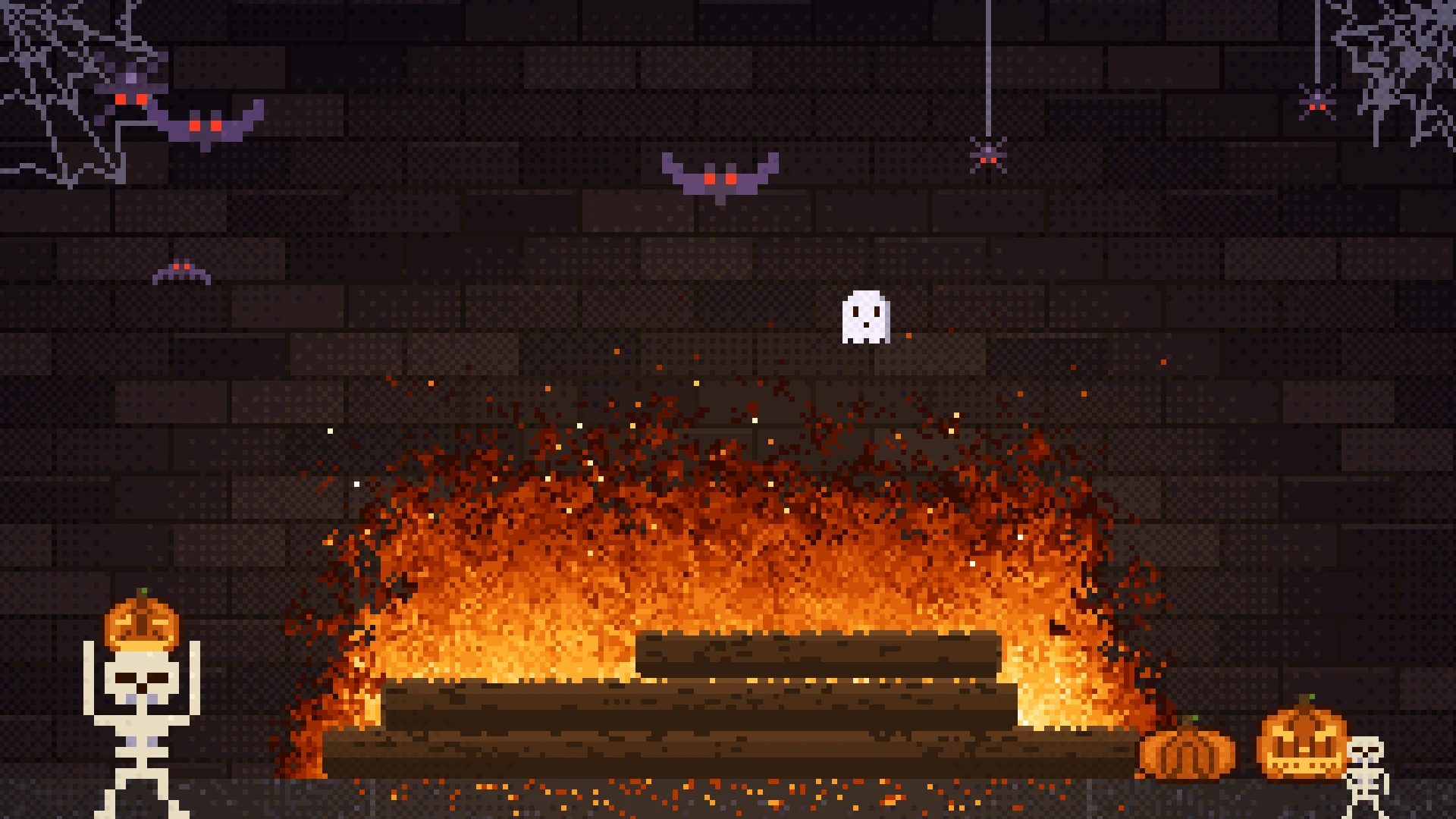
With Theme on Auto, the fireplace dresses up for Halloween for all of October, by the player's local clock, and goes back to standard on November 1. It checks the date once a minute, so a screen that runs for weeks without a reload still changes over. Set Theme to Halloween or Standard to keep the same look all year.
The Halloween theme adds:
- Jack-o'-lanterns on the hearth, up to 3 (2 on a narrow portrait screen), with candle-lit faces that flicker whatever color the fire is
- Cobwebs in the top corners, with spiders dangling on silk that climb off and are replaced by new ones
- Bats and the odd ghost crossing the top of the firebox
- Skeletons that walk in, grab a pumpkin, and run off with it. Another brings a different one back and puts it down somewhere new. Smaller skeletons scurry past, and some get snatched by a big spider dropping from the top
The pumpkins and webs are rearranged on every load, while the brickwork stays the same for each screen. Everything is lit by the fire like the rest of the room. The inferno scene has no hearth, so it gets the webs and critters, and the skeletons only stroll past.
Music
Turn on Sound and the Halloween theme plays 8-bit background music, synthesized on the player, so there are no audio files. Music loops 1 of 4 tunes (Haunted hall, Graveyard waltz, Creeping, or an 8-bit take on Bach's Toccata and Fugue in D minor) or, on Shuffle, changes tune about once a minute with a short pause between. Sound is off by default because most screens have no speakers. Some players only allow audio after a click, and on those the screen stays silent.
Display styles
The screenshot gallery shows the classic orange hearth, the Halloween theme, azure, emerald, and violet flames, the full-screen inferno scene, chunky and fine pixel sizes, and CRT scanlines, in both landscape and portrait.
Why use the 8bit Fireplace App?
Ideal as filler content, a seasonal conversation piece, or a playful idle screen. No video uploads, no network calls for the animation itself. Just install, pick a scene and color, and deploy.


