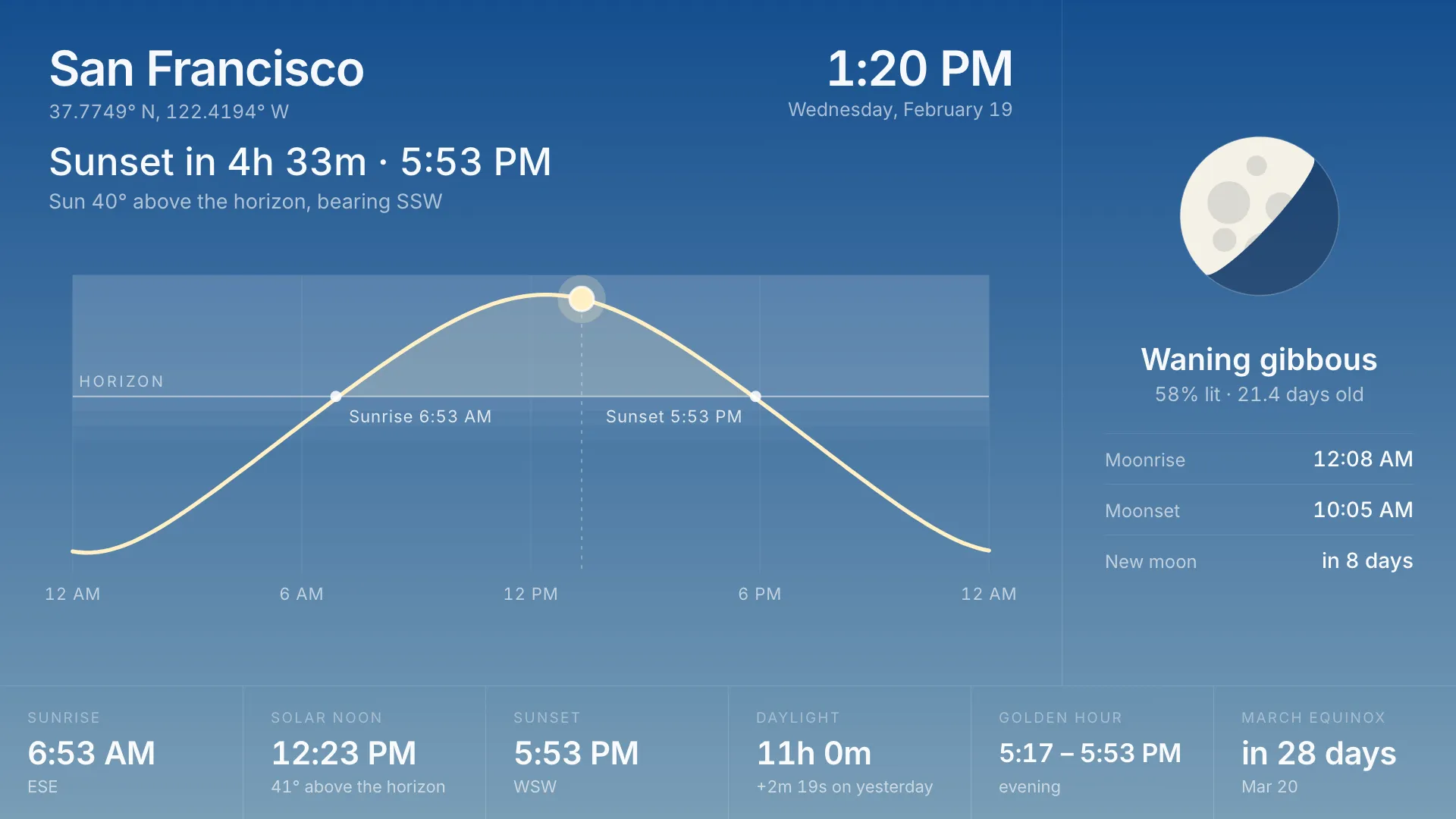
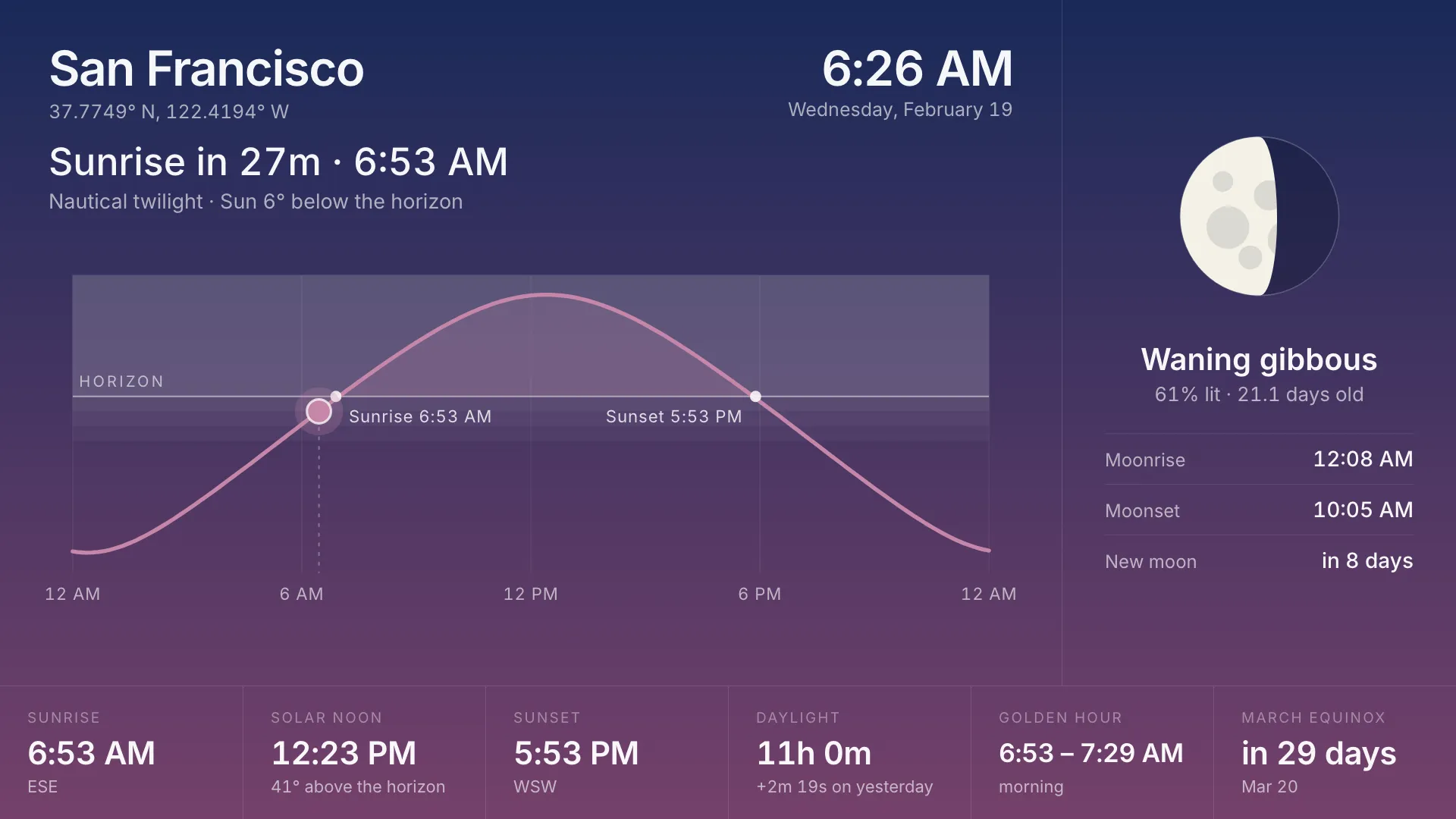
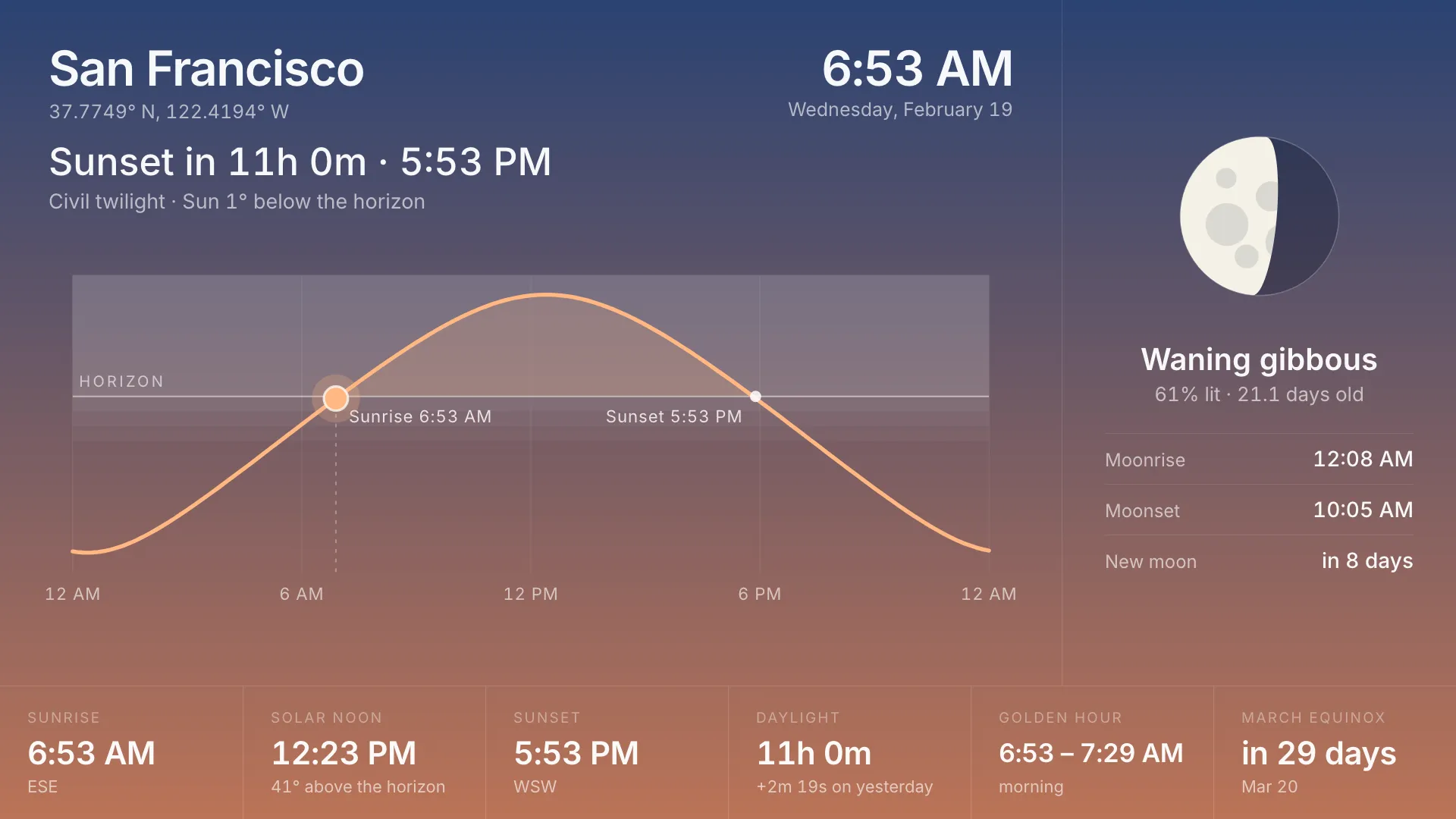
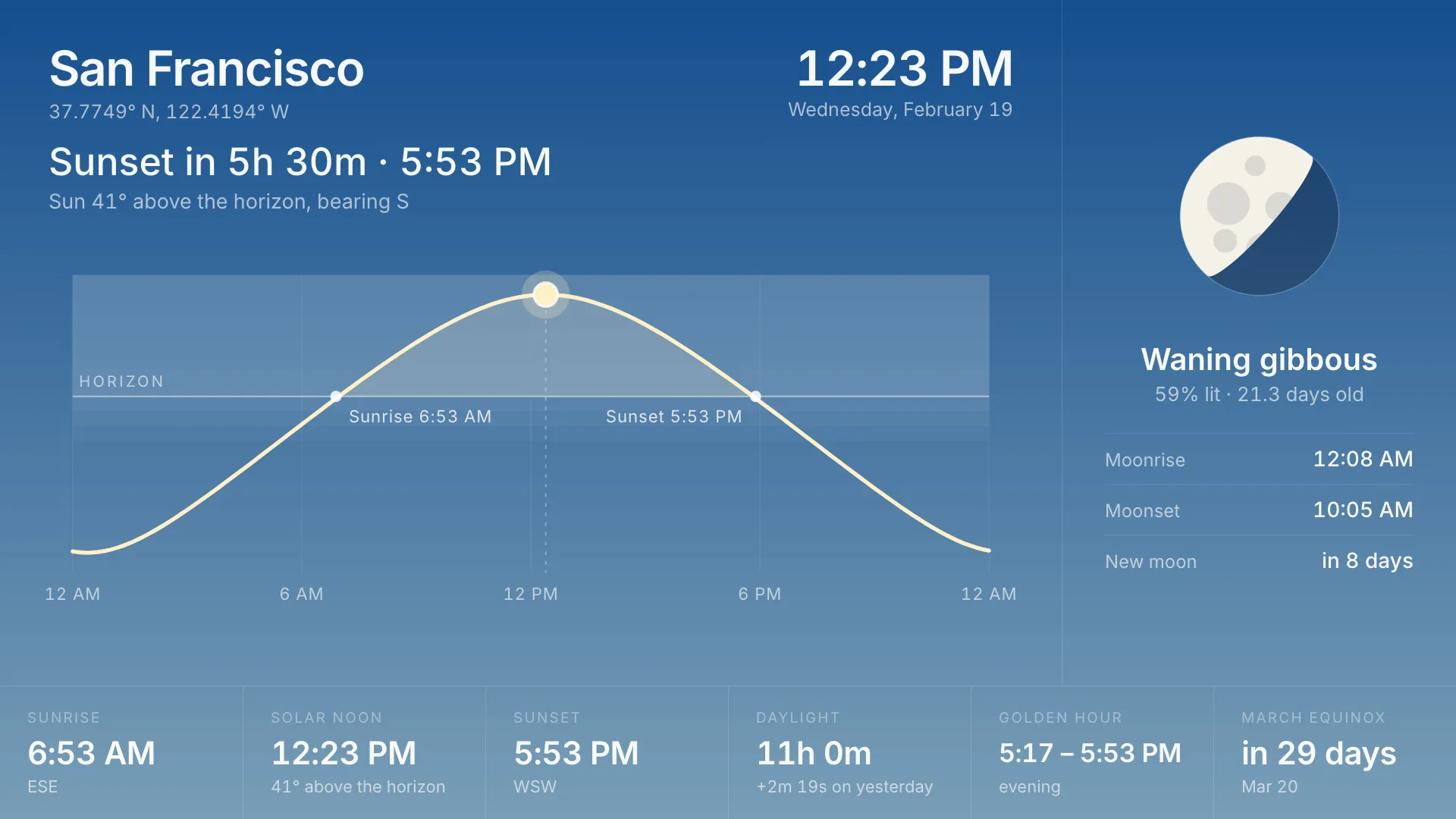
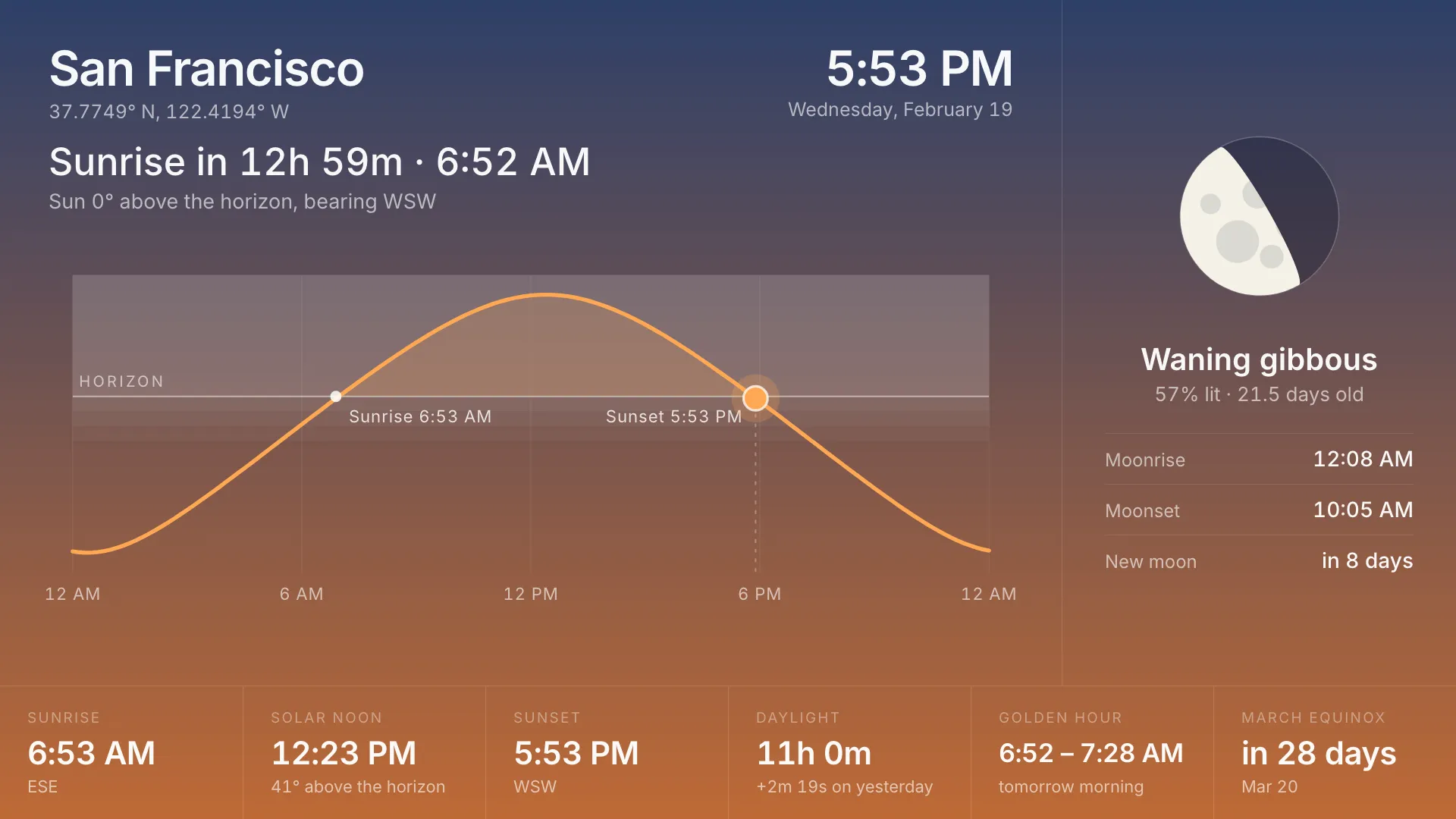
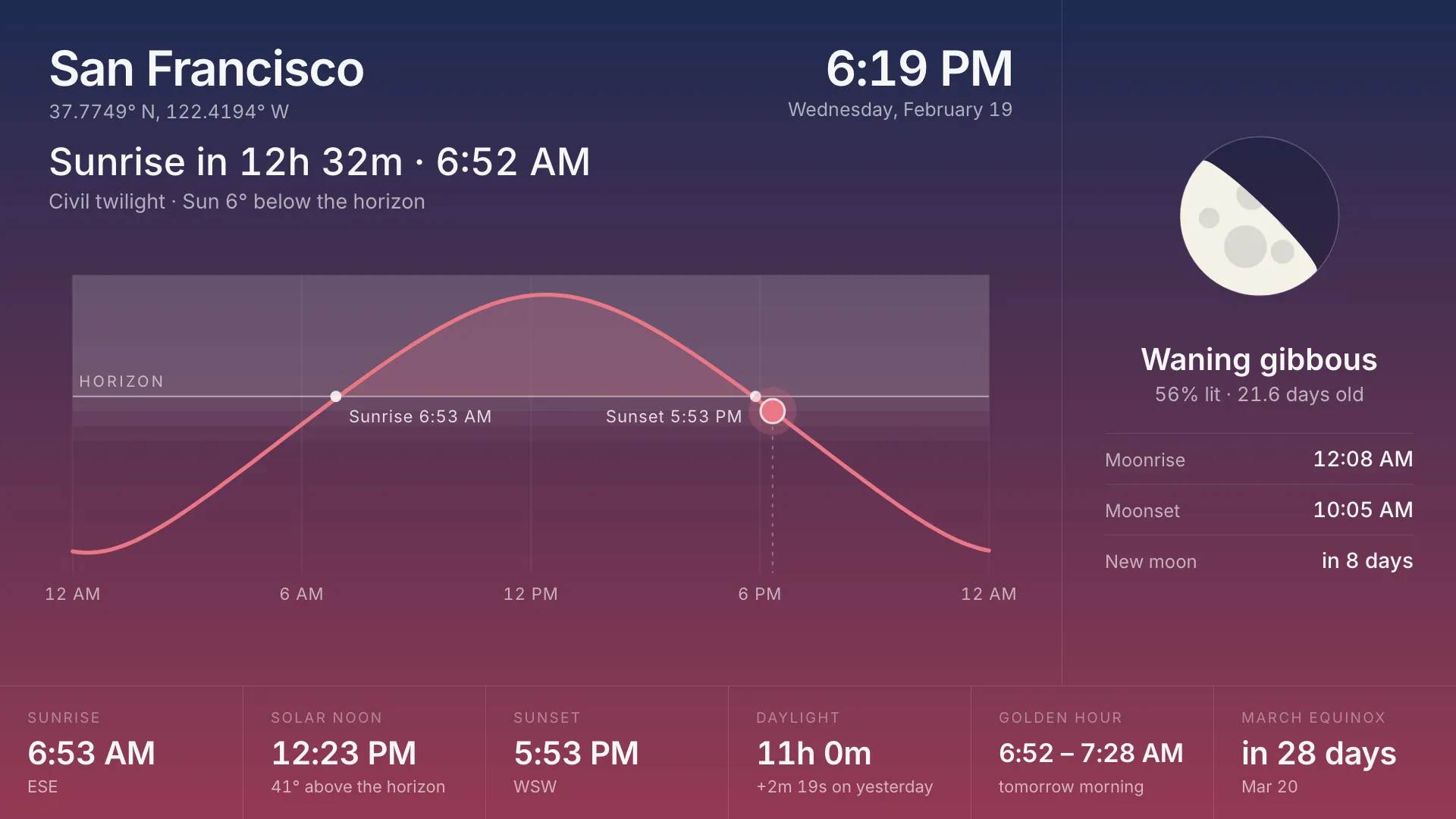
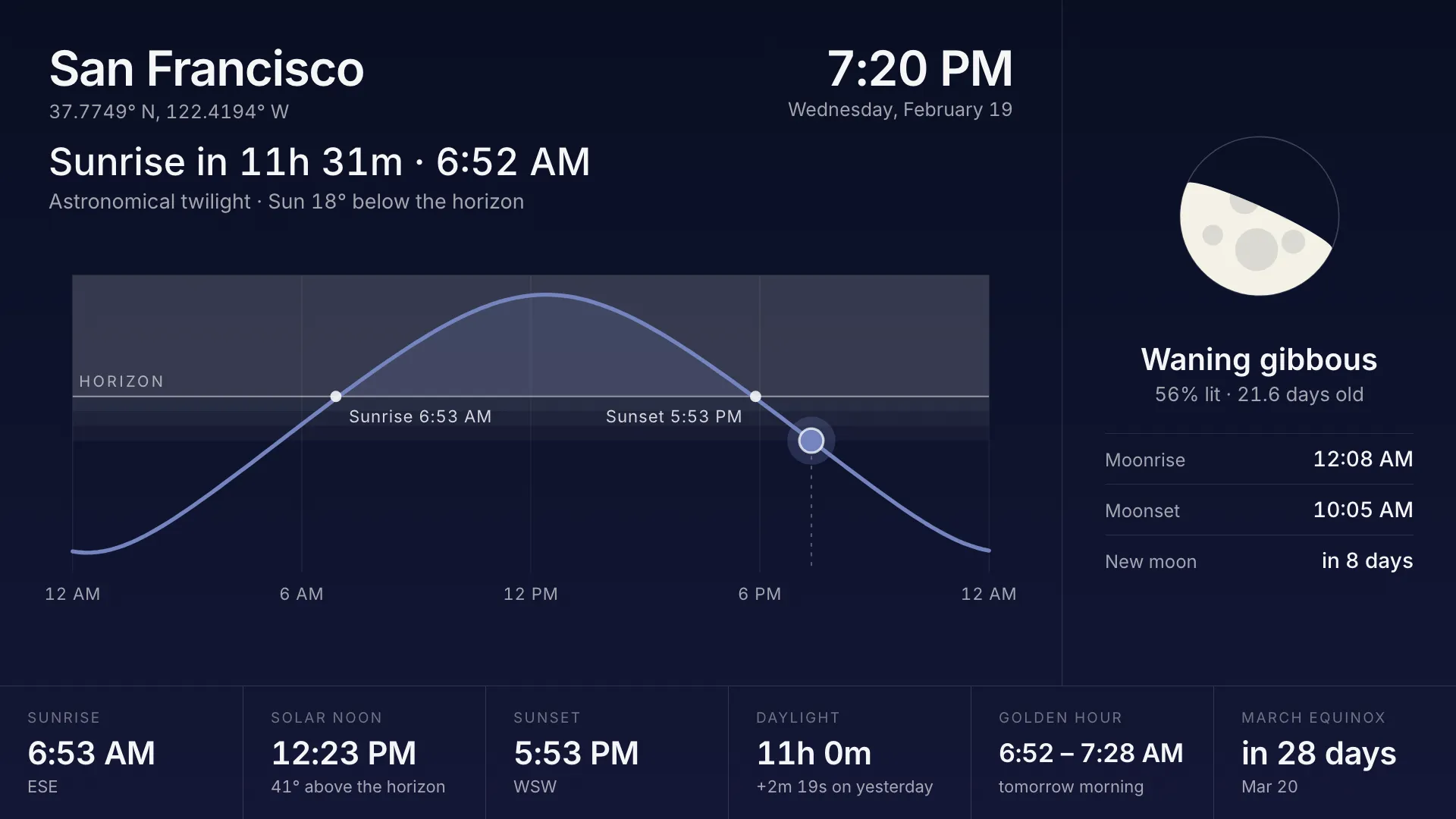
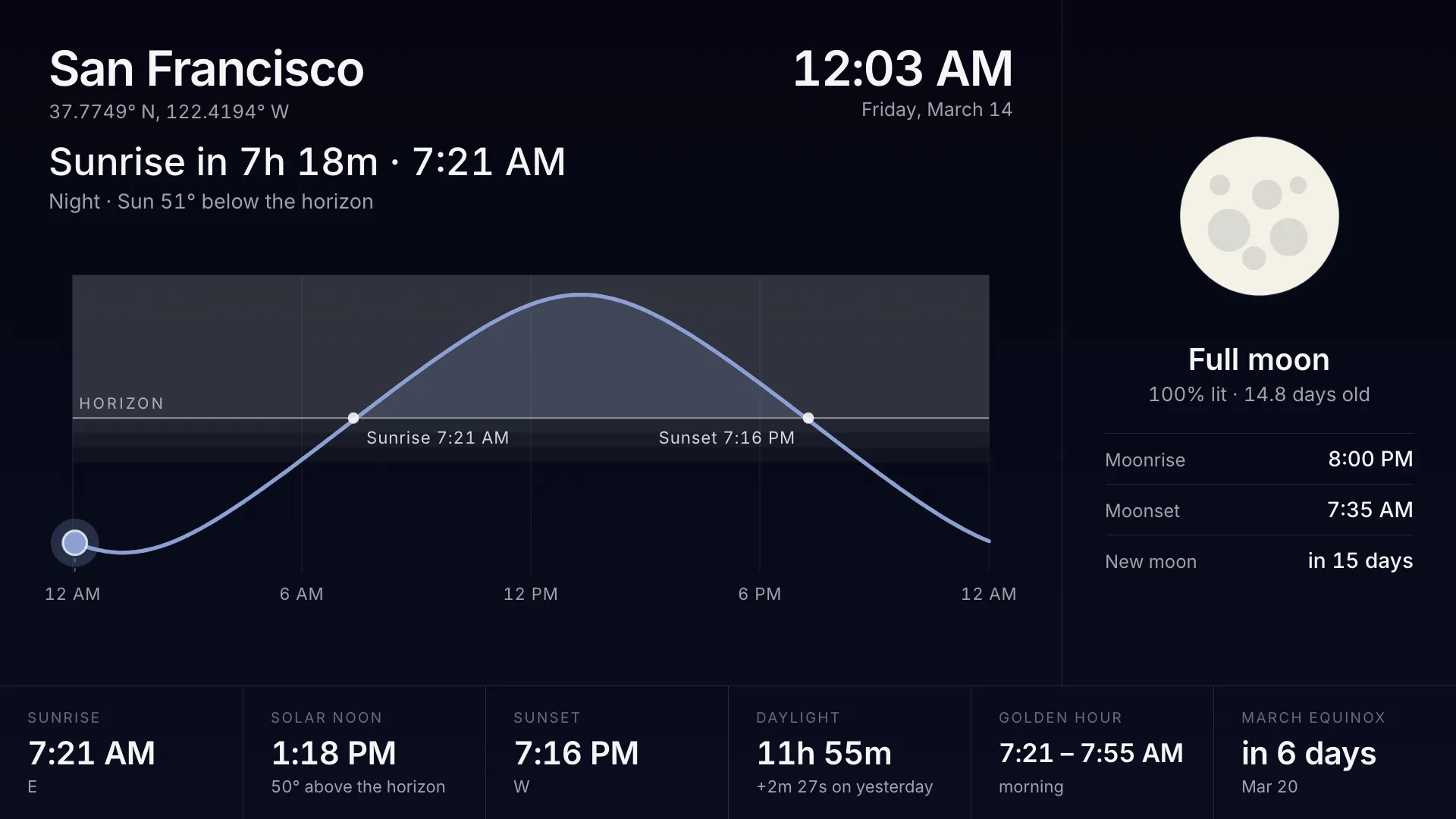
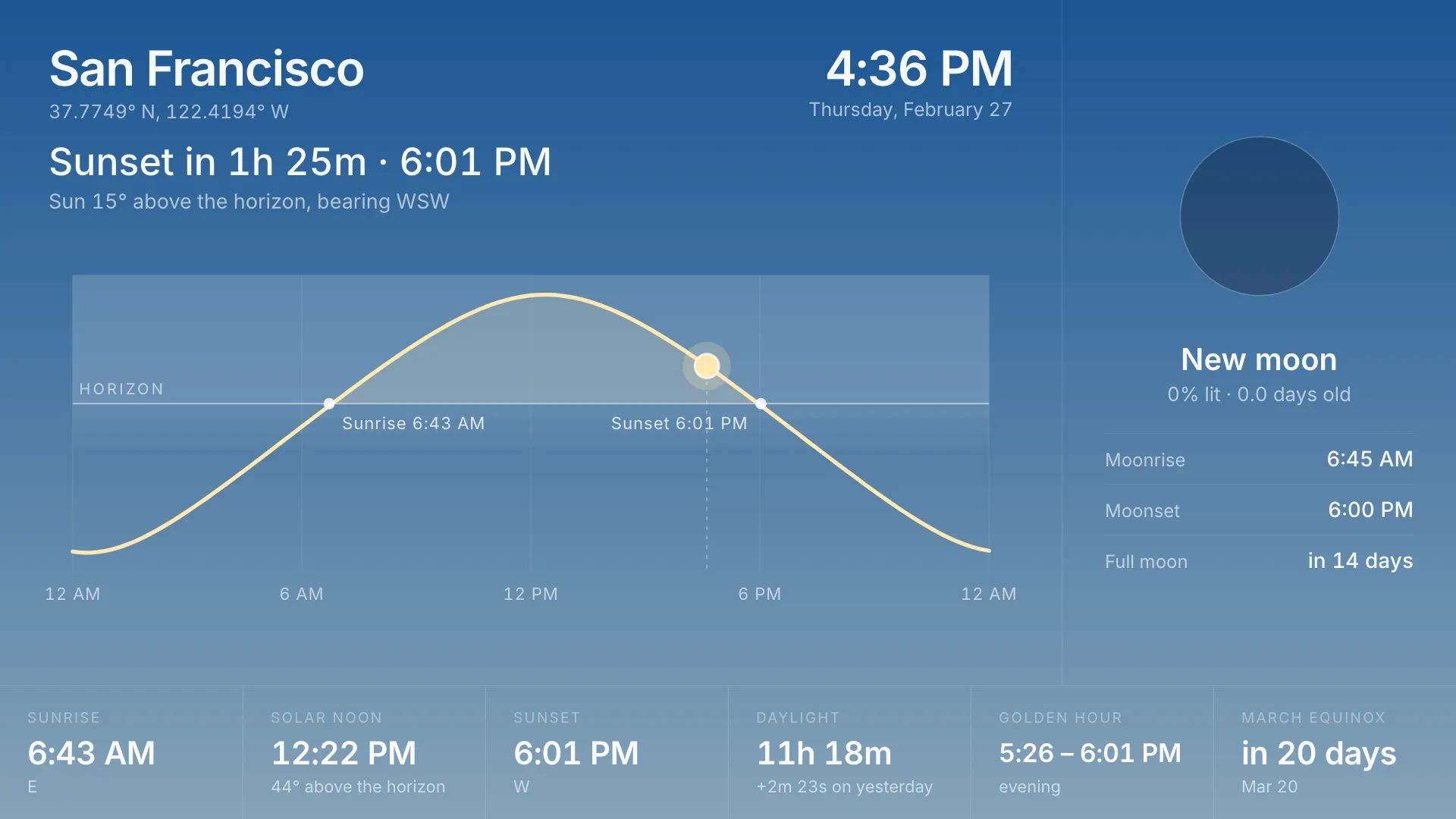
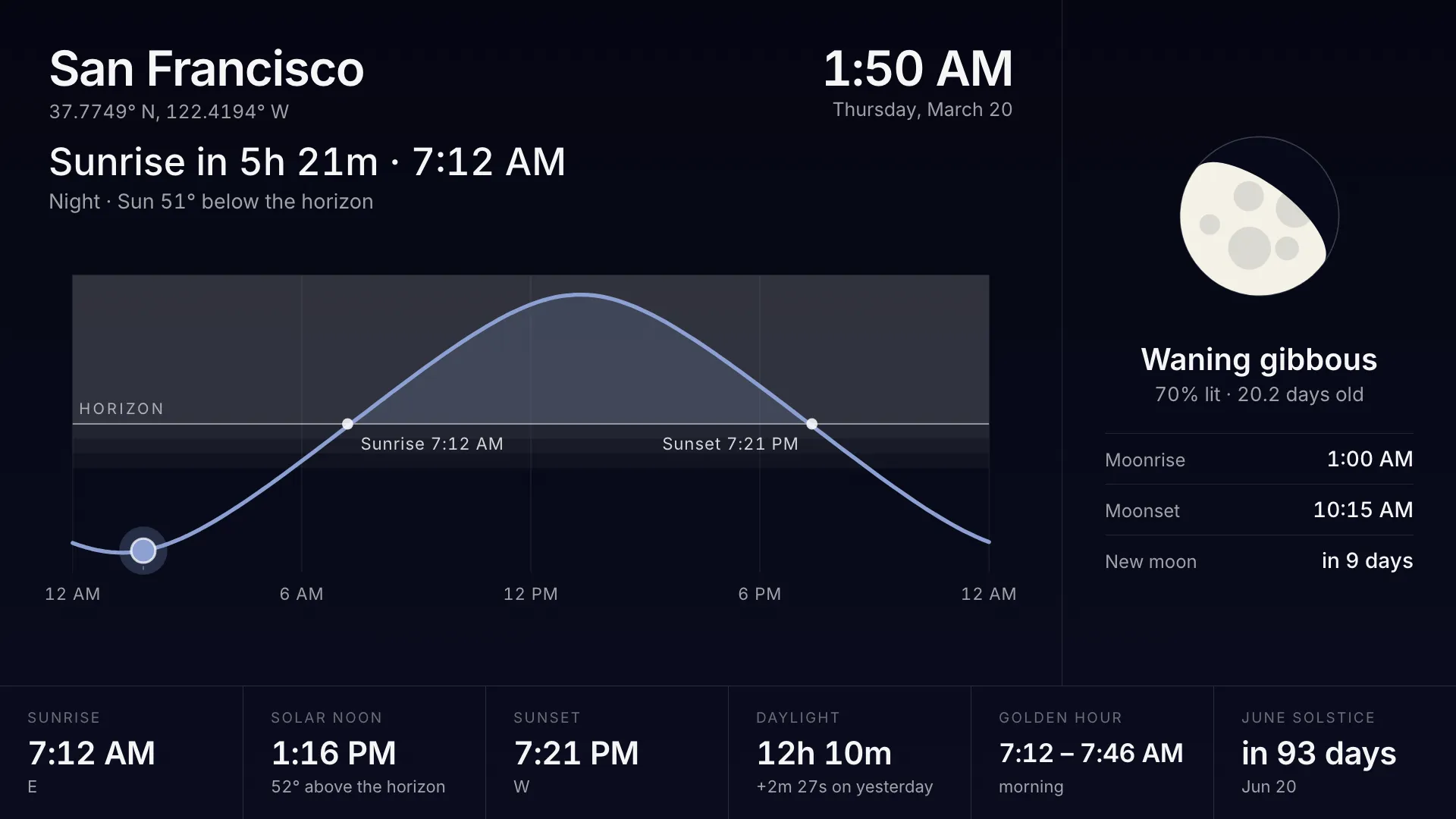
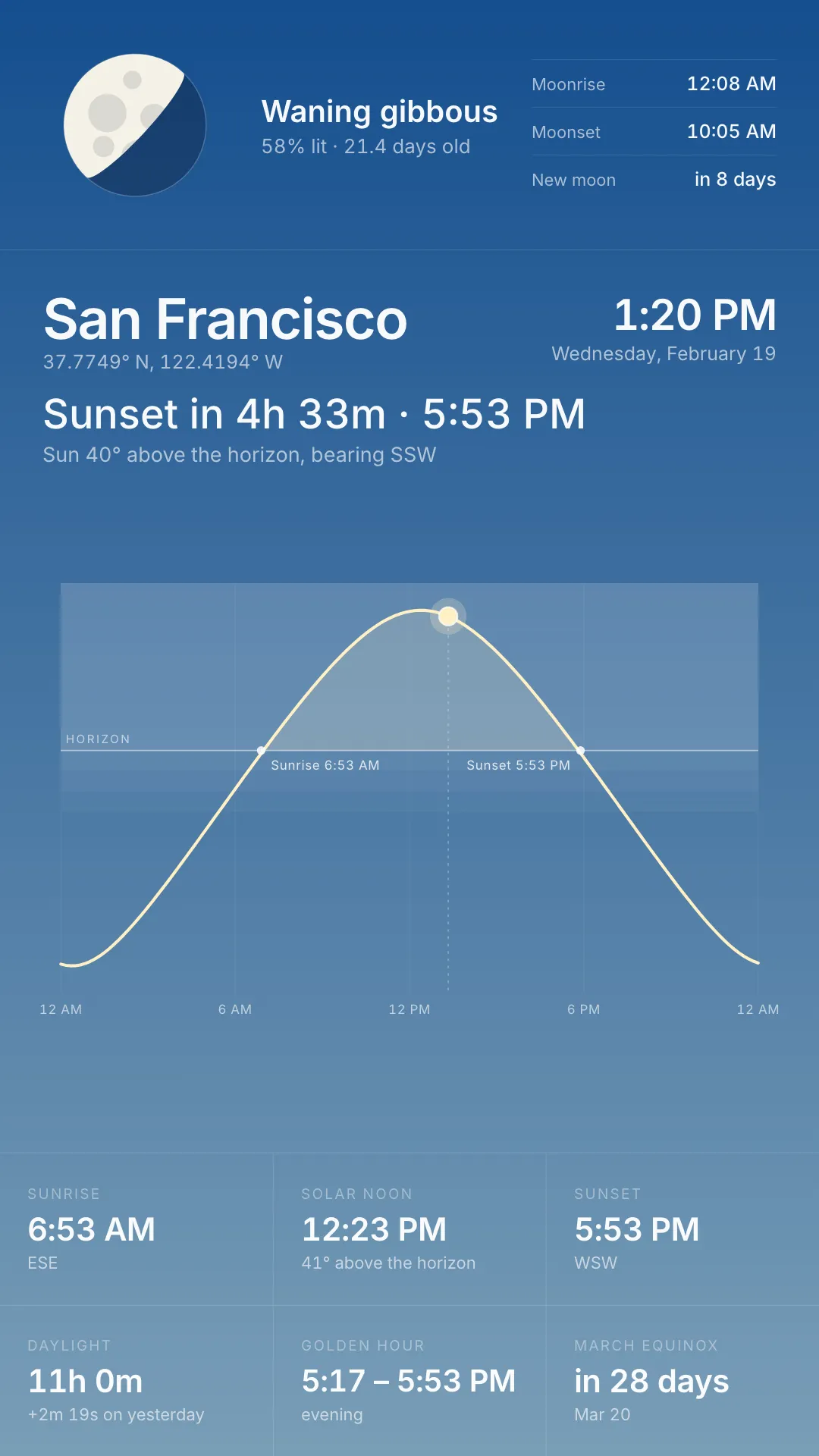
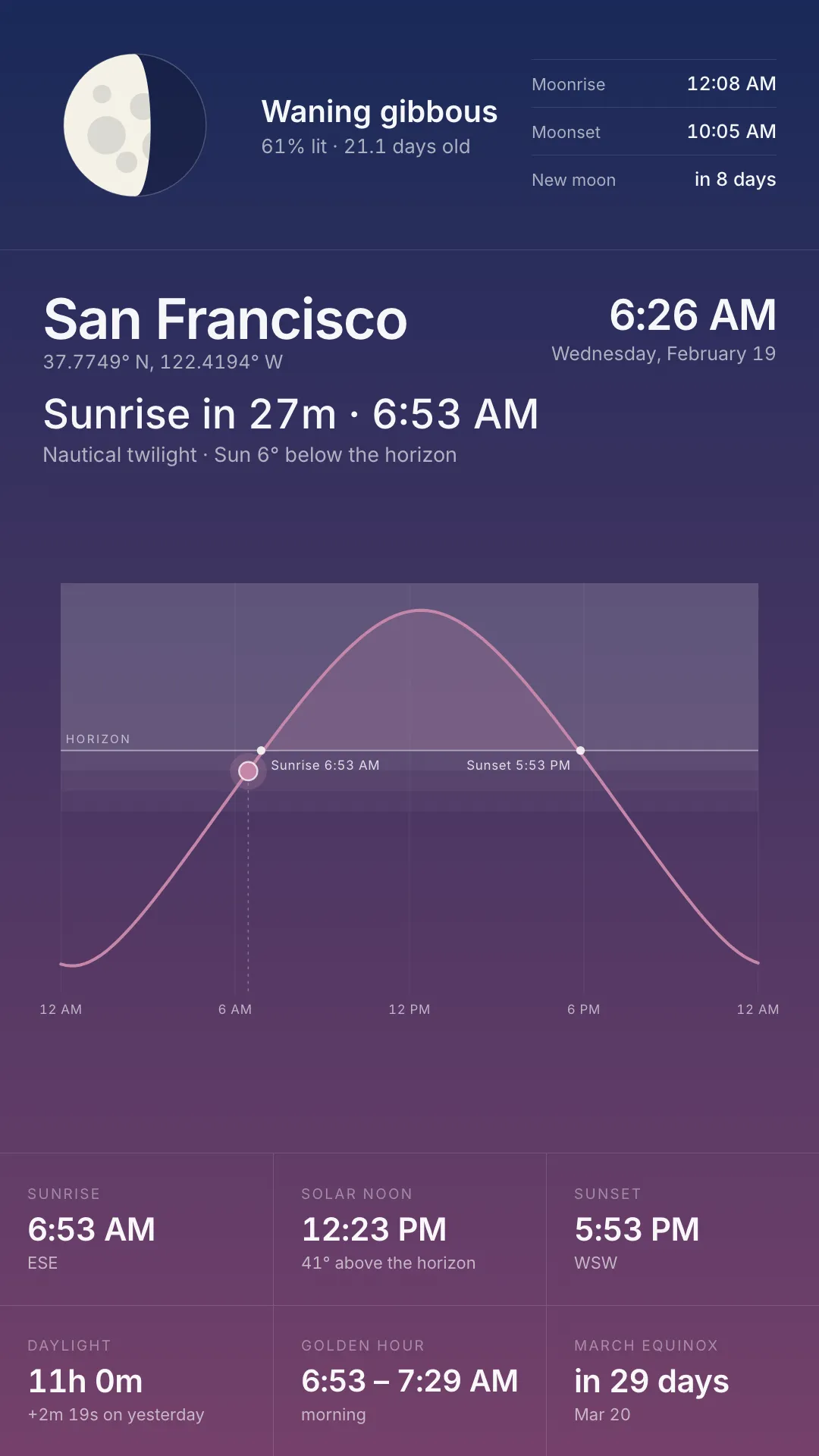
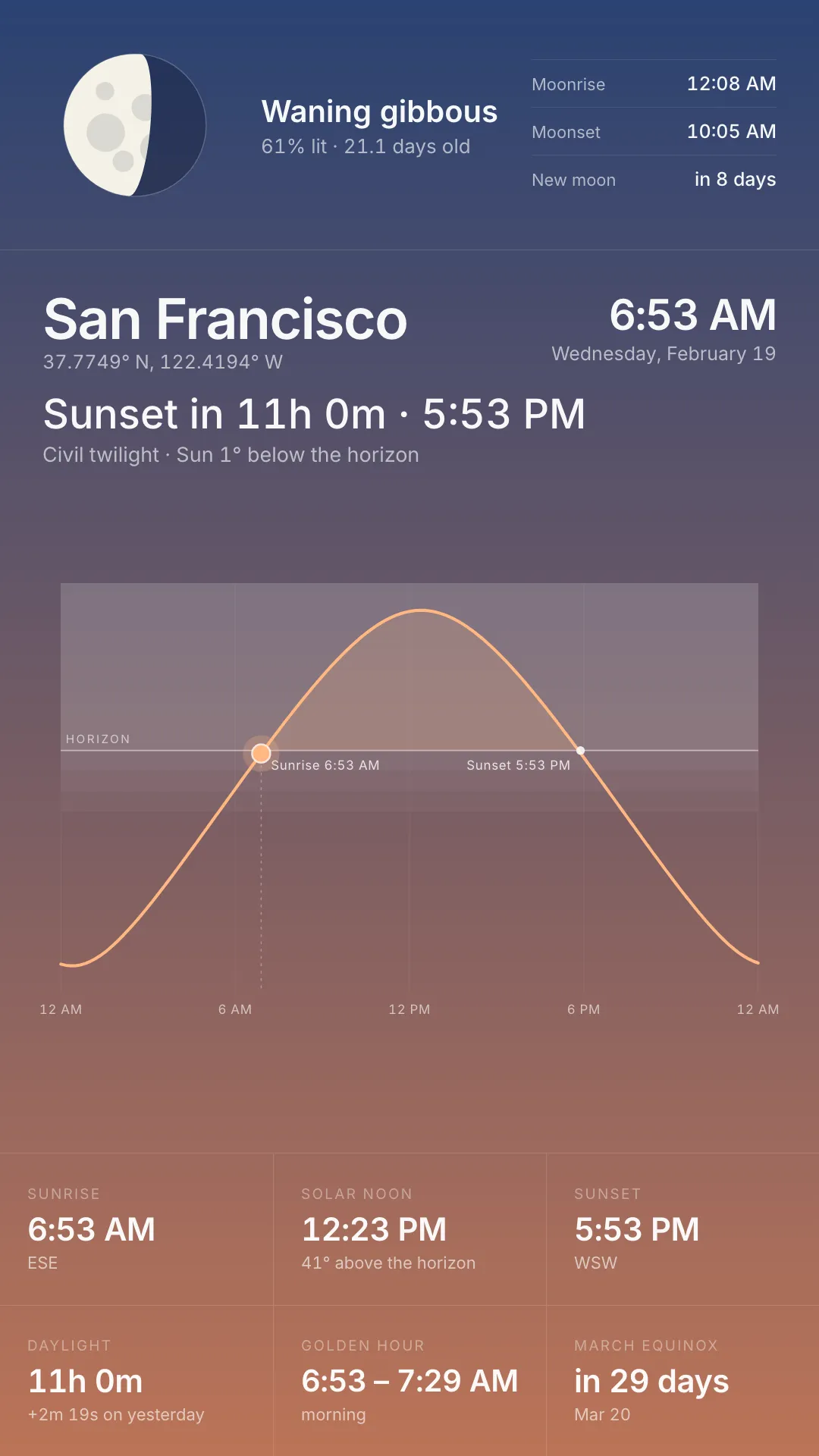
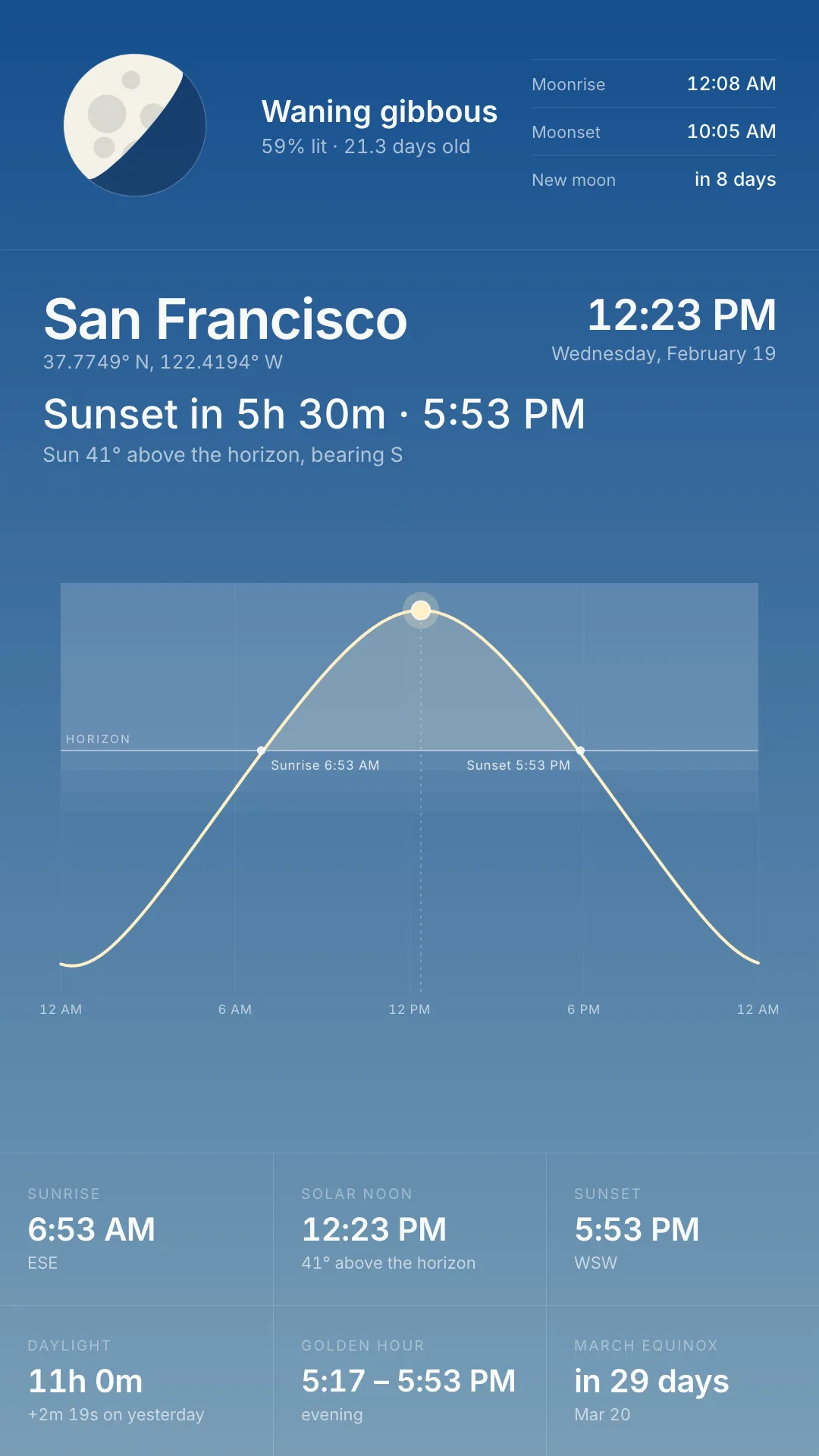
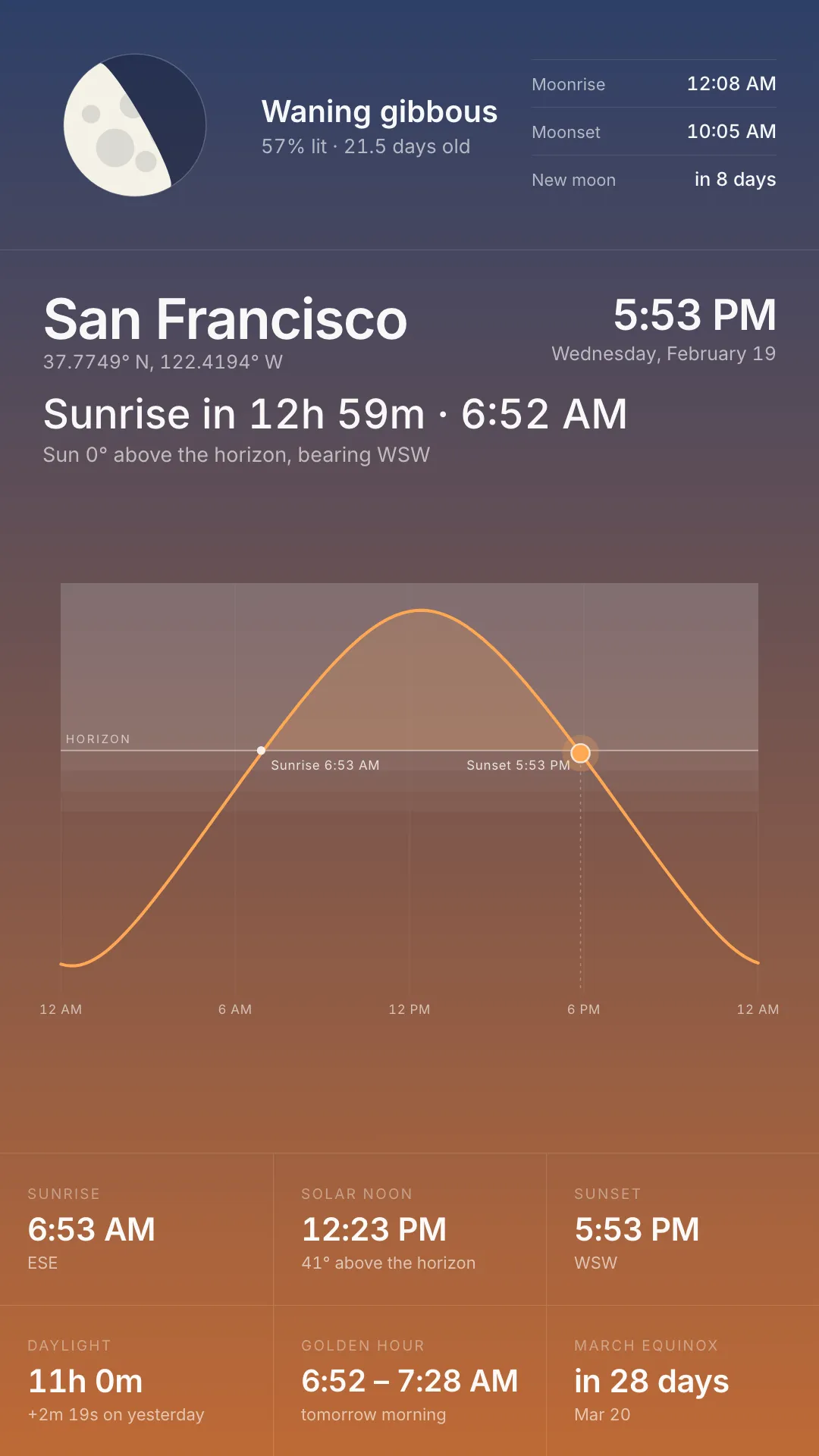
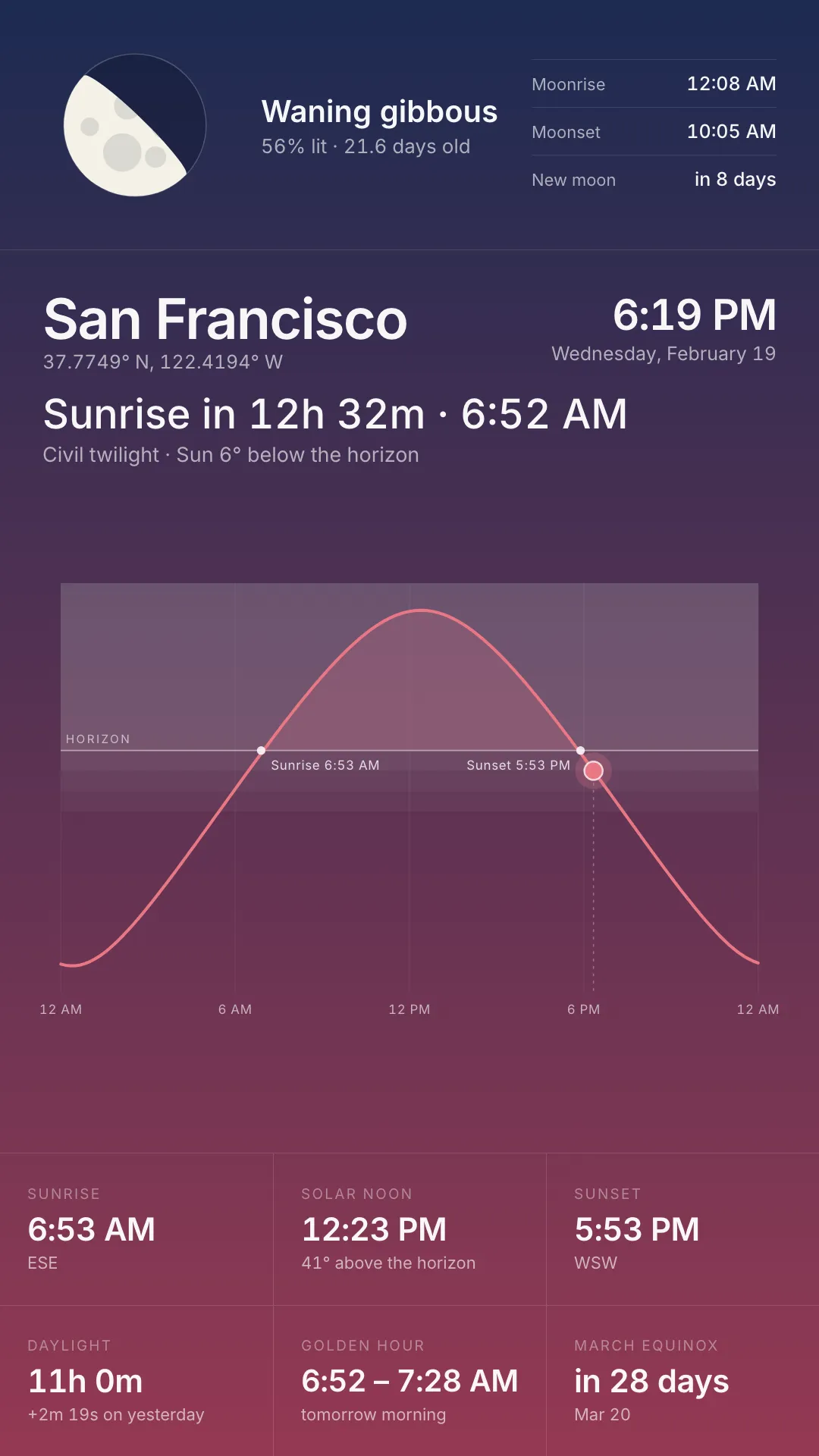
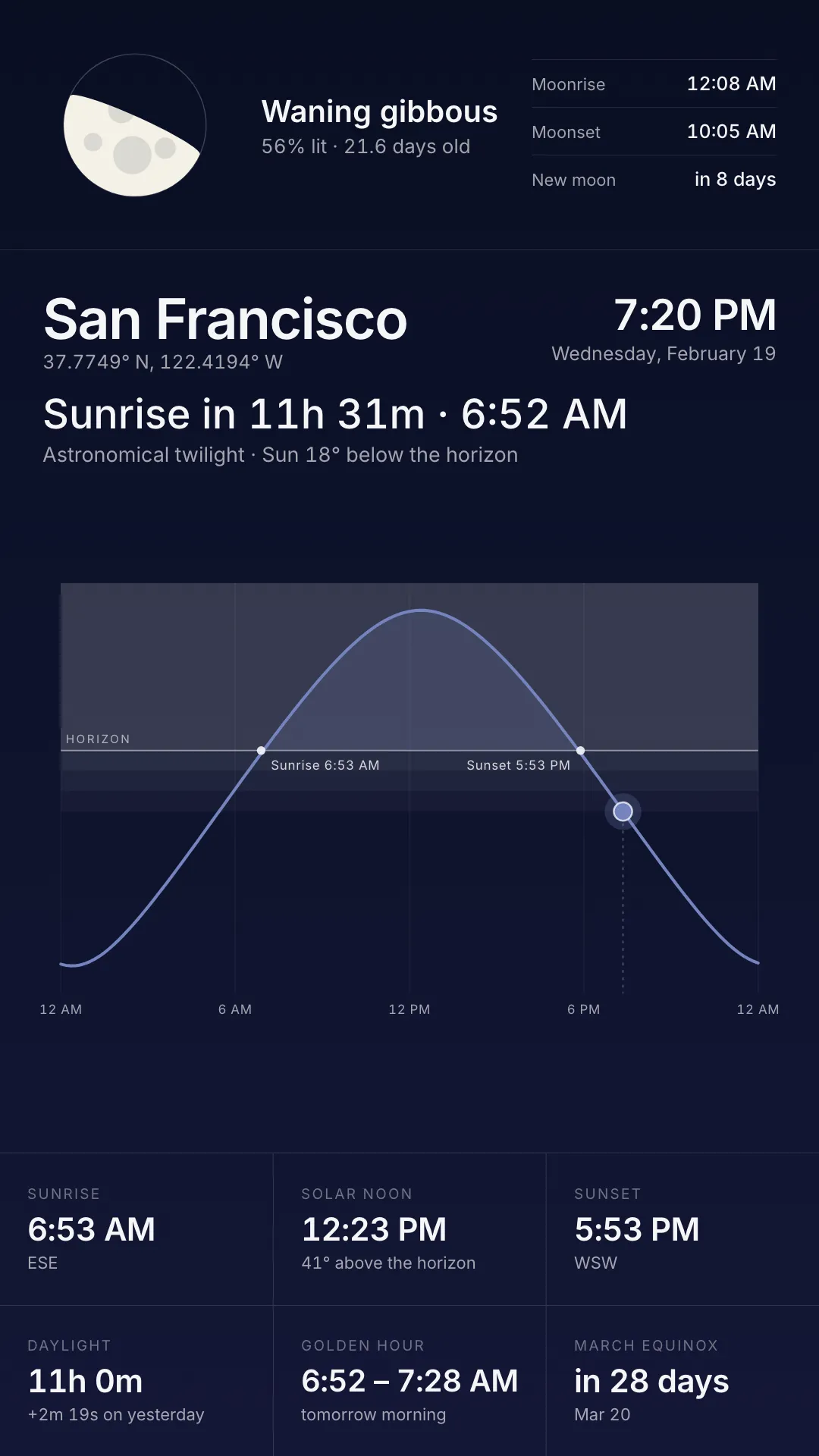
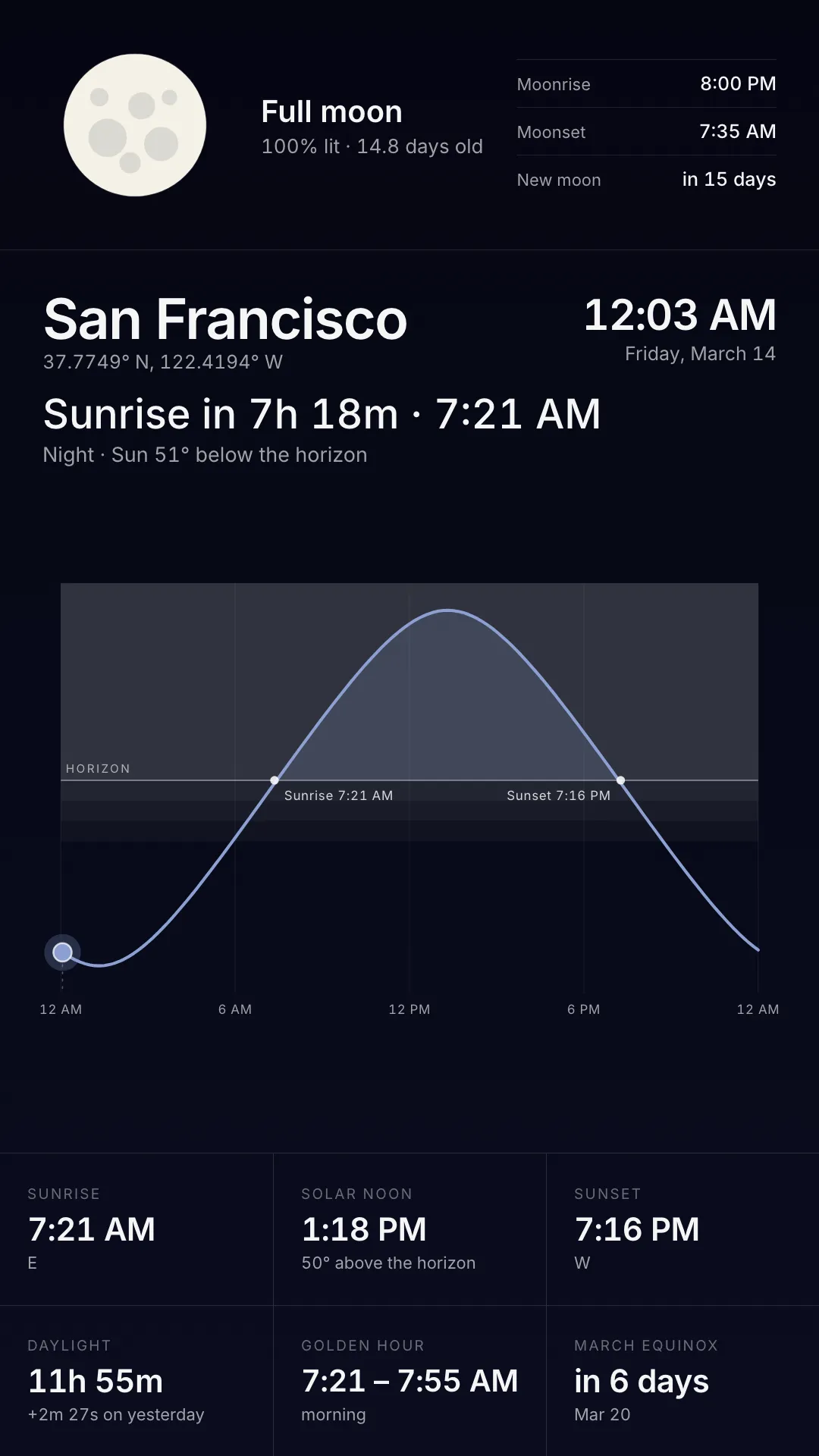
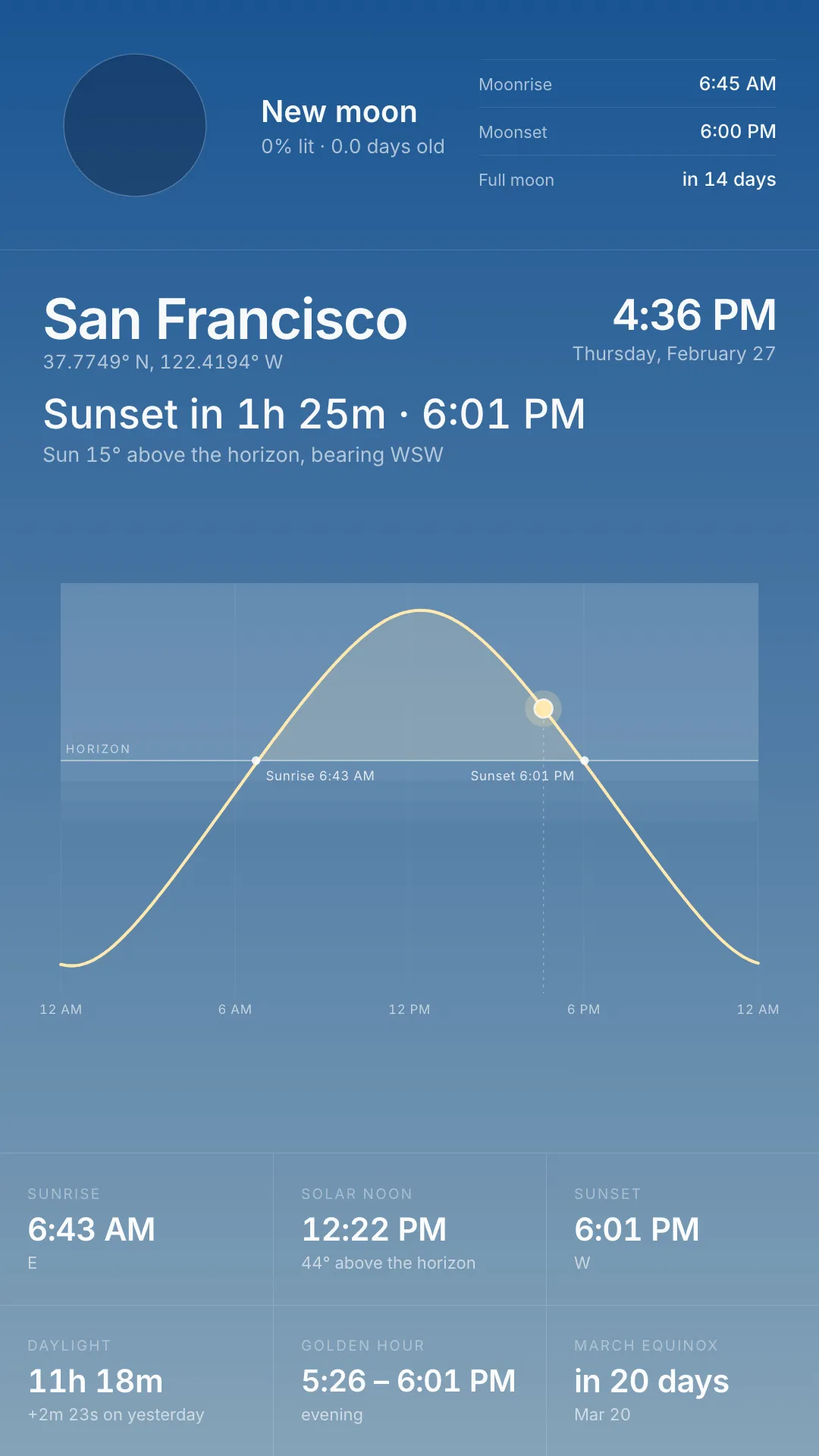
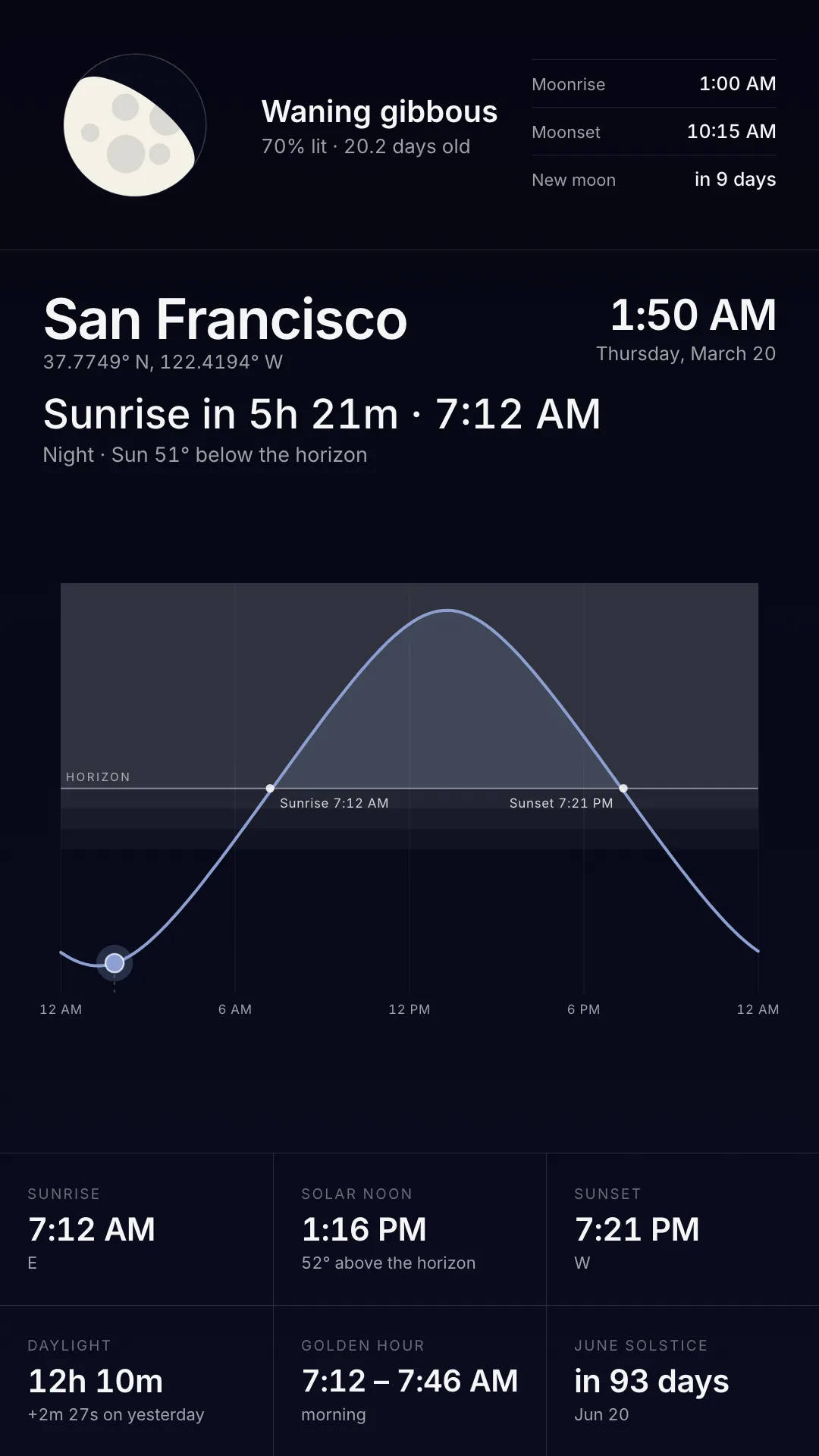
The sun and moon over this screen, worked out on the player itself. It needs no API key and makes no network calls. The whole app is arithmetic on the clock and the screen’s coordinates.
Every screen configures itself
Coordinates come from the player’s metadata and the timezone from those coordinates. Deploy the same app to a fleet spread across a dozen countries and each screen shows its own sky. Nothing is reverse-geocoded: the heading comes from the screen’s own location field, and a screen with no location leads with its coordinates instead.
What it shows
- Sun path chart with twilight bands drawn to scale (daylight, civil, nautical, and astronomical twilight)
- Sunrise, solar noon, and sunset with bearings, daylight length, and how much it changed overnight
- Golden hour window and a countdown to the next equinox or solstice
- Moon with the correct lit fraction and crescent tilt for this latitude, plus moonrise, moonset, and the next full or new moon
Polar screens are handled: above the Arctic and Antarctic circles the app says midnight sun or polar night instead of inventing a sunrise.
Configuration settings
| Setting | Description | Default |
|---|---|---|
| Location Name | Heading text only (does not change the sky). Leave blank to use the screen’s location | Screen’s own location |
| Playback | Live clock, auto-play through a day, or freeze at a named sky moment | live |
| Override Coordinates | Latitude and longitude as 51.5074, -0.1278 | Screen’s own metadata |
| Override Timezone | IANA timezone (e.g. Europe/London) | From coordinates |
| Clock Format | 24h or 12h | 24h |
Playback modes
| Value | What it shows |
|---|---|
| live | Real clock (default) |
| auto_play | Animates through a full local day, then loops |
| dawn | Civil dawn (sun 6° below the horizon) |
| sunrise | Sunrise |
| noon | Solar noon |
| sunset | Sunset |
| dusk | Civil dusk |
| night | Astronomical dusk (full night) |
| full_moon | Next full moon |
| new_moon | Next new moon |
| season | Next equinox or solstice |
If a frozen moment does not exist for that location and day (for example sunrise during polar night), the screen falls back to live.
Display styles
The screenshot gallery walks through the sky across a day (live, dawn, sunrise, noon, sunset, dusk, night), plus full moon, new moon, and the next season moment, in both landscape and portrait.
Why use the Daylight App?
Ideal as ambient filler, lobby atmosphere, or science/education displays. No weather API, no keys to rotate, and every screen stays accurate for its own place on the map.