A collection of simulated digital signage dashboards. Choose from four distinct views, site analytics, workplace safety, manufacturing operations, or production quality, each with realistic, auto-refreshing data.
Engaging analytics without the need for real data
The Demo Dashboard App is perfect for demo screens, staging environments, or when you need engaging visuals without relying on real data. It helps test signage performance, showcase screen setups, or fill idle displays with dynamic, realistic content—no API keys or integrations needed.
Why Use the Demo Dashboard?
Sometimes you just need a dashboard that looks busy. Whether you’re staging a new signage setup, testing layouts, or need a placeholder with impact, this app delivers the feel of a real analytics dashboard—no credentials or data integrations required.
Click the button below to use the Demo Dashboard App now
Key Highlights
- Four switchable dashboard views via a single Edge App setting
- Real-time simulated metrics that auto-refresh every 30 seconds
- Interactive charts powered by Chart.js
- Fully responsive design from 480px to 4K screens
- Built with vanilla JS — no frameworks or build steps
- No setup required — just install, pick a view, and display
One of many Apps
The Demo Dashboard App is part of a larger App ecosystem. With Screenly Apps, users can build custom digital signage content that uses their business or third party data quickly and easily. With the Demo Dashboard App, it’s possible to use it out of the box as is, and it is also possible to customize its styling and the information displayed. Additionally, users can edit triggers for when the App content displays. These triggers can include significant changes to the Demo Dashboard or changes that are expected to cause schedule delays.
Getting started
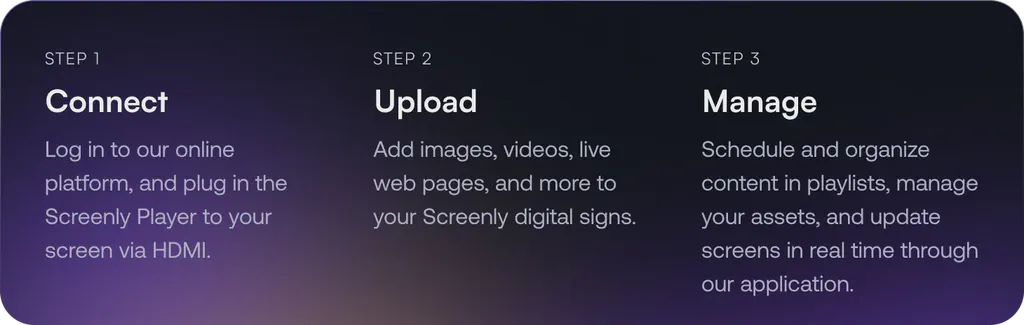
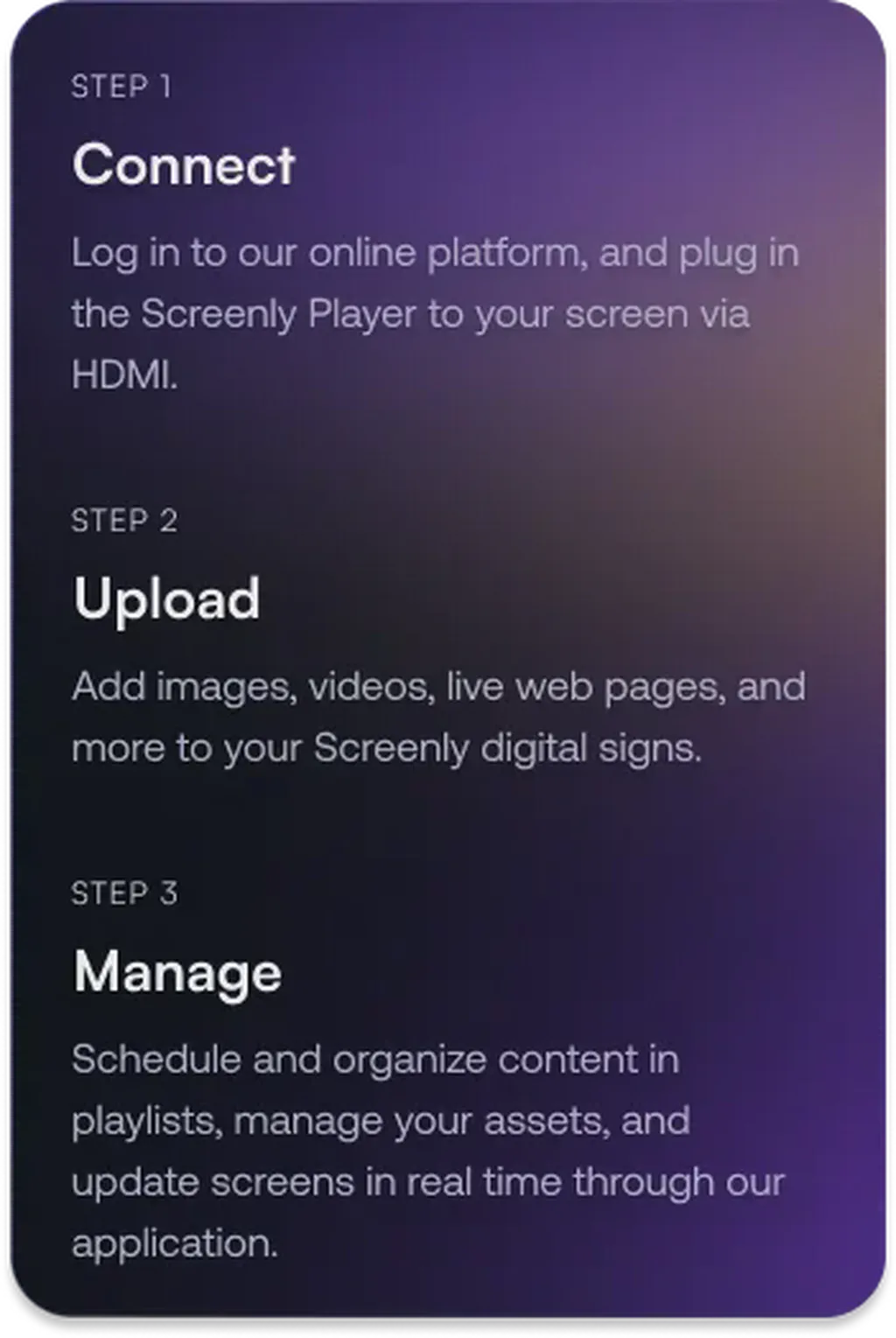
To get started with the Demo Dashboard App, the first step is to get a 14-day free trial account with Screenly. With our 14-day free trial, you can see inside Screenly and determine if the platform makes sense for you.
With Screenly Anywhere, you can launch and display the Demo Dashboard App on a web browser without any additional hardware.
That’s all for now. If you have any questions, we are always happy to help. Reach out to Screenly Support anytime, and we’ll get in touch with you as soon as possible.
