
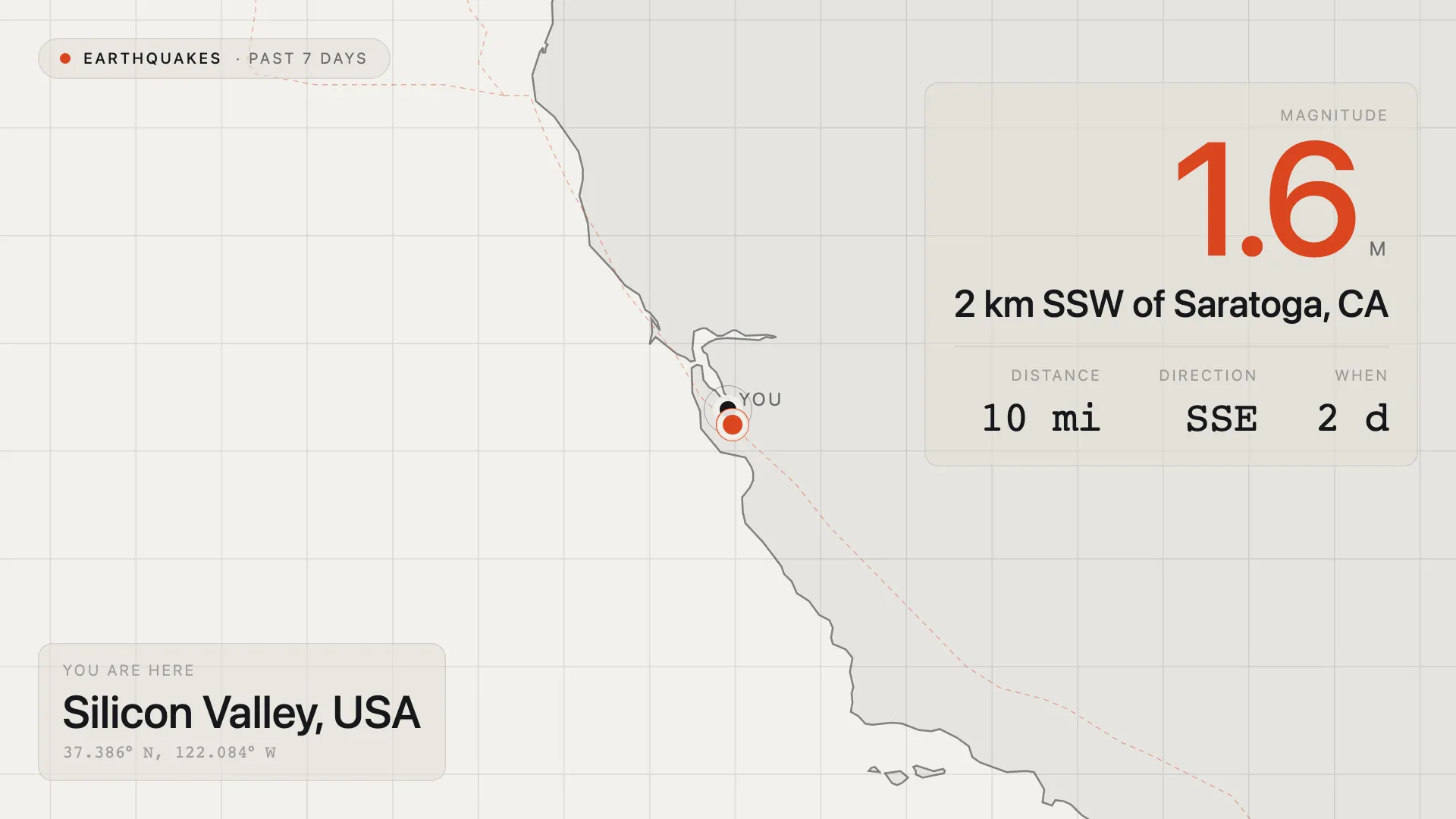
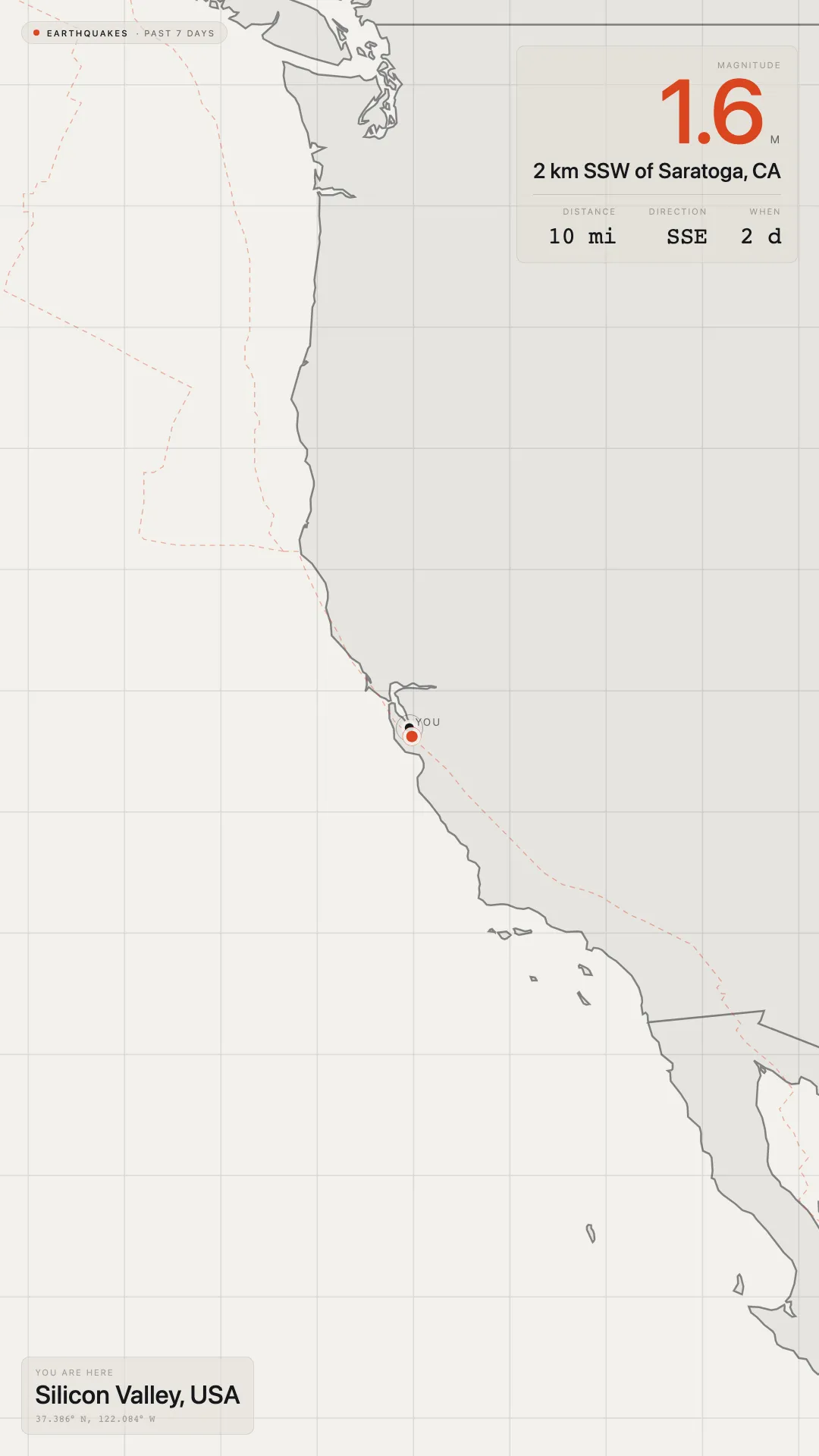
A map centred on your screen’s location, or any place you choose, calling out the nearest earthquake from the past seven days.
One quake, clearly told
The nearest earthquake is called out with its magnitude, where it happened, how far away it is, in which direction, and how long ago. A dashed line runs from the centre of the map to it. Nothing else is marked, so the screen reads at a glance from across the room.
Tectonic plate boundaries are drawn over the map, which is usually why the quake sits where it does.
Choose the location
By default the map is centred on the location already set on the screen. To centre it somewhere else, enter a latitude and longitude in Override Coordinates, for example 9.9312,76.2673. The heading then names the nearest city to that point. A head office can show quakes near a branch, or a classroom can follow a region it is studying.
Why use Earthquake Map?
Great for lobbies, classrooms, science centres, offices, and control rooms in seismically active regions, or anywhere people are curious about what the ground is doing nearby.
Key features
- Centred on your screen or any location you choose, using the screen’s own location or Override Coordinates
- Nearest earthquake from the past seven days, of any magnitude
- Magnitude, place, distance, direction, and time for the quake
- Tectonic plate boundaries drawn on the map
- Miles or kilometres for distances
- Fits any screen shape, landscape or portrait, without letterboxing
- Calm by design: nothing moves or animates, and the data refreshes every five minutes
Configuration settings
| Setting | Description | Required | Default |
|---|---|---|---|
| Distance units | Show distances in miles or kilometres | No | Miles |
| Override Coordinates | A latitude and longitude, like 9.9312,76.2673, to centre the map somewhere other than the screen’s location | No | - |
| Override Locale | Language code (such as en, fr, de, or pt-BR) that changes how numbers are written, for example 1.6 or 1,6. Labels stay in English | No | en |
| Display Errors | Show errors on screen instead of the last reading. For debugging only | No | off |
When the feed is unavailable
If the earthquake feed can’t be reached, the screen keeps showing the last reading it received rather than going blank. A screen with no location set says so, instead of guessing.
Attribution
Earthquake data comes from the public USGS earthquake feed. Map outlines are from Natural Earth, in the public domain.