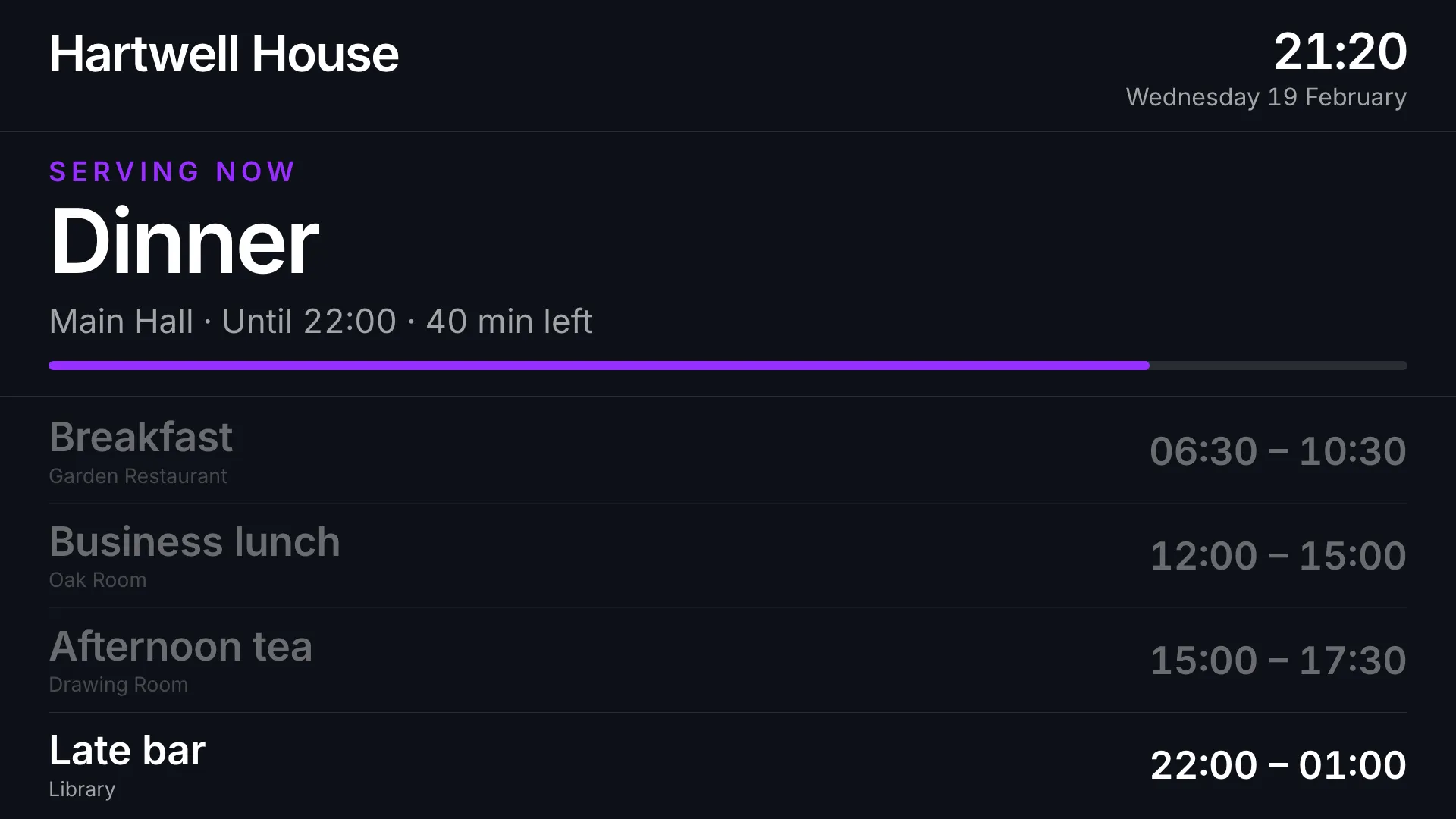
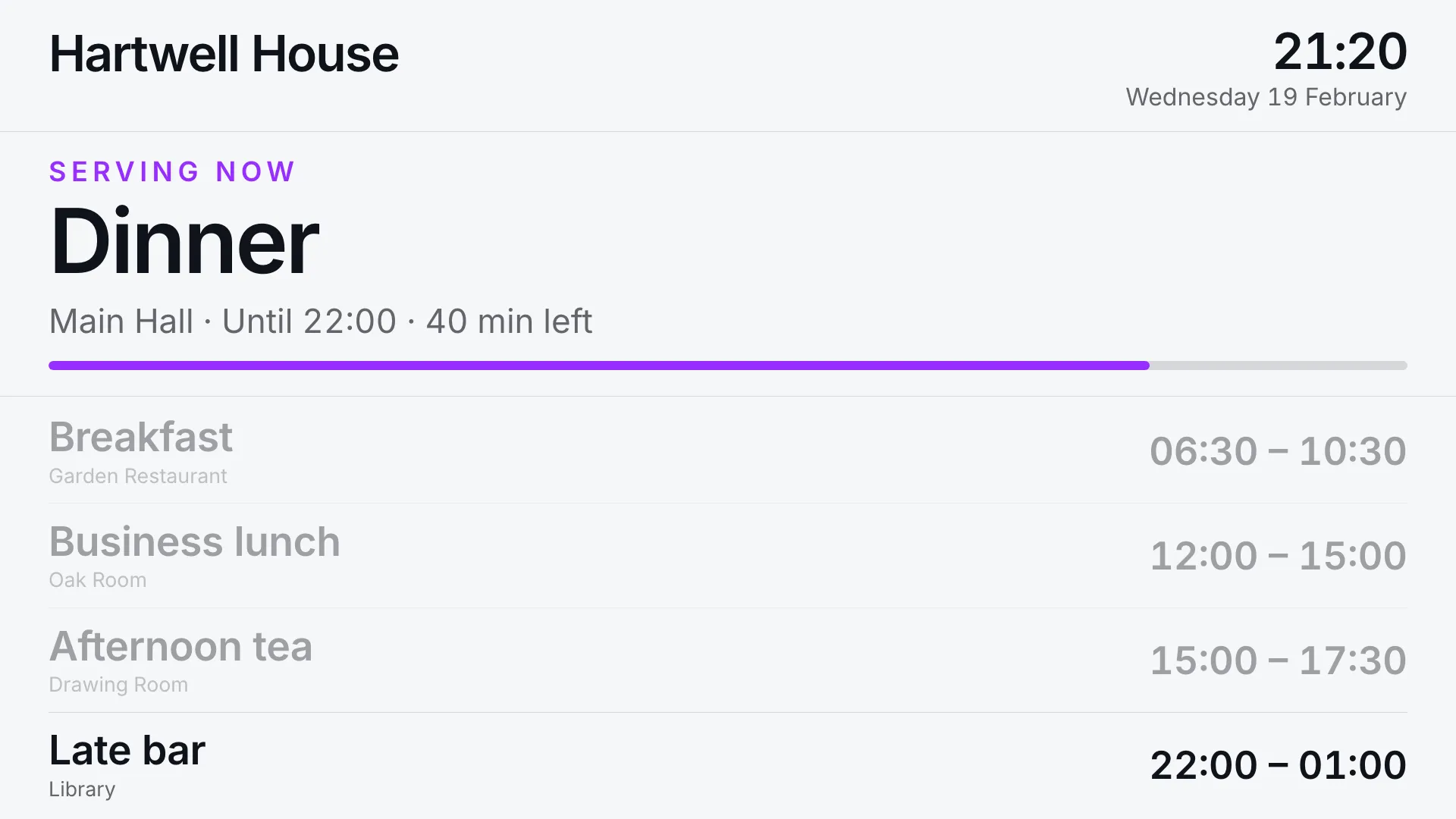
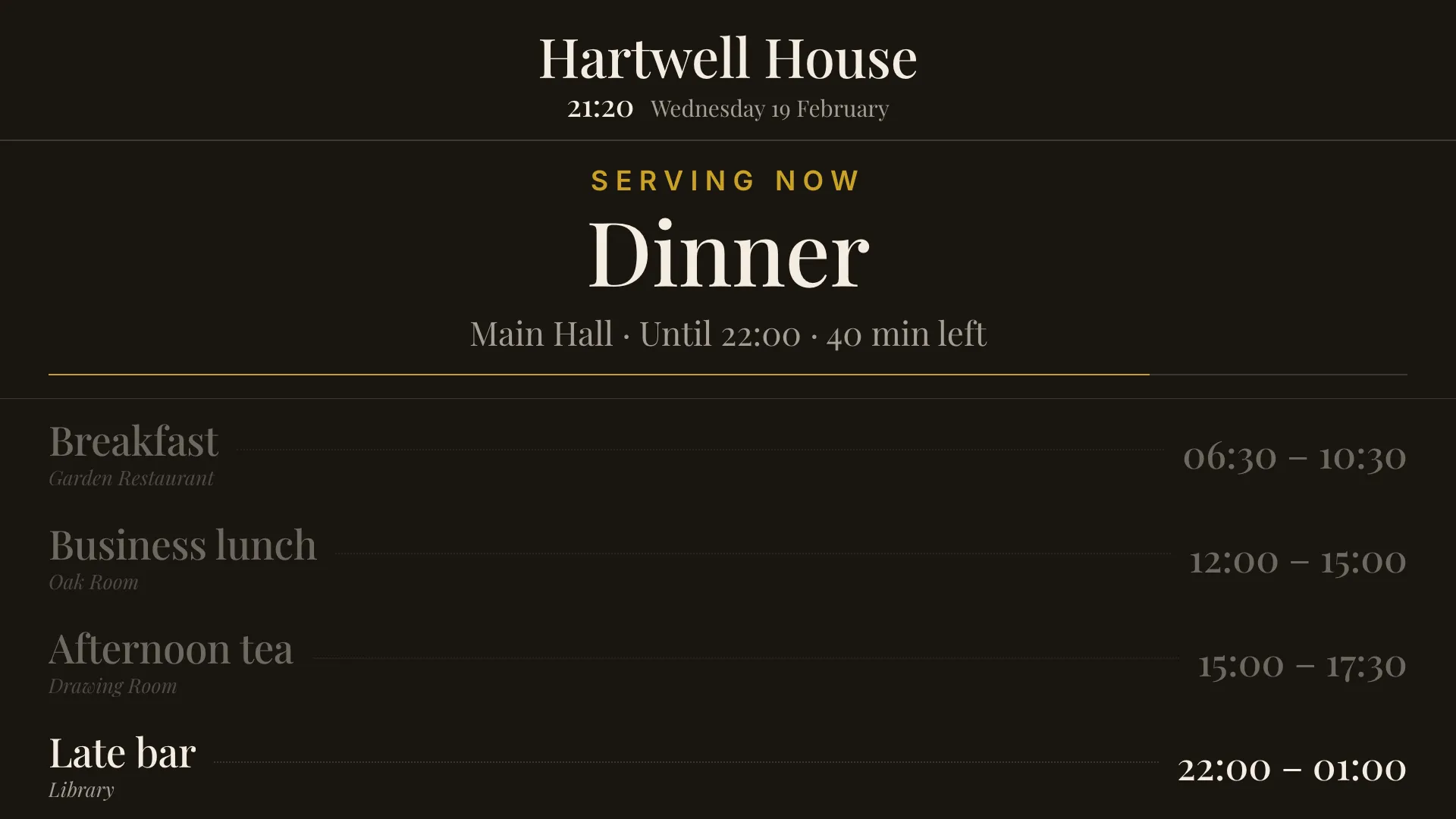
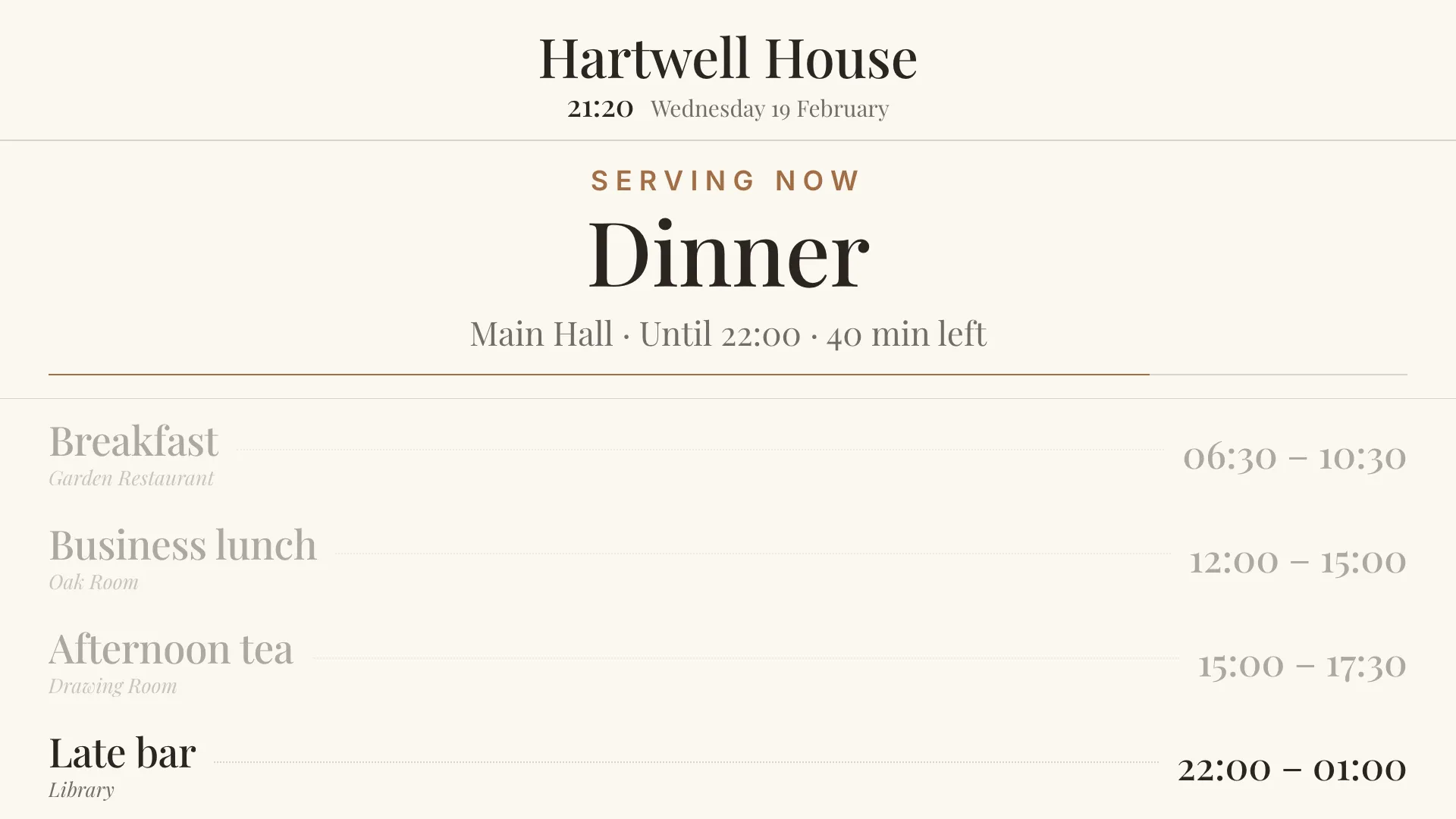
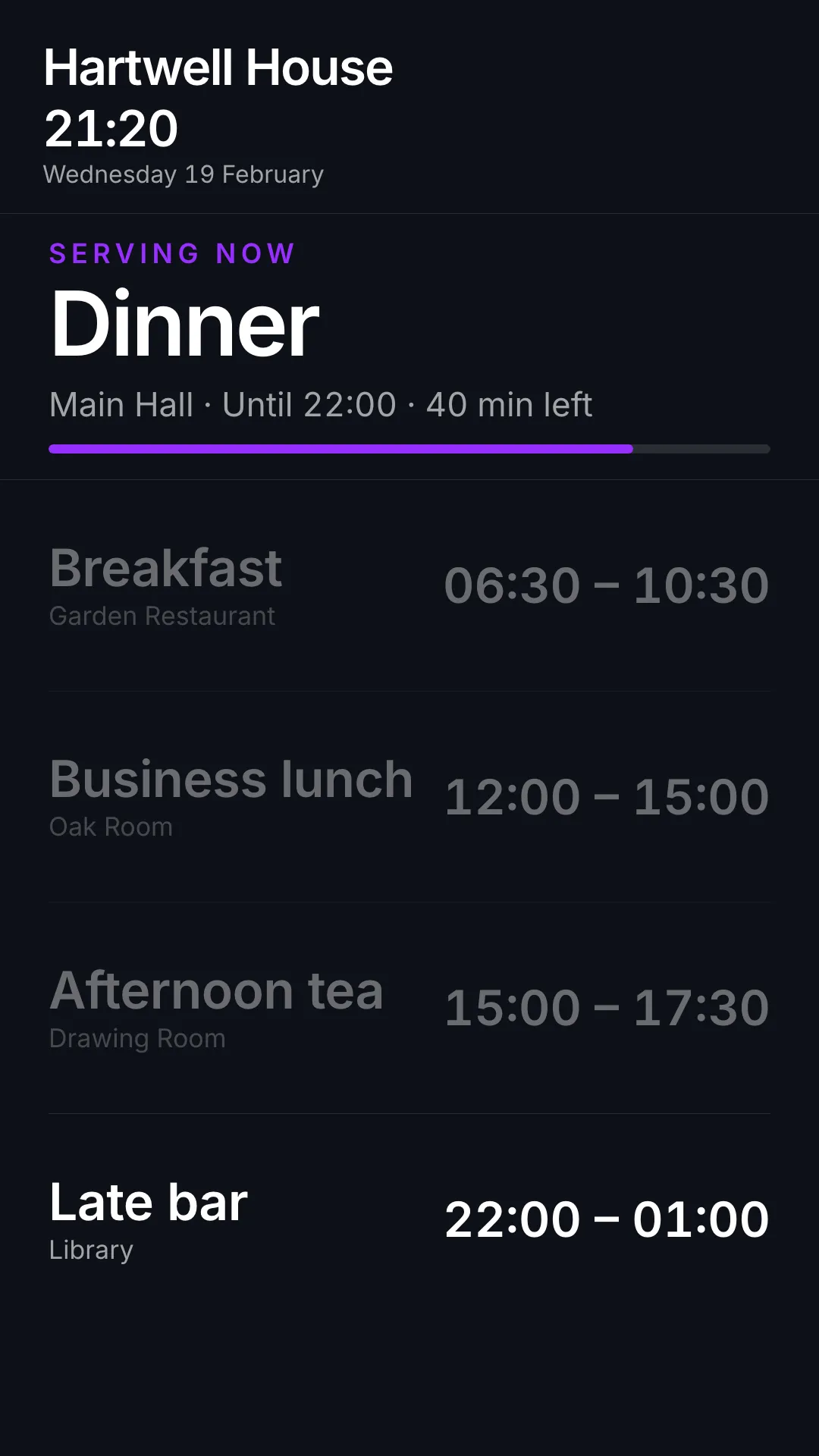
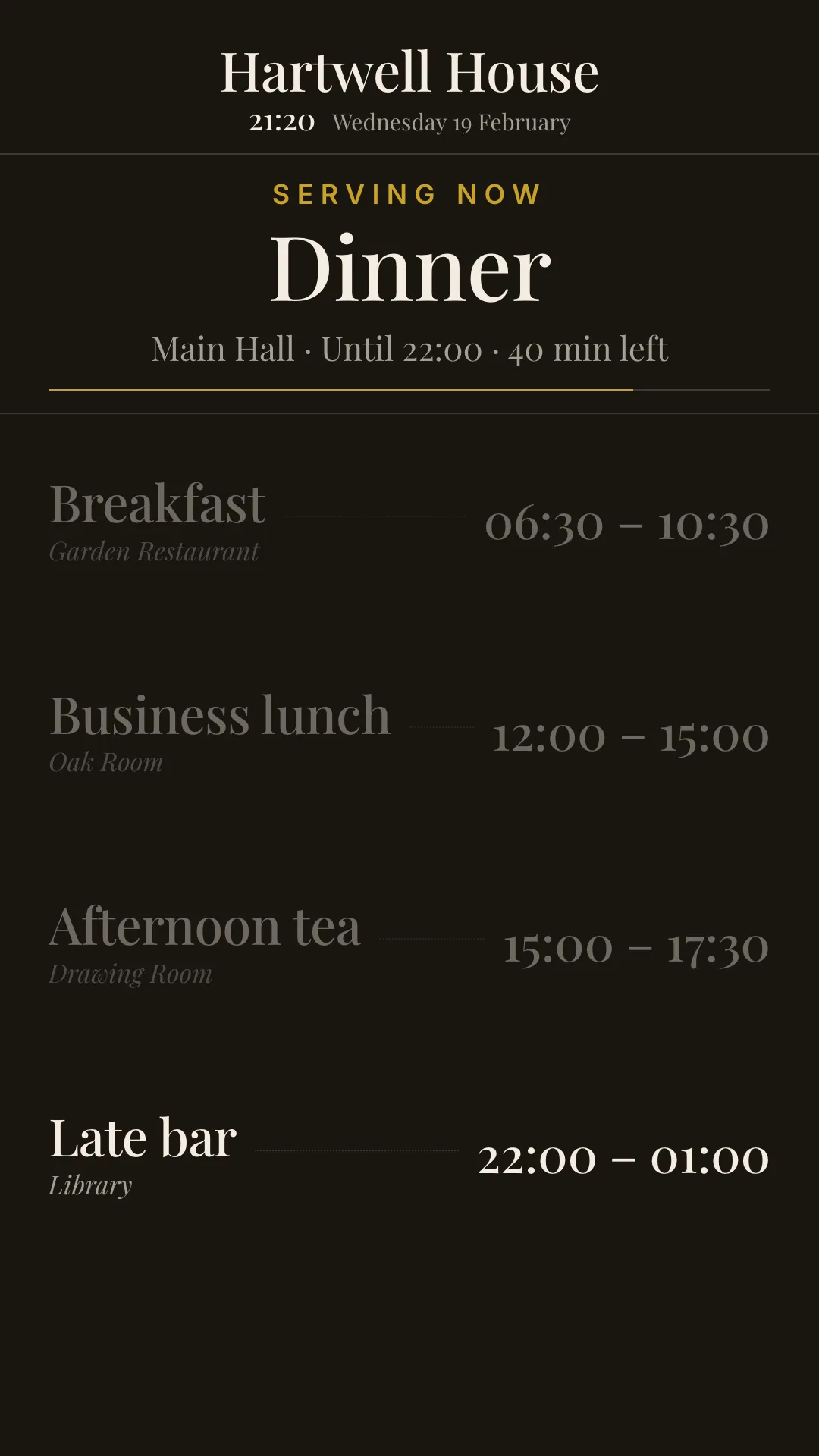
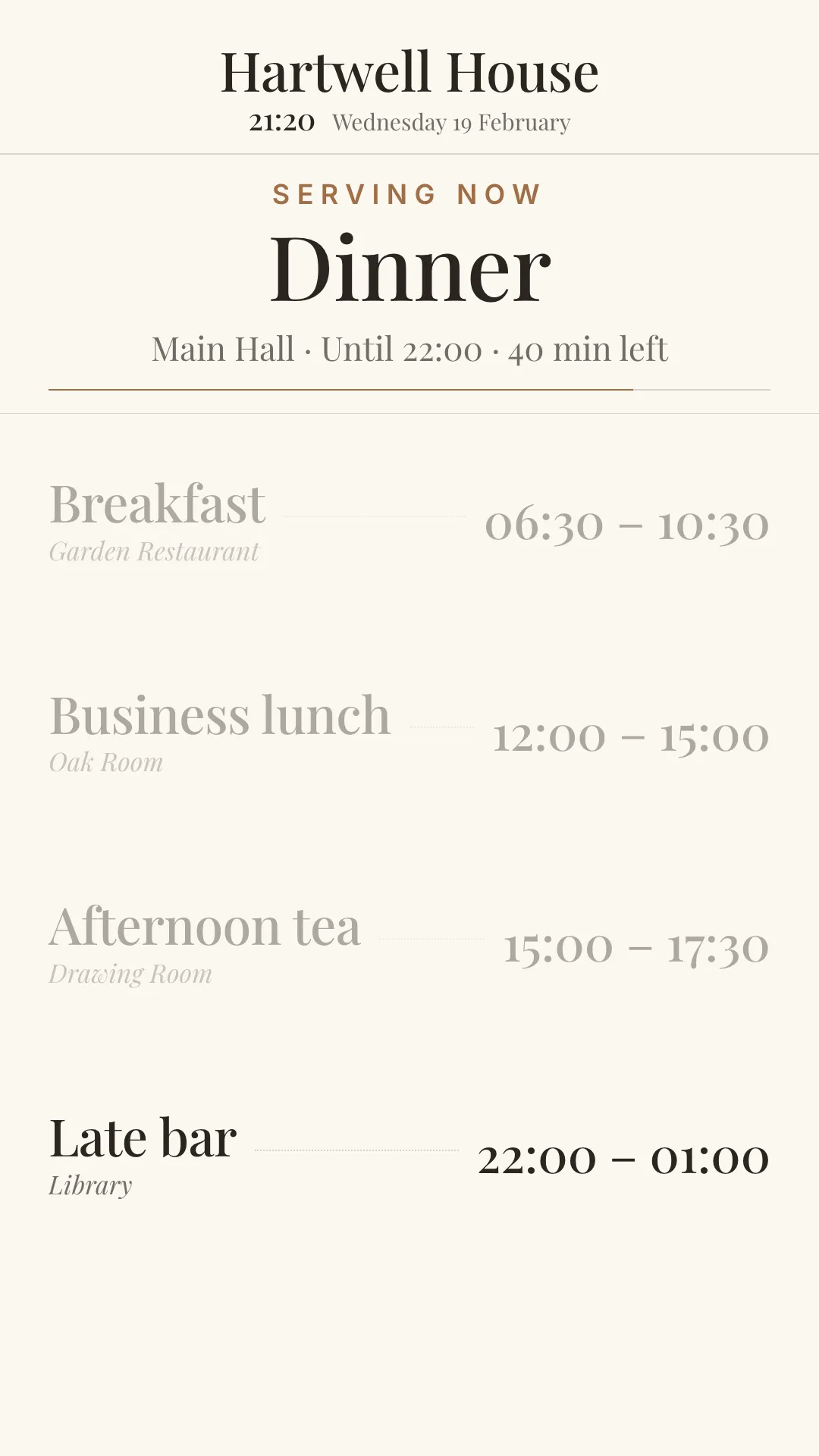
A board of meal service times for a hotel lobby or a restaurant window, sized to be read from the other side of the room.
It answers the question a guest actually has, which is not “what are the hours” but “can I eat now”. The banner across the top names what is being served and how long is left, or what is coming next and when. The list underneath carries the rest of the day.
What it shows
The sitting in progress is the largest thing on the screen, with a bar that runs down as the service does. When nothing is being served, the banner counts down to the next sitting instead.
Below that are the rest of the day’s sittings with their times and where they are served. Whatever the banner is showing is left out of the list rather than repeated, and finished sittings fade back. A service that runs past midnight stays on the board into the small hours.
Different days can have different sittings, so a weekday business lunch and a weekend brunch each appear only when they are on.
Setting it up
The schedule is one meal per line in the Meals setting:
Breakfast | 06:30 | 10:30 | Garden Restaurant
Business lunch | 12:00 | 15:00 | Oak Room | Mon-Fri
Brunch | 09:00 | 13:00 | Terrace | Sat, Sun
Late bar | 22:00 | 01:00
Name, start, and end are required. Where it is served and which days are optional.
- Times can be written as
7,07:00,7:30, or7:30pm - Days can be a list (
Sat, Sun), a range (Mon-Fri), or one ofdaily,weekdays, orweekends - Comments: a line starting with
#is ignored, which is a handy way to park the winter times without losing them
A line that cannot be read is reported along the bottom of the board rather than dropped, because a missing meal is worse than a visible note about a typo.
Readable from a distance
The board is drawn on a 1920x1080 canvas and scaled to the screen. The banner runs up to 118px and the rows up to 68px, which carries across a lobby on a 55 inch screen.
One venue might list three services and another eight, so the rows are scaled to fit the space left for them. Past six sittings, the finished ones are dropped, oldest first. A guest at three in the afternoon does not need to be told that breakfast ended at half past ten, and the rows that remain stay large enough to read.
Why use Meal Schedules?
Ideal for hotel lobbies, restaurant windows, cafeterias, staff canteens, cruise ships, and conference venues: anywhere guests need to know what is being served, where, and for how long.
Key features
- Live banner showing the current sitting and time left, or a countdown to the next one
- Day-specific sittings, so weekday and weekend services each appear only when they are on
- Services past midnight stay on the board into the small hours
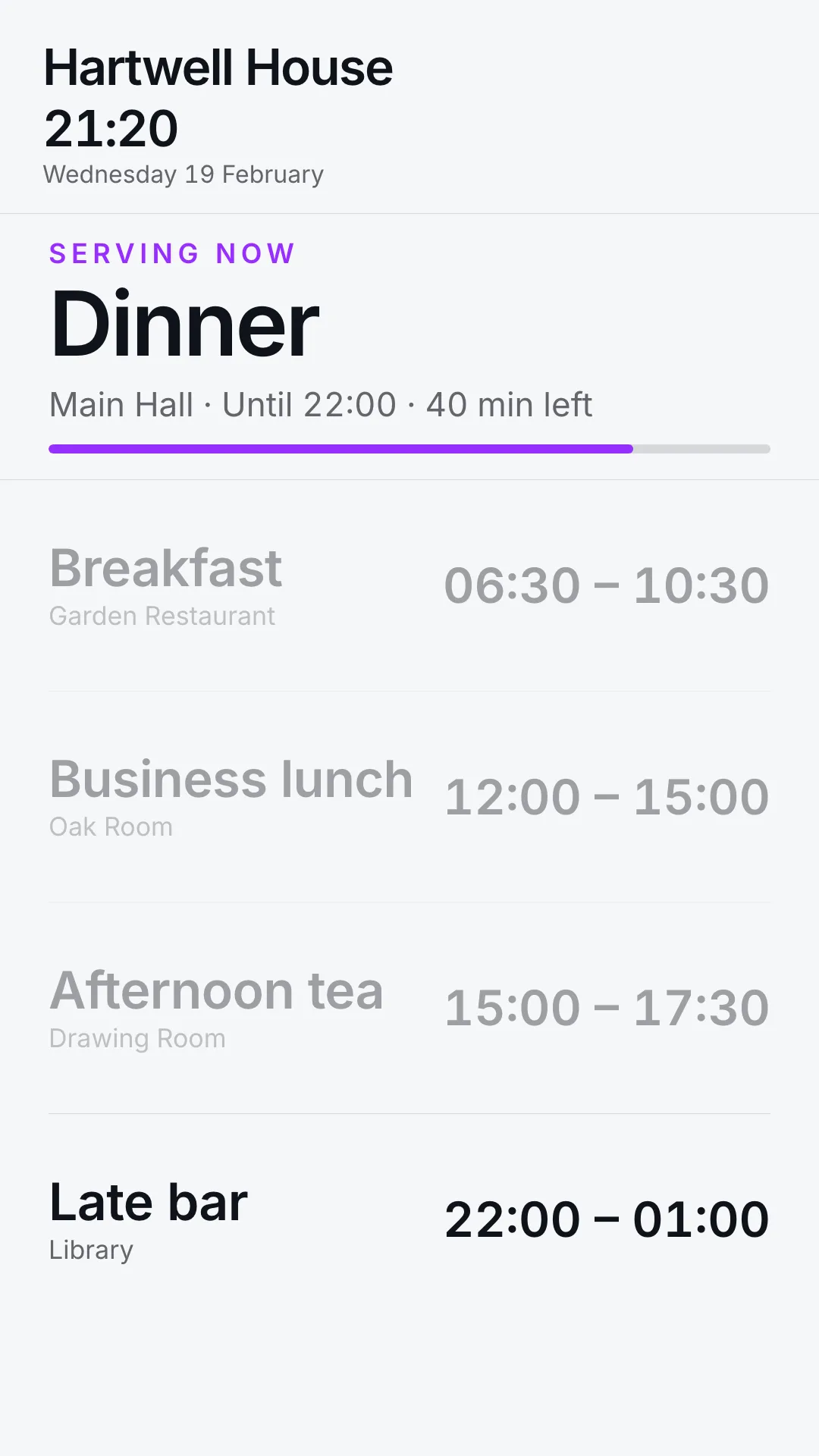
- Four themes: modern and classic, each in dark and light
- Your brand colours for the highlights on modern themes
- 12h or 24h clock
- Fits any screen shape, landscape or portrait
Configuration settings
| Setting | Description | Required | Default |
|---|---|---|---|
| Meals | The schedule, one meal per line | No | A sample day |
| Venue Name | Shown at the top, for example Hartwell House | No | Screen’s own location |
| Board Theme | modern-dark, modern-light, classic-dark, classic-light, or auto | No | modern-dark |
| Accent Color | Hex colour for the highlights, for example #a06e47 | No | Branding on modern themes, otherwise the theme’s own |
| Clock Format | 24h or 12h | No | 24h |
| Override Timezone | IANA timezone, for example Europe/London | No | From coordinates |