A dynamic and responsive menu board for digital signage displays.
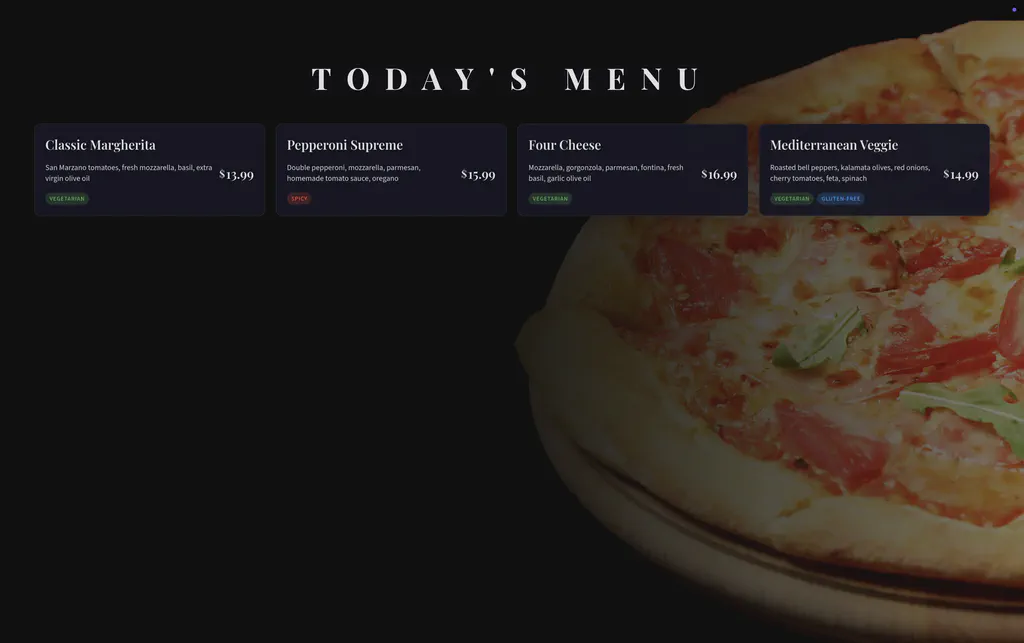
Menu Board App
The Dynamic Menu Board App is designed for restaurants, cafés, food courts, and kiosks that need visually appealing and flexible digital menus. The layout automatically adapts to the number of menu items and screen size, ensuring perfect readability whether you display a few dishes or a full menu.
With a modern UI, responsive grid layout, and easy configuration, this app makes updating your menu fast and effortless.
Key Features
- Supports up to 25 menu items
- Fully responsive grid layout
- 2 columns on small screens
- 3 columns on medium screens
- 4 columns on large screens
- Custom background image support with optimized contrast
- Accent color customization (default: white with subtle purple tint)
- Logo placement in bottom-left corner
Configuration
General Settings
menu_title Title shown at the top of the menu Default: “Today’s Menu”
background_image URL of background image (dark or subtle images recommended) Default: None
accent_color Highlight and border color Default: rgba(255, 255, 255, 0.95)
logo_url Logo displayed at bottom-left corner Default: assets/screenly_food.svg
Menu Items Configuration
You can configure up to 25 menu items. Each item uses the following fields:
item_X_name Name of the menu item
item_X_description Short description
item_X_price Item price
item_X_labels Comma-separated labels (example: vegetarian, spicy, gluten-free)
Replace X with a number from 1 to 25. Items without a name will be automatically skipped.
Recommended Use Cases
- Restaurant digital menu boards
- Café counter displays
- Food court signage
- Hotel breakfast menus
- Event catering menus
- Kiosk menu displays
Tips for Best Results
- Use dark or low-contrast background images
- Keep item descriptions short for better readability
- Use accent colors that match your brand identity
Click the button below to install the Menu Board App now
Getting started
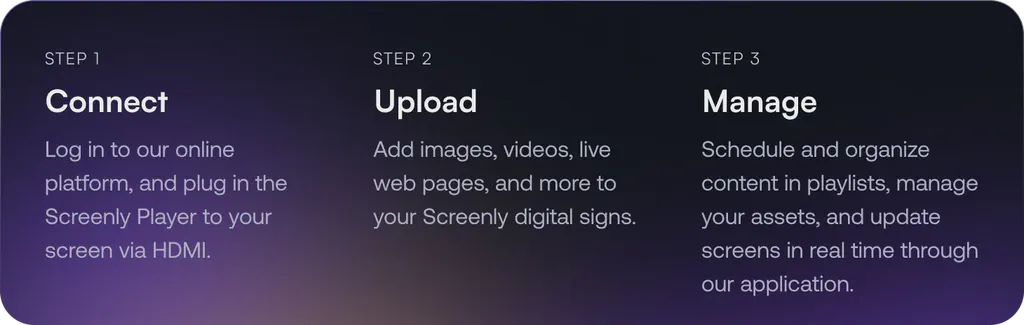
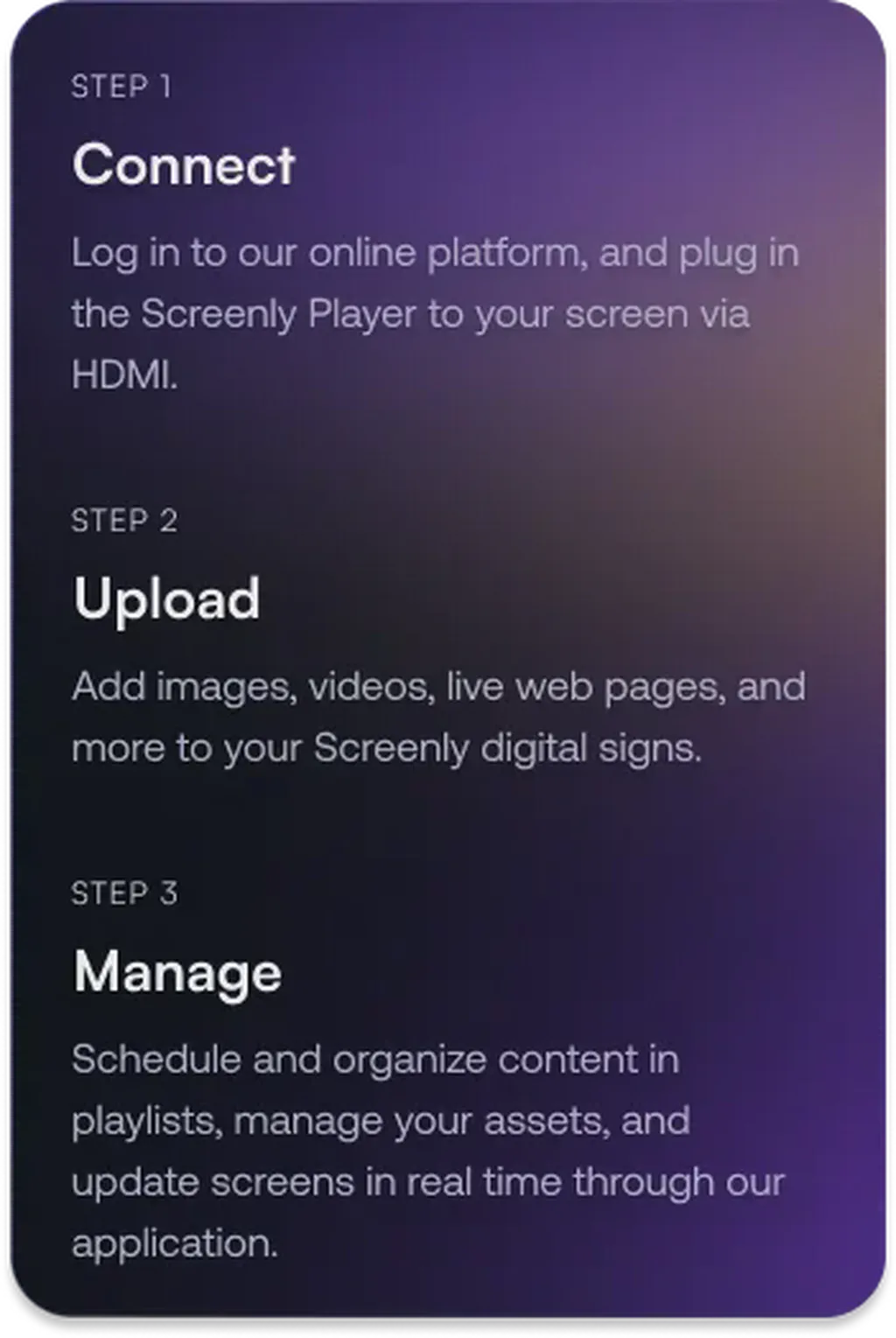
To get started with the Menu Board App, the first step is to get a 14-day free trial account with Screenly. With our 14-day free trial, you can see inside Screenly and determine if the platform makes sense for you.
With Screenly Anywhere, you can launch and display the Menu Board App on a web browser without any additional hardware.
That’s all for now. If you have any questions, we are always happy to help. Reach out to Screenly Support anytime, and we’ll get in touch with you as soon as possible.
