Slack is one of the most popular messaging apps for businesses. When they are connected, employees can better coordinate workflows, discuss projects, and drive business growth. That’s why we wanted to bring Screenly directly inside of Slack. Learn more about integrating Slack with Screenly in our tutorial below.
Setting up your Slack and Screenly integration
The first step is to log in to your online Screenly account. If you do not have a Screenly account, you can get started right now for free with a 14-day free trial.
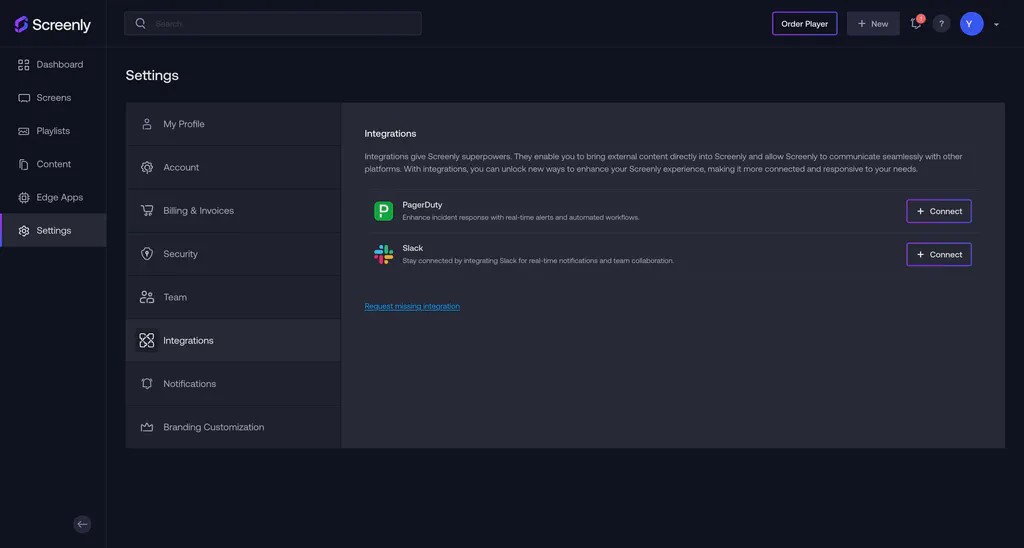
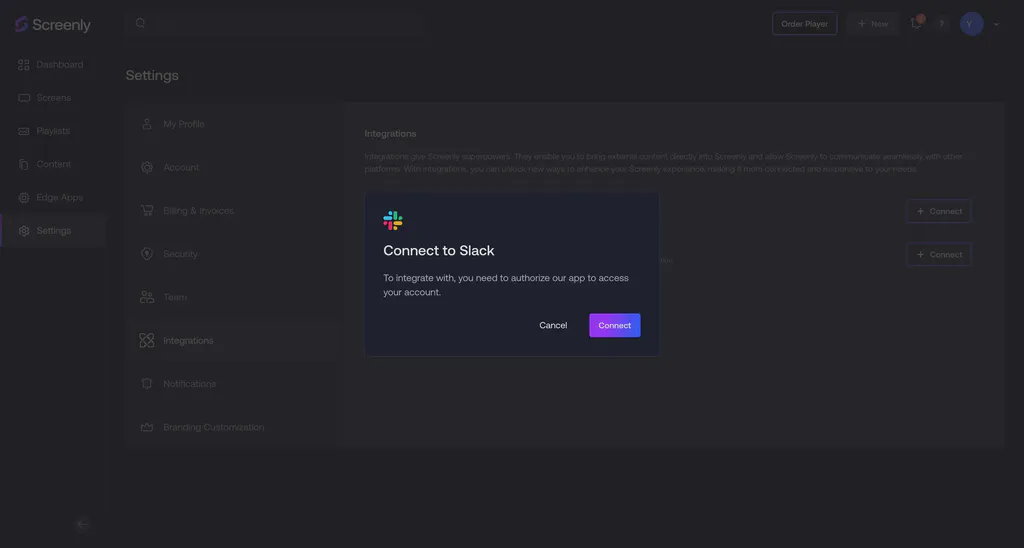
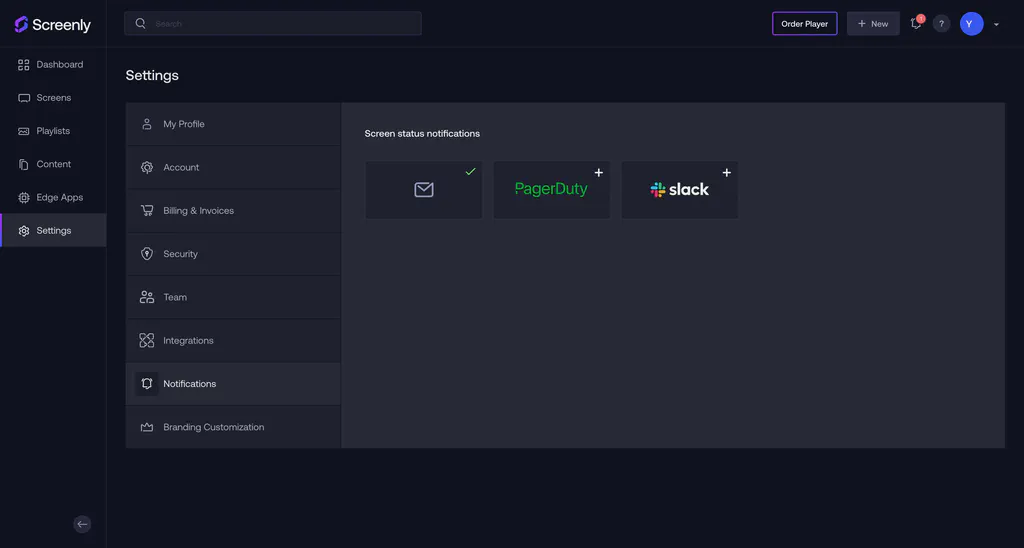
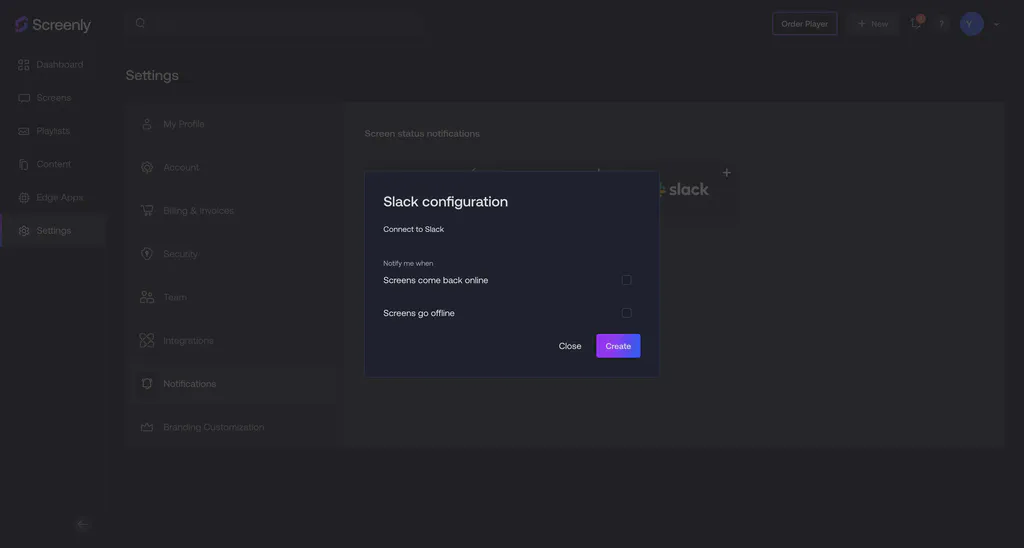
Let us know if you have any questions
That’s it! If you have any questions, reach out to Screenly Support anytime. We are always happy to help troubleshoot or advise on advance use cases. Now that our Slack integration is live, we are working on integrating with similar messaging apps, such as Microsoft Teams. If there is a messaging app that your business wants to use with Screenly, just give us a heads up!