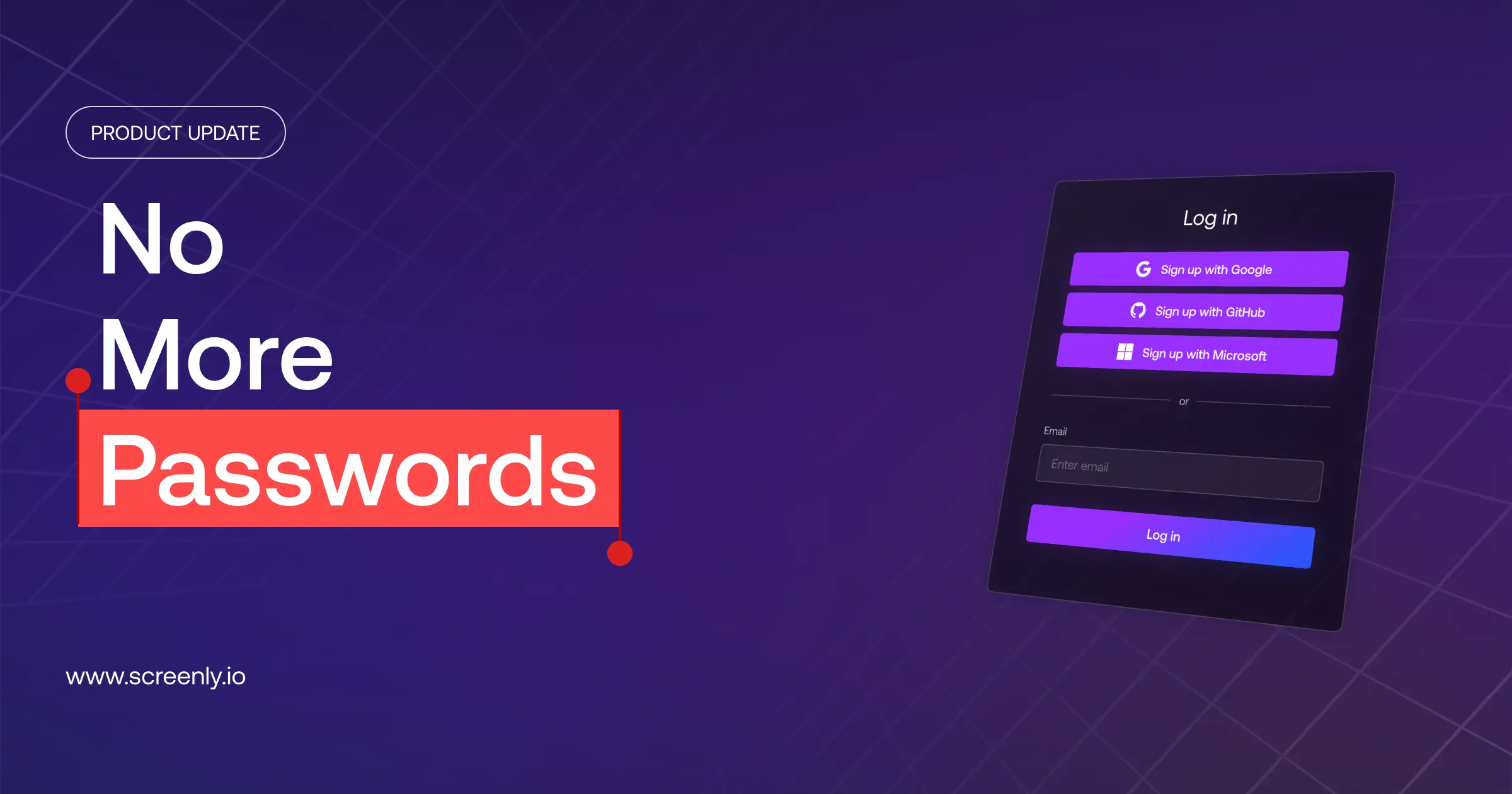

Passwords are going away in Screenly.
We are removing them entirely in favor of passwordless authentication that is simpler, faster, and more secure by design.
Screenly has supported passwordless login through SAML, Google, GitHub, and Microsoft for some time already.
The last piece was email and password login, which is now being replaced with one-time codes sent to your email.
Why we are doing this
Passwords today create more risk than they prevent.
They are reused across services, stored insecurely, and shared in tools like Slack or spreadsheets. When a breach happens anywhere on the internet, those credentials often become a way into unrelated systems.
We have seen this firsthand. In our Security Incident Response: How We Investigated a Data Leak and What We’re Doing Next post, the exposed credentials were not from Screenly systems. They came from external breaches and compromised devices where passwords were reused.
Passwordless authentication removes this entire class of risk. Even if another service is breached, there are no reusable credentials that can be turned against your Screenly account.
Two-factor authentication helped, but it was not enough
Screenly supports two-factor authentication, and it remains an important security layer. It reduces risk and makes attacks significantly harder.
However, its effectiveness depends on adoption. Many users never enable it because it feels optional or slightly inconvenient. And even when it is enabled, it is still ultimately protecting a password. It adds a second layer, but the underlying problem remains.
That said, we are not removing two-factor authentication. It will continue to be available and can be used alongside passwordless login wherever additional security is needed.
What changes
If your organization uses SAML, nothing changes. You will continue signing in through your identity provider as before.
If you log in with a Google, GitHub, or Microsoft account, your experience also remains unchanged.
If you currently use email and password, your login will switch to a one-time code sent to your email. The code is single-use, expires quickly, and cannot be reused.
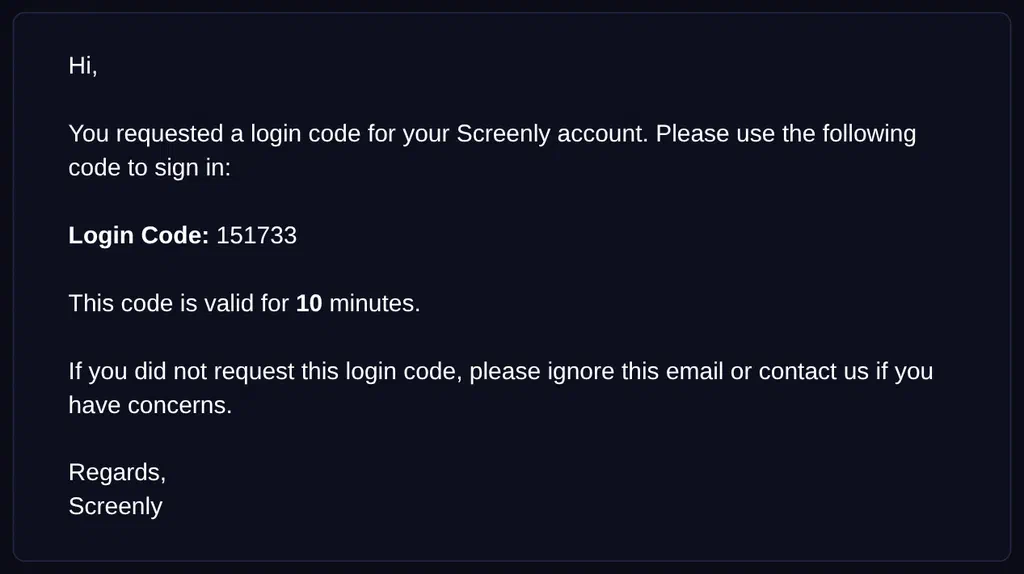
Password login will remain available for a limited time before being disabled. We will share the exact date to give you plenty of time to make the transition.
If you have questions or need help with migration, our support team is available to assist.
What if your email account is compromised?
One-time code login relies on the security of your email account.
This is not a new risk. Email is already the recovery path for password-based accounts. Anyone who controls your inbox can reset your Screenly password today.
Passwordless login does not introduce this exposure. Instead, it reduces what you need to protect from two things to one: your email account.
What if someone sees your code?
The code is bound to the specific browser session that requested it.
This means that even if someone else sees the code, for example by briefly looking at your email on a shared screen, they cannot use it to sign in from their own device or browser. The code will only work in the same session where the login was initiated.
If you close that session or try to use the code from a different device or browser, it won’t work. Authentication requires both the code and the originating session, so intercepting the code alone is not enough.