
Not every team starts with a single workspace. For many of the organizations we work with, especially larger ones, the structure is clear from day one: one workspace per department, per office, or per operational unit. Not by accident, but by design.
Separate workspaces mean tighter access control, cleaner content boundaries, and a smaller blast radius if anything goes wrong. For organizations that take security seriously, this is exactly how it should work.
We built Screenly to support that model. Companies working with us run anywhere from a handful of workspaces to dozens, each one locked down, properly scoped, and in the right hands.
But one part of the experience didn’t keep up: billing. Managing licenses across multiple workspaces was manual, fragmented, and unnecessarily complex, whether organizations started with several workspaces or added more over time.
Today, that changes.
Meet linked workspaces
Here’s the idea: workspaces can now have a parent.
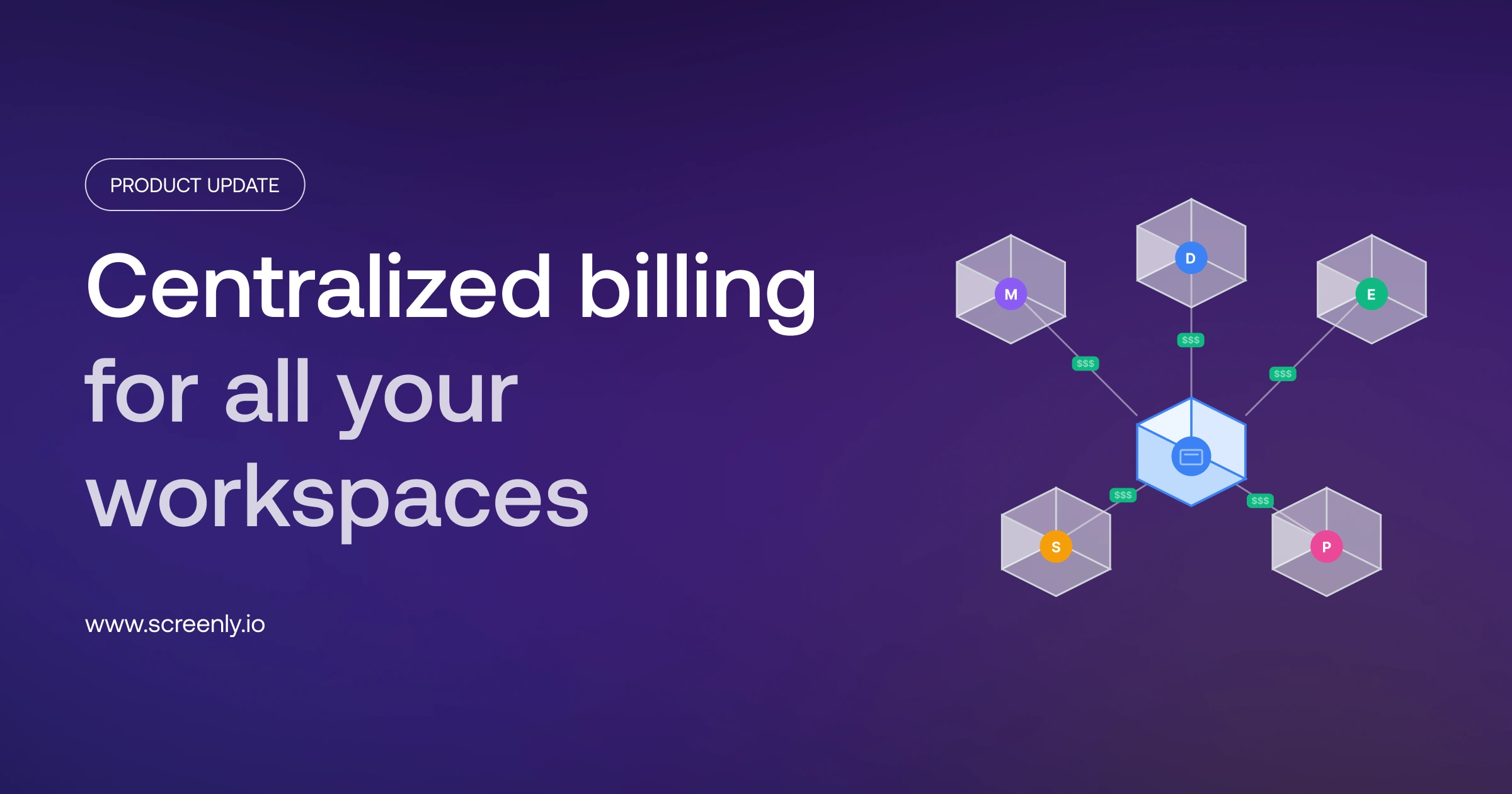
You designate one workspace as the parent, link your other workspaces to it as children, and suddenly the chaos has a center of gravity. The parent workspace becomes the hub. It holds the billing, owns the licenses, and gives you a single place to manage what used to be scattered across a dozen settings pages.
No more paying separately for each workspace. No more chasing down who has unused licenses while another department or location hits its limit. The parent workspace has a single pool of screen licenses that all child workspaces share. You’re in control.
How we got here
Honestly? This feature came from listening.
When we started digging into how larger teams were actually using workspaces, a pattern emerged. Companies weren’t creating multiple workspaces because they wanted complexity, they were doing it because they needed separation. Different departments. Different locations. Different security boundaries. Workspaces were doing exactly what they were designed to do.
The problem was never the structure. The problem was that every workspace was an island: independent billing, separate license pools, no way to see the full picture from one place.
We heard that loud and clear.
What it looks like in practice
Say you’re managing digital signage at a large manufacturing enterprise. You’ve got a workspace for headquarters, one for each factory, and one for different operational departments. Each workspace has its own users, content, and schedule. That separation is not extra complexity, it is how manufacturing enterprises stay organized and in control.
But come billing time, you want one invoice. And when one factory adds more screens for a new production line, you don’t want to buy extra licenses; you want to use the licenses that another factory isn’t currently using.
That’s exactly what linked workspaces makes possible.
The parent workspace holds the total license pool. All child workspaces draw from it as needed, automatically. When one factory or department adds screens, it simply uses available licenses, with no manual management.
Where to find it
If you’re already managing multiple workspaces, this is the first place to check. Setup is straightforward, and the payoff is immediate: one consolidated bill and a shared pool of licenses across all linked workspaces.
Head to Workspace settings and look for the new Linked workspaces tab. From there, you can link existing workspaces as children to the workspace you are in.
Note: This feature is available only on the Enterprise plan. If you need help with setup, contact our support team.
What’s next
This is the foundation. Centralized billing and license management is where we’re starting, but having a proper parent-child workspace model opens up a lot of doors. Expect more to come.
In the meantime, if you run into anything or have thoughts on how this should evolve, we’d genuinely love to hear it.