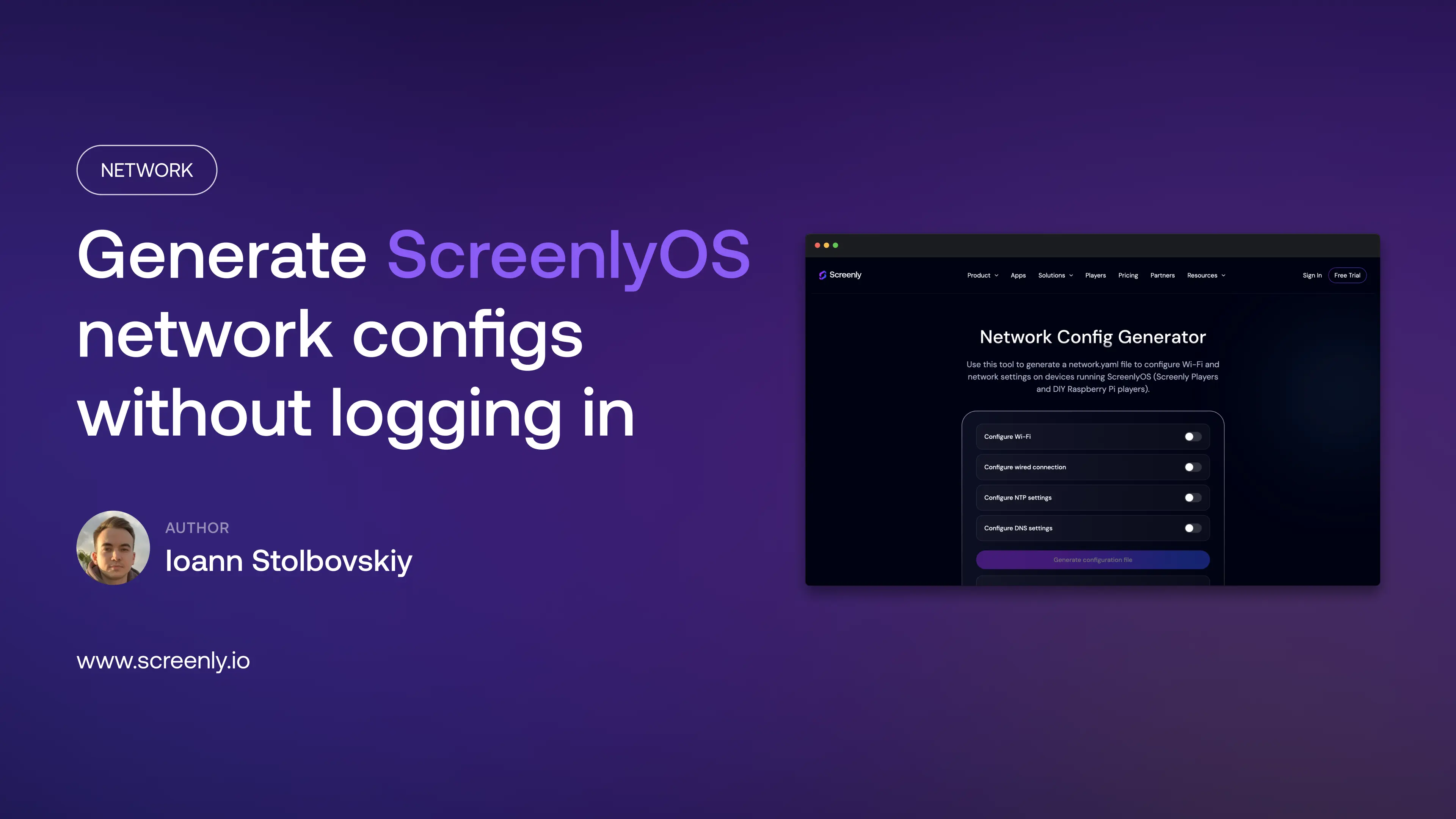

We rebuilt our network configuration tool and moved it out of the dashboard onto the public site. You can generate a network.yaml file for any Screenly Player or DIY Raspberry Pi player running ScreenlyOS at screenly.io/os/network-config-generator, without logging in.
What it does
By default, players running ScreenlyOS use DHCP over a wired connection and need no configuration at all. For everything else, there’s the generator. It covers:
- Wi-Fi credentials, including hidden SSIDs and open networks
- Wired connections
- Static IP, netmask, and gateway settings
- Custom DNS and NTP servers
Fill in the form, download the generated network.yaml file, and copy it onto a FAT32-formatted USB stick. Plug the stick into the player, and it picks up the new configuration and reboots itself. The same stick can then configure the next player, with edits only where settings differ between devices.
The move came with a redesign. The old version was a multi-step dialog; the new one is a single page where every option is visible at once and the relevant fields appear as you toggle them. IP and netmask fields are validated as you type, so a typo gets caught in the form rather than discovered on a player that will not come online. The instructions for what to do with the downloaded file sit right under the form.
Why it no longer requires a login
Until now, the tool lived inside the dashboard, so you needed to be signed in to use it. That gating did not always match how player installations actually happen.
The person standing in front of the screen is often not the person who manages the Screenly workspace. A contractor wiring up displays across bank branches, a plant technician mounting screens on a factory floor, or an IT service provider deploying players in a client’s warehouse may have no Screenly account at all. For them, the login requirement meant stopping mid-installation to ask someone with credentials to generate a file and send it over.
So we removed the barrier. Anyone configuring a player can generate the file themselves, on site, the moment they need it.
Everything stays in your browser
There was also no technical reason for the gate, because the generator never needed our servers in the first place.
The whole tool is client-side JavaScript. When you fill in the form and click generate, the network.yaml file is assembled locally in your browser and handed to you as a direct download. No request is made, no form data is transmitted, and the file never exists anywhere except on your machine. Once the page has loaded, generation even works with your internet connection switched off.
This matters more than it might seem for the environments where the tool gets used. The values that go into this file are exactly the things a network team does not want leaving the building: Wi-Fi passphrases, internal SSIDs, static IP layouts, and the addresses of internal DNS and NTP servers. With the generator, none of that ever reaches us or any third party. There is nothing for anyone to intercept, log, or leak, because the data never leaves your browser.
Try it
The generator is live at screenly.io/os/network-config-generator. For the full USB setup walkthrough, see the instructions on the page itself.