
Welcome to the 7th edition of Screenly Sync, where we share the latest product and community updates from Screenly.
June has been a big month for partnerships and platform security. We added support for two major new hardware partners, shipped a stack of enterprise networking and authentication features, launched a free app library that anyone can use, and added a new integration to the App Store. Here is everything that happened.
Product updates
Screenly Anywhere now supports Crestron AirMedia
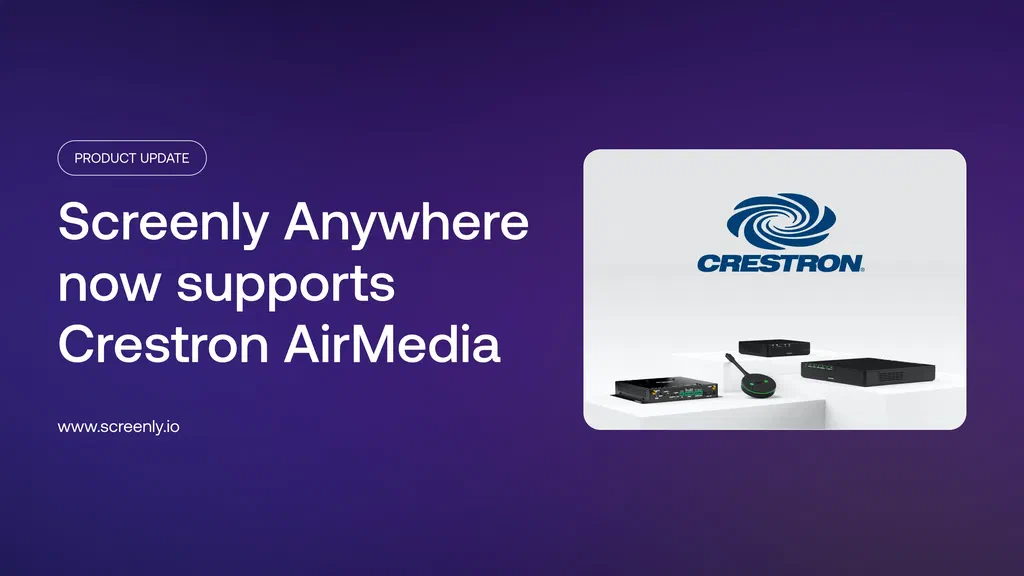
Screenly and Crestron are now official partners, bringing Screenly Anywhere to Crestron AirMedia devices, so conference room screens can double as managed digital signage between meetings, from the same dashboard as every other Screenly device. Crestron customers get a free 90-day trial, no credit card required.
Crestron customers can try Screenly Anywhere on their AirMedia® devices free for 90 days, no credit card required.
Full blog post: Screenly Anywhere now supports Crestron AirMedia
Screenly is now a certified CMS provider for the Amazon Signage Stick
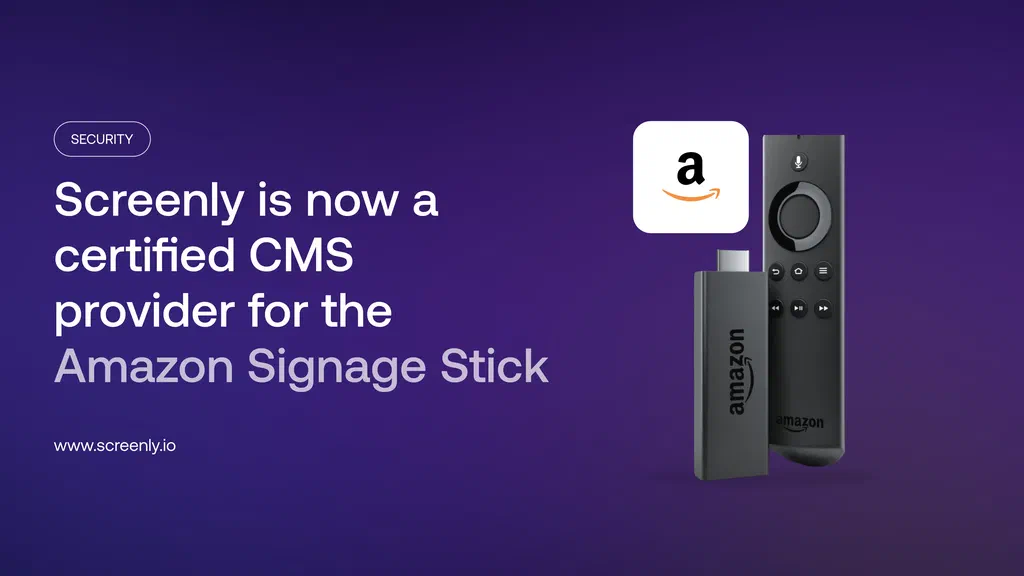
Screenly is now a certified content management provider for the affordable Amazon Signage Stick, so you can manage it alongside Screenly Players from one dashboard with consistent security. Dedicated Screenly Players remain the right choice where accountability for the hardware itself matters most, but for many organizations the two work well together.
Full blog post: Screenly is now a certified CMS provider for the Amazon Signage Stick
ScreenlyOS 26.6.0: What’s new
This release focuses on screen control and audio reliability. Highlights include:
- Custom resolution and rotation per screen, with settings that follow the screen even if it moves to a different port or player
- Seamless audio output switching between HDMI and the headphone jack, with changes taking effect immediately
- Improved 3.5mm audio output on Player Max, giving users full control over audio routing
- Accurate wired connection status on the setup screen, so it correctly reflects whether Ethernet is actually connected
- A clearer “Wireless Wizard” label replacing the old F2 shortcut, for easier first-time setup
As always, these updates roll out automatically.
Full blog post: ScreenlyOS 26.6.0: What’s New
Connect Screenly players to 802.1x networks
Screenly players can now connect to 802.1x authenticated Wi-Fi or wired networks, including static IP setups, directly from the on-screen wizard, removing a common blocker in enterprise, healthcare, education, and manufacturing environments.
Full blog post: Connect Screenly players to 802.1x networks
Serve mTLS protected web assets on Screenly Player
Screenly players can now present a device certificate when loading web assets, so your server can verify a request comes from an authorized device. Trust certificates individually, via the Screenly CA, or both, and pair with Tailscale for private network access plus device-level identity.
Full blog post: Serve mTLS protected web assets on Screenly Player
Sign into Screenly with a passkey
Screenly now supports passkeys, so you can sign in with your device’s biometrics, PIN, or a hardware key, no password or one-time code required. Set one up from Account Settings > Security > Passkeys.
Full blog post: Sign into Screenly with a Passkey
App updates: Airtable Dashboard
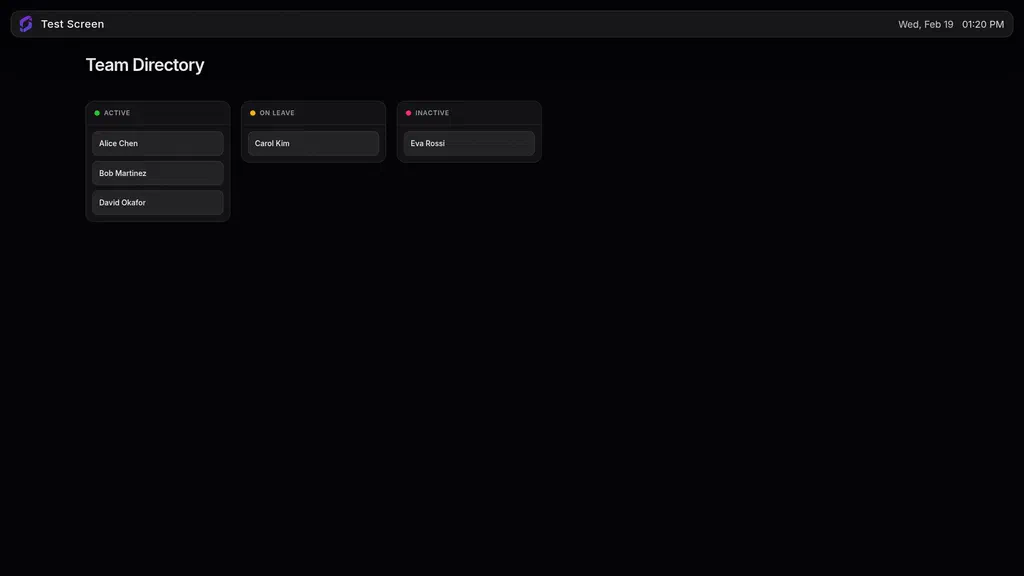
Screenly’s Apps now include an Airtable Dashboard integration, so you can display Airtable data directly on your screens, the same way our Salesforce, Power BI, and Grafana integrations work.
Full blog post: From Airtable Base to Digital Signage in Minutes
New blog posts
How to display login-protected web pages on your digital signage
Our CEO Viktor Petersson wrote a guide to authenticating signage against your own back-end, covering Basic Auth, modern web logins via our JavaScript Injector or Browser Extension, and mTLS, from simplest to most robust.
Full blog post: How to display login-protected web pages on your digital signage
Generate ScreenlyOS network configs without logging in
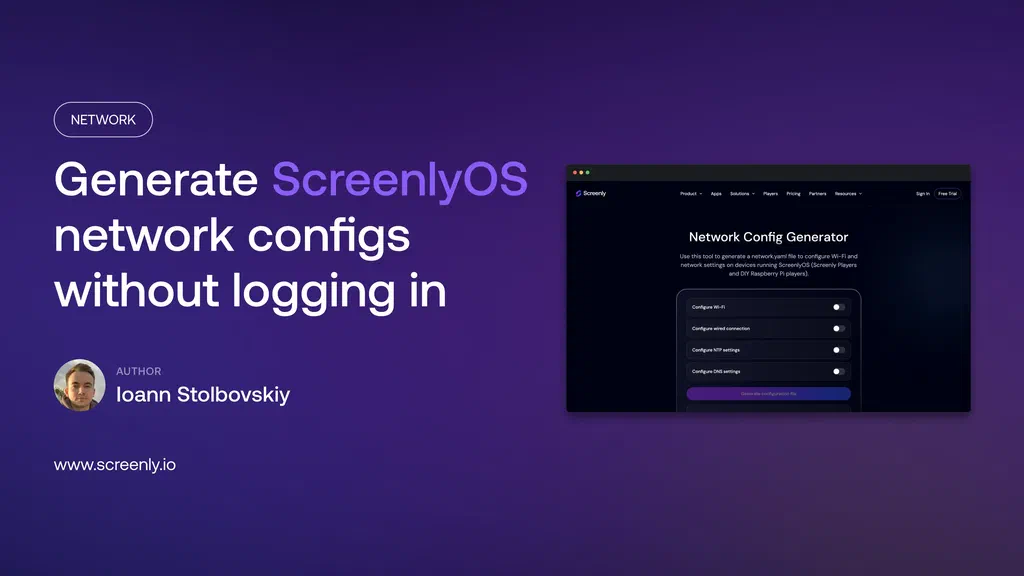
We rebuilt our network configuration tool and moved it to the public site, so anyone can generate a network.yaml file for a Screenly Player or DIY Raspberry Pi player, no login required. It runs entirely in your browser, so nothing you enter is ever transmitted to us.
Full blog post: Generate ScreenlyOS network configs without logging in
Sunsetting API v3 on October 1, 2026
We are sunsetting API v3 on October 1, 2026. If you have integrations built on it, now is the time to start planning your migration to a newer API version.
Full blog post: Sunsetting API v3 on October 1, 2026
Community updates
We launched a free digital signage app library
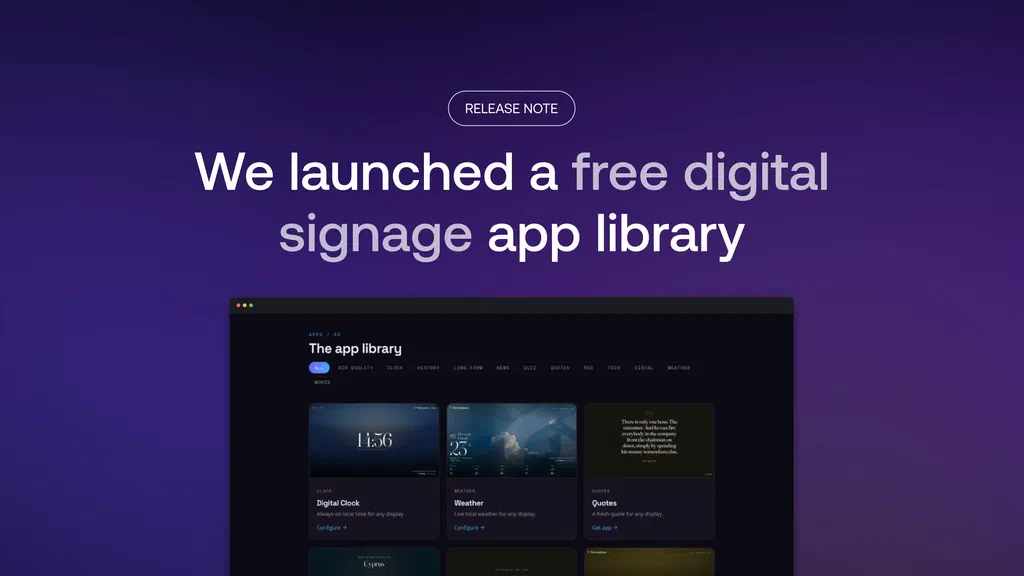
We launched signage-apps.com, a free library of 30 signage apps, open to anyone on any player or CMS that can show web content. It grew out of two small apps quietly serving millions of requests, built through Screenly Labs with no accounts or SLAs attached.
Full blog post: We launched a free digital signage app library
Screenly at Automate Show 2026
Screenly was on the floor at Automate Show 2026, connecting with the automation and manufacturing community. Catch highlights from the show on LinkedIn.
Screenly at InfoComm 2026
Screenly also had a strong showing at InfoComm 2026, where our new Crestron partnership took center stage, with Screenly Anywhere on display in Crestron Electronics’s own booth. Read more from the show floor on LinkedIn.
Viktor rebuilds the Anthias Raspberry Pi test bed
Screenly’s CEO, Viktor Petersson, rebuilt the Raspberry Pi test bed he uses for Anthias, our open-source digital signage player. See the full post on LinkedIn.
That’s all for now
That wraps up this edition of Screenly Sync. June brought new hardware partnerships with Crestron and Amazon, a free app library for the whole community, a new Airtable Dashboard app, and a steady stream of enterprise networking and authentication features. There is more in the pipeline, and we will share it as it ships.
Thanks for reading, and see you in the next Screenly Sync.