
Welcome to the 10th edition of Screenly Sync, where we share the latest product, app, and community updates from Screenly.
September brought configurable tables with Export, a brand new documentation site, three new apps, and the digital signage industry’s first Capture the Flag at 44CON. Here’s the rundown.
Product updates
Configurable Screens and Playlists tables, now with Export

The Screens and Playlists tables now adapt to the way you work. Choose the columns you care about and hide the rest, so the details that matter to your team are always front and center.
A new Export button downloads the list in one click, ready for reporting, audits, or sharing your fleet and content overview with the rest of the business.
Give web assets a clear title
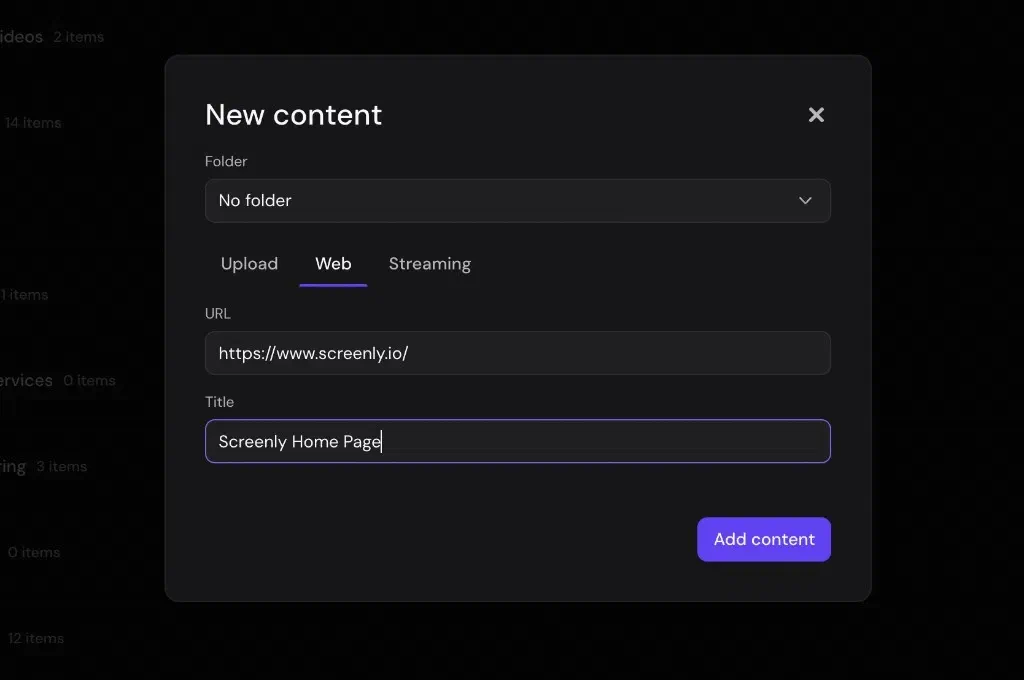
When you add a web page as content, you can now give it a title alongside the URL. Every web asset then shows a clear, friendly name in your asset library and playlists, so the right page is easy to find at a glance.
Clearer SAML sign-in messages
SAML sign-in now explains exactly what went wrong when a sign-in doesn’t go through. Admins can see the specific reason straight away and sort out SSO setup in minutes.
ScreenlyOS 26.8.0 now in Raspberry Pi Imager
Last edition, ScreenlyOS 26.8.0 started rolling out to screens already in the field. It’s now also available in Raspberry Pi Imager, so a newly flashed screen starts on 26.8.0 straight away.
To find it in Raspberry Pi Imager, open Choose OS, select Freemium and Paid-For OS, then Digital Signage OS, then ScreenlyOS, and pick the image for your board.
Check who you’re signed in as with screenly whoami
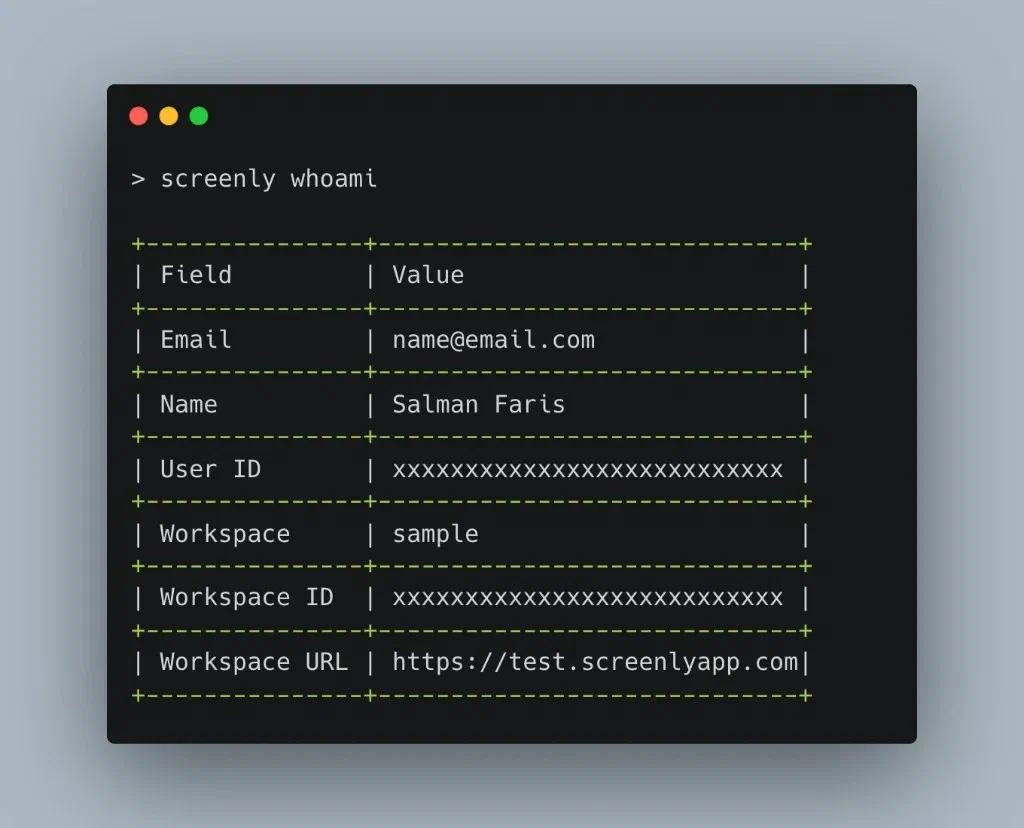
The Screenly CLI has a new screenly whoami command that shows the account behind your current API token: your email, name, user ID, workspace, and workspace URL in one table. It’s a quick way to confirm which user and workspace a script is acting as before it makes any changes.
All of this, documented at screenly.io/docs
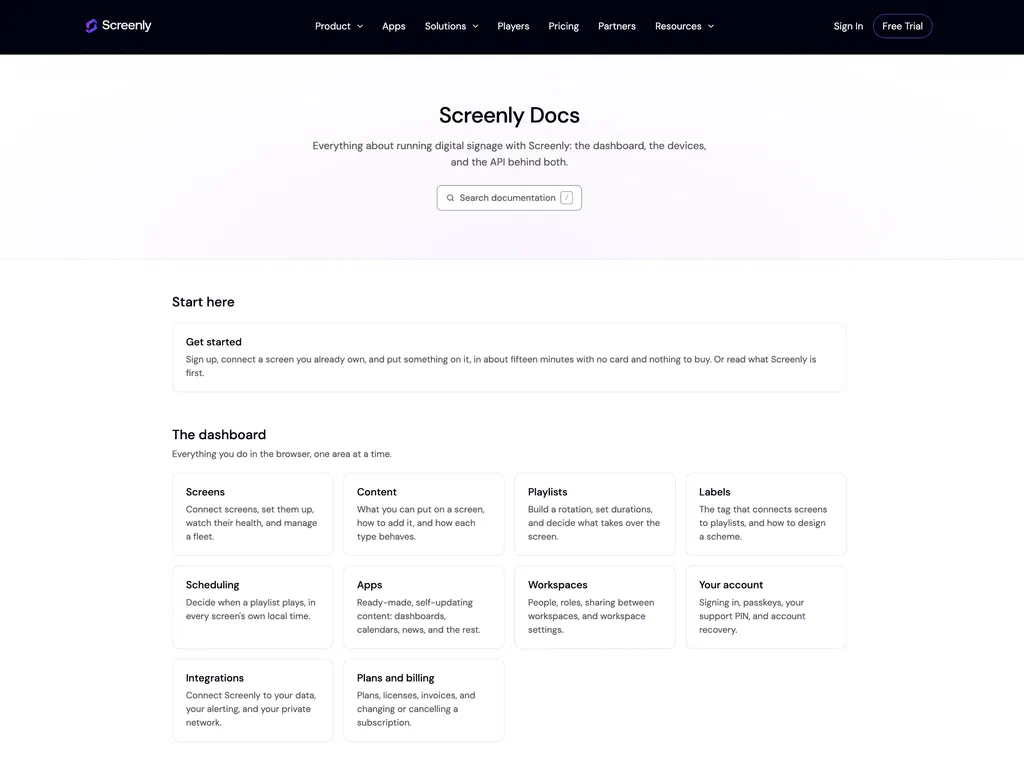
Screenly documentation has moved to its new home at screenly.io/docs. The updates in this edition, and everything else in Screenly, are covered there in one place: the dashboard, screens, content, playlists, devices, and developer tools.
The new docs include search and a Copy page menu on every page, built for working with AI assistants:
- Copy page copies the page as Markdown, ready to paste into any LLM
- View as Markdown opens the page as plain text
- Open in Claude and Open in ChatGPT start a chat about the page, so you can ask questions about it straight away
Features we’ve shipped before now have full write-ups too, such as the Privacy mode guide, which explains where to switch it on for a screen and what you still see once screenshots are off.
New apps
8-bit Fireplace App

A full-screen 8-bit fireplace with drifting embers and firelight moving across the firebrick. There is deliberately no drawn mantel or frame: the screen’s own bezel frames the hearth, so your TV becomes the mantelpiece.
Choose between a log fire or a full screen of flame, pick a flame colour (classic, azure, emerald, or violet), set the flame height and pixel size, and switch on CRT scanlines for a period-correct look. It’s ideal as filler content, a seasonal conversation piece, or a playful idle screen, with no video uploads needed.
Try it: 8bit Fireplace app
Daylight App

Daylight shows the sun and moon over each screen, worked out on the player itself. It needs no API key and makes no network calls.
Coordinates come from the player’s metadata and the timezone from those coordinates, so the same app deployed across a dozen countries shows each screen its own sky. It includes a sun path chart with twilight bands, sunrise, solar noon and sunset times, golden hour, moon phase with moonrise and moonset, and a countdown to the next equinox or solstice.
Try it: Daylight app
Wi-Fi Connect App
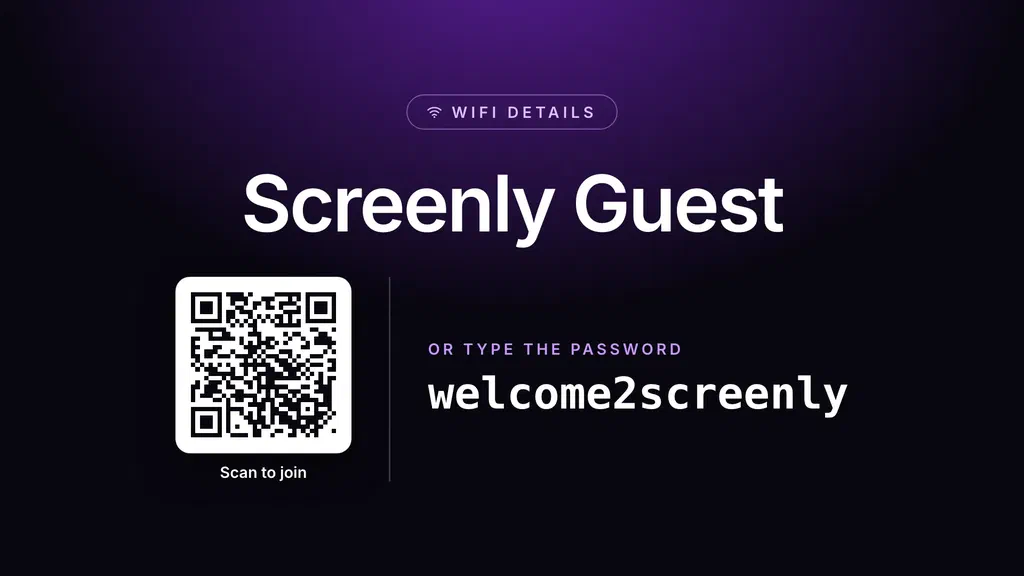
Guests scan an on-screen QR code with their phone camera to join your Wi-Fi automatically. The network name and, optionally, the password are also shown as text for anyone who’d rather type them in.
Turn off Show Password as Text if the password should only be readable by scanning the QR code. It also supports open networks, hidden SSIDs, custom colours, and labels in five languages, which makes it a good fit for lobbies, meeting rooms, coworking spaces, hotels, and retail.
Try it: Wi-Fi Connect app
Community updates
The industry’s first CTF at 44CON
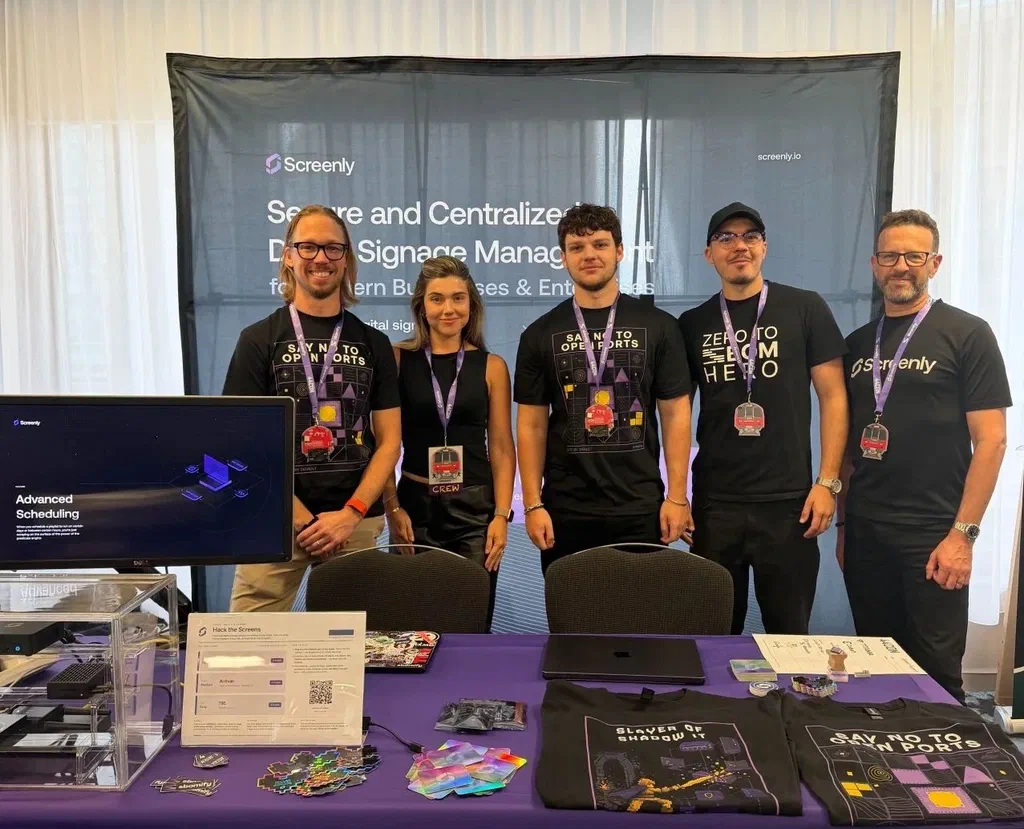
Team Screenly was at 44CON 2026, where, as well as sponsoring, we ran the digital signage industry’s first Capture the Flag (CTF). It was an open invitation to the UK security community to try to break Screenly, with flags to find and real rewards for whatever turned up.
The challenge had three levels, each running on a different signage player:
- Level 1: the most popular signage player on Amazon, an Android device we would never recommend plugging into your network. It fell in ten minutes.
- Level 2: a Raspberry Pi running Anthias 🐠, which proved much trickier.
- Level 3: the Screenly Player Max Mk2. No one broke into it.
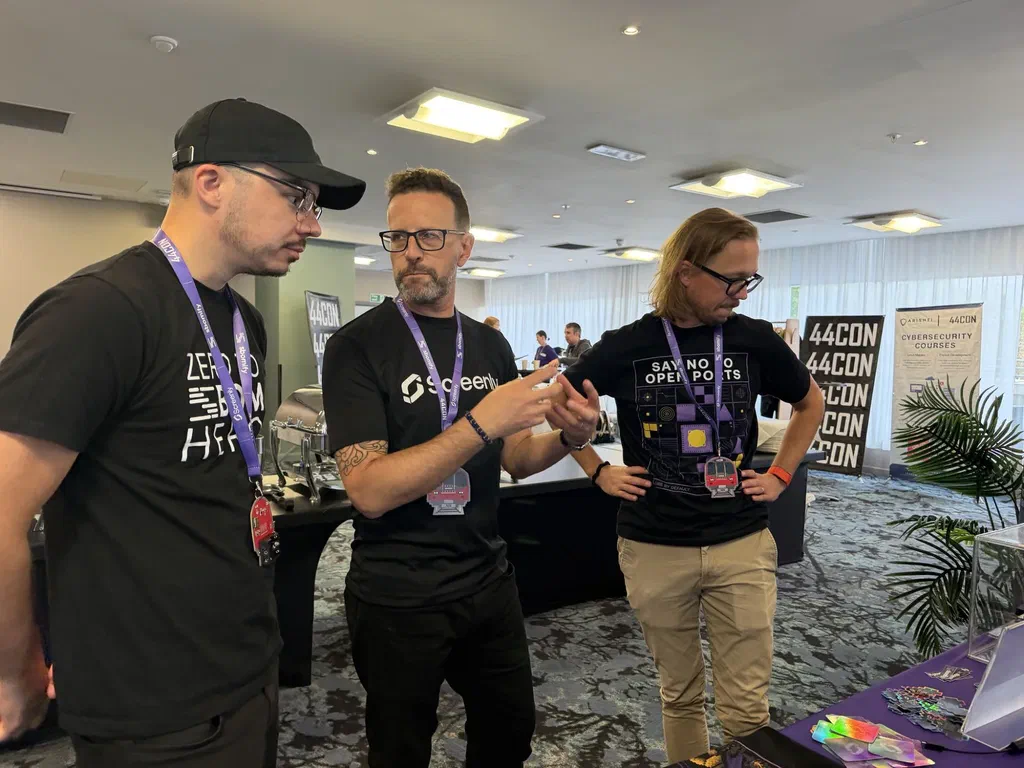
Massive congratulations to Johnny C., who scored the most points, and a huge thanks to all the hackers who came and gave it a go.
New Anthias release: v2026.09.0
September’s Anthias release, v2026.09.0, is mostly about uploads and recovery. Highlights include:
- Smoother uploads: large assets now transfer in chunks so they get past proxy size limits, uploads stream instead of being held in memory, you can drop a file anywhere on the schedule page, and a failed upload now tells you why
- Safer backup and restore, now limited to a defined set of runtime data and protected by a version check
- Smarter out-of-memory handling, so devices recover cleanly under memory pressure
- Upgrades clean up old images to free space, non-Raspberry Pi boards are labelled by their board name, and transitions after a video are smoother
One change to note before upgrading: when authentication is enabled, the /ws websocket now requires a logged-in session, so any client that connects to it will need to sign in first.
The release went through a burn-in across the full hardware range (Pi 2, 3, 4 and 5, x86, Rock Pi 4, and NanoPi R3S) before it was tagged. It also brings two first-time contributors, so thanks to both of them.
Full release notes: Anthias v2026.09.0
Digital signage displays and monitors: A buying guide
We don’t sell screens, so our latest LinkedIn article is straight advice on choosing the right digital signage display, with no sales pitch.
Read it: Digital signage displays and monitors: A buying guide
Digital signage for schools and educational institutions
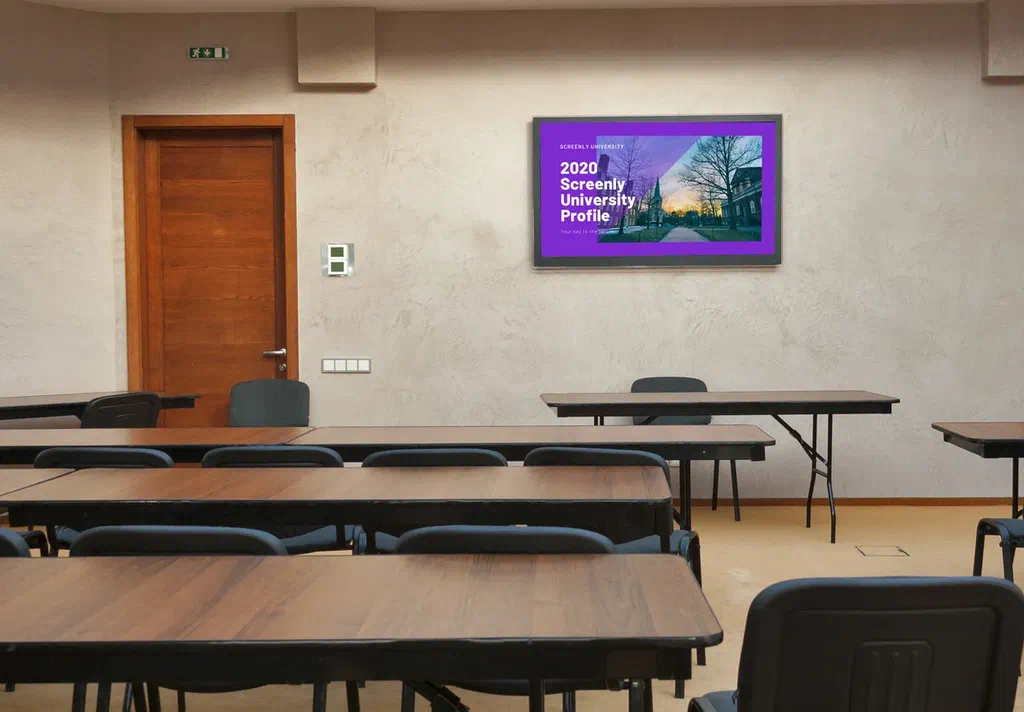
Our new education page covers how schools, colleges, and universities use screens, from hallway announcements and cafeteria menus to campus-wide alerts, all managed centrally by office staff.
Read it: Digital signage for schools and educational institutions
That wraps up this edition of Screenly Sync. Between configurable tables, new docs, three new apps, a first-of-its-kind CTF, a new Anthias release, and fresh guides, there was plenty to share this month. Thanks for reading, and see you in the next Screenly Sync.