Community

Tutorial

Get Screenly notifications inside Slack

Get notifications from Screenly directly in your Slack channels.

Get Screenly notifications inside Slack

Slack is one of the most popular messaging apps for businesses. When they are connected, employees can better coordinate workflows, discuss projects, and drive business growth. That’s why we wanted to bring Screenly directly inside of Slack. Learn more about integrating Slack with Screenly in our tutorial below.

Setting up your Slack and Screenly integration

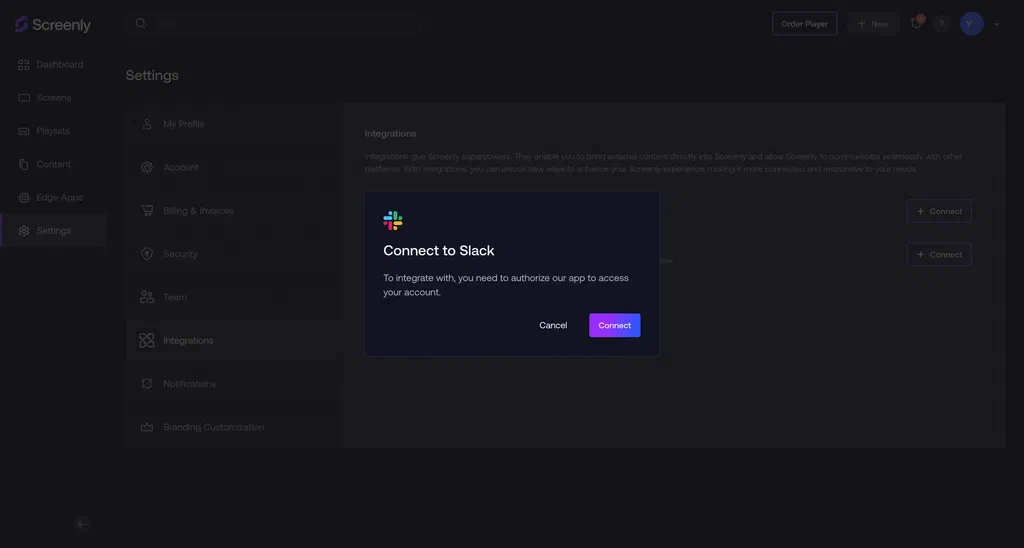
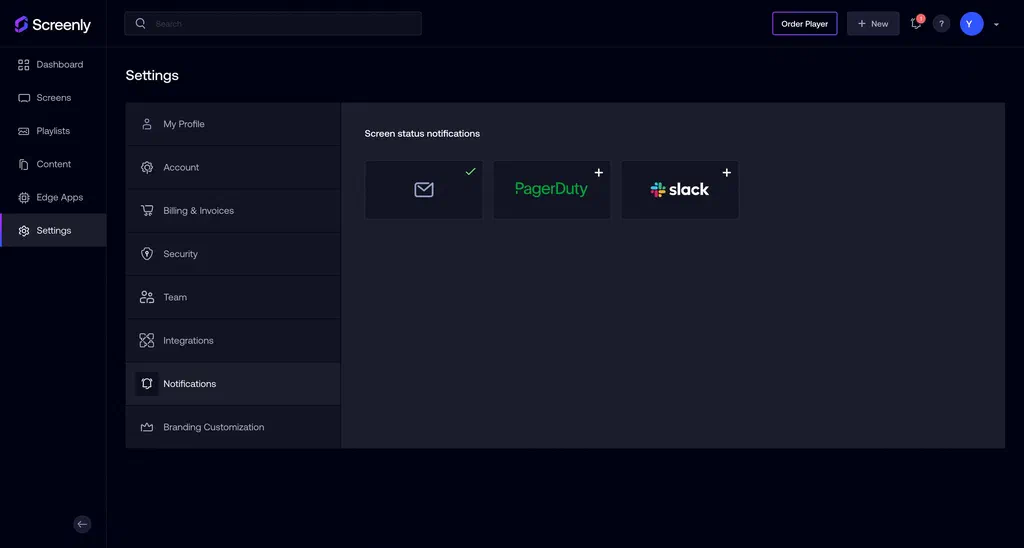
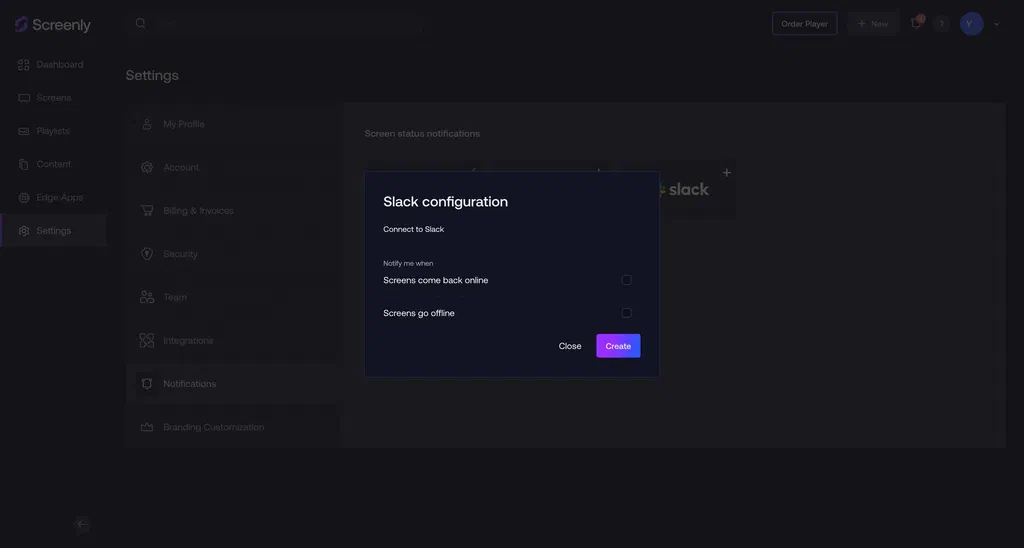
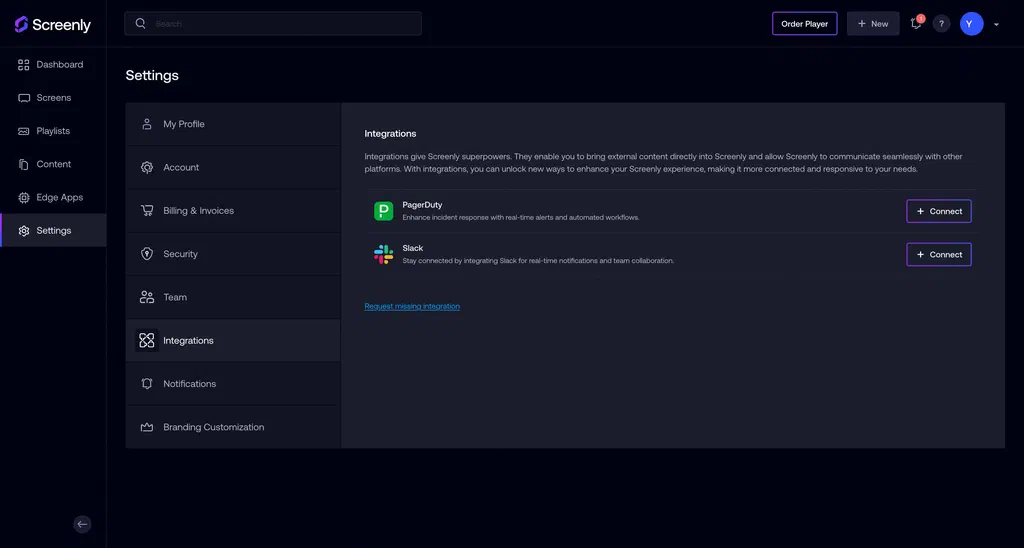
The first step is to log in to your online Screenly account. If you do not have a Screenly account, you can get started right now for free with a 14-day free trial. The Slack integrations page on the Screenly interface. Next, click the “Settings” tab in the left-hand menu. Then, click the “Integrations” tab in the submenu. In the new area that loads to the right, find the Slack integration and click the “Connect” button. The Slack connection modal on the Screenly interface. In the popup modal that loads, click the “Connect” button and authenticate your Slack account. The Slack notifications page on the Screenly interface. Next, in you Screenly account, click the “Notifications” tab in the submenu of your Settings page. Then, click the Slack icon. The Slack configuration modal on the Screenly interface. In the new popup modal, select the Slack channel you wish to connect to and the type of notifications you wish to share. To finish, click the “Create” button on the bottom right of the popup modal
Let us know if you have any questions

That’s it! If you have any questions, reach out to Screenly Support anytime. We are always happy to help troubleshoot or advise on advance use cases. Now that our Slack integration is live, we are working on integrating with similar messaging apps, such as Microsoft Teams. If there is a messaging app that your business wants to use with Screenly, just give us a heads up!

About the author

Daniel Mountcastle

Daniel Mountcastle

Daniel runs content marketing at Screenly.

  • Screenly documentation

    Setup, guides and reference for every part of the product.

    Read the docs
  • Try Screenly

    Turn a screen you already own into a managed screen, free for 14 days.

    Start a free trial

Type to search community articles