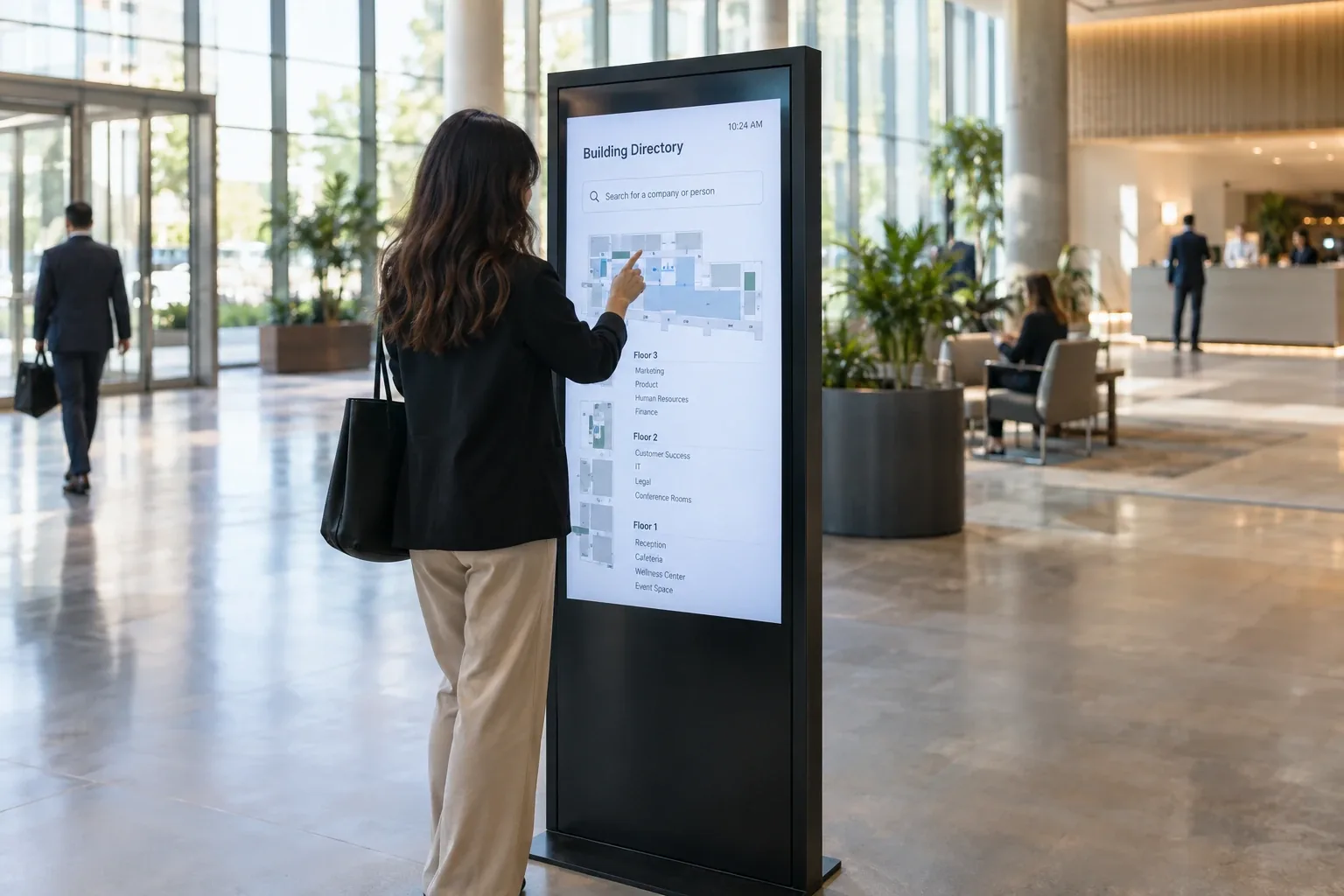
Touch screen digital signage is the category where buyers most often pay for something they do not need. A touchscreen costs more than a display, needs more maintenance, serves one person at a time, and shows fingerprints by lunchtime. For some jobs it is exactly right, and for many of the jobs it gets bought for, a well-designed display does better.
This page is the honest guide. Screenly plays content on any screen, touch-capable or not, but it does not take touch input, so it cannot run a kiosk, and we have no reason to sell you one you will not use. Here is when interactive digital signage earns its cost, when it does not, and what a kiosk actually requires.
When touch is worth it
Interactivity pays off when the screen has to do something a display cannot, and the real cases are specific.
Search. Large campuses, hospitals, and malls with hundreds of destinations need a visitor to type or tap a name, because no display can list that many legibly.
Self-service. Check-in, ordering, ticketing, and forms, where the screen replaces a counter transaction and the person expects to interact.
Exploration. Product configurators, museum exhibits, and showroom experiences, where the content is meant to be browsed rather than read.
Data entry. Visitor registration, surveys, and feedback, where the output is a record rather than an impression.
If the screen’s job is one of these, interactive signage is the right call and the costs below are worth paying. If its job is to be seen by people walking past, keep reading.
When a display beats a touchscreen
Most signage exists to be seen by many people at once, and that is where touch loses.
A display serves everyone in the lobby simultaneously, while a touchscreen serves whoever is standing at it. A display with clear, well-organized content lets people find what they need in seconds without touching anything, which matters in healthcare, food service, and anywhere hygiene counts. A display has no fingerprints to clean, no touch layer to fail, and no idle-state design problem. A display costs less to buy, install, and maintain, often by a wide margin.
The directory is the classic example, and our digital directories page makes the case in detail. An alphabetized listing with pagination outperforms a search kiosk for most buildings, at a fraction of the cost. The same logic applies to menus, schedules, and announcements, where the content is short enough to show in full.
The simplest test is to ask whether anyone needs to put information in. If the answer is no, the screen should be a display.
What a digital signage kiosk actually requires
When the case for touch is real, a kiosk is more than a screen with a touch layer. Here is what goes into one.
Touch-capable hardware. A commercial touchscreen or an all-in-one kiosk display rated for public use, with a glass surface that survives constant contact and cleaning. Our vendor-neutral displays guide covers commercial screen criteria.
A stand or enclosure. Freestanding kiosks need a stable, tamper-resistant enclosure with cable management and, often, ADA-compliant height and reach.
An interactive experience to run. The software layer is where kiosks succeed or fail. The experience has to be fast, obvious without instructions, and designed for a stranger who will give it about five seconds.
An idle state. A kiosk nobody is touching is a display, and it should show attract-loop content that draws people in and resets after use.
Maintenance and hygiene. Scheduled cleaning, a plan for stuck touches, and remote monitoring so a dead kiosk is noticed from the dashboard rather than by a frustrated visitor.
A kiosk done well is a real investment, and a kiosk done cheaply is an expensive display that nobody touches twice. Because Screenly does not take touch input, the kiosk software and hardware come from kiosk vendors, and the criteria below help you judge them.
Touch screen digital signage software, what to look for
Whatever platform the kiosk runs on, the software behind it should pass a short list.
An idle and attract state that resets automatically after a session ends.
Remote management and monitoring so the kiosk is updated and watched like any screen.
Fast, obvious interactions designed for someone who has never seen it and will not read instructions.
Secure handling of any data the kiosk collects, with credentials kept out of the page.
Frequently asked questions
What is interactive digital signage?
Screens that respond to input, usually touch, so a person can search, browse, order, check in, or register. It contrasts with display signage, which shows content to everyone passing by without interaction.
When should I choose a touchscreen over a display?
When someone needs to put information in, such as a search, an order, a check-in, or a form. If the screen’s job is to be seen, a display serves more people at lower cost.
Does Screenly support kiosks or touch screens?
No. Screenly plays content on any screen, touch-capable or not, but it does not take touch input, so it cannot run a kiosk. Kiosk hardware and the interactive software that runs on it come from kiosk vendors, and this page exists to help you judge whether you need one at all.
What does a digital signage kiosk cost?
Significantly more than a display, because of the touch-capable screen, the enclosure, the experience design, and ongoing maintenance. Our cost guide covers the standard ranges, and kiosks sit well above them.
Can a kiosk also work as a regular sign?
Yes, and it should. The idle state is display signage, showing an attract loop or useful content until someone touches it.
Touch when it counts
Make the screen interactive when someone needs to put something in, and make it a display when people need to see something. Screenly runs the display side, and runs it well.
