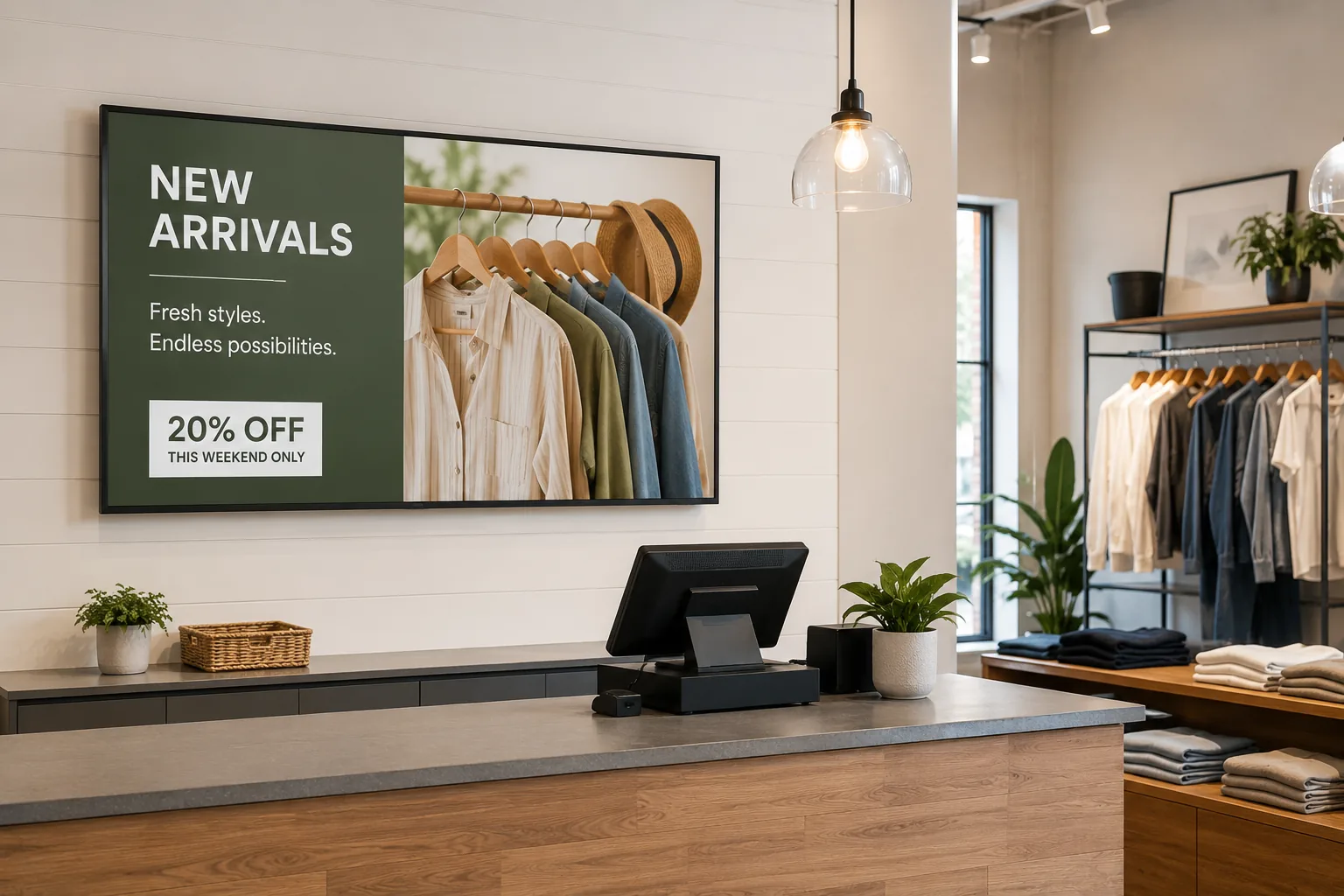
Digital signage puts screens to work for your business: menus that update themselves, promotions that change on schedule, lobbies that inform visitors, and dashboards that keep teams aligned. The screens are managed remotely, so one person can run one display or a hundred without leaving their desk.
This page is the practical overview: what digital signage actually does for a business, the uses that deliver the most value, what a setup requires, and what it costs. Where a topic deserves its own deep dive, we link to it. And if you want the definitions first, see signage explained.
What digital signage does for a business
The value shows up in four repeatable ways:
It communicates at the point of decision. A promotion on a screen at the shelf, a special above the counter, or an upsell at the register reaches customers at the exact moment they are choosing. Print can do this too; print just cannot change at 11am and again at 4pm.
Updates cost nothing and take minutes. Prices, offers, schedules, and announcements change from a browser and appear on screens immediately. The recurring costs of printing, shipping, and manually swapping signs simply end.
Every location stays consistent. For businesses with more than one site, all screens are managed from one dashboard. Branding, pricing, and campaigns stay uniform without depending on each location to hang the right poster.
Screens earn their keep after the sale too. The same system that promotes to customers can inform employees: KPIs, safety notices, shift information, and company news, scheduled around customer-facing content or on dedicated screens.
The most common business uses
Digital signage earns its space differently depending on where it hangs. The high-value patterns:
Selling and promoting. Retail product promotion and in-store campaigns are the classic case; see digital signage for retail stores. Food service gets its own category of value from digital menu boards, where instant price updates and scheduled dayparts do daily work.
Welcoming and informing visitors. Reception screens set the tone for offices; see lobby screens. Buildings with tenants or departments add digital directories so visitors find their way without asking, and offices put conference room displays at meeting room doors so nobody hunts for a free room.
Communicating with employees. Internal screens carry announcements, metrics, and recognition, with the digital bulletin board as the classic format. Our guide to digital signage for company communications covers the patterns that work, and larger campuses can see the campus signage use case.
Showing live data. Dashboards on screens keep sales numbers, service status, or production metrics visible to the people who act on them; see dashboard signage.
Industry-specific patterns, from education to airports, are collected in our industries overview. Hospitality operators can start with our guide to digital signage for hotels.
Digital signage for small businesses
You do not need an IT department or a big budget. A small business setup is one screen, one player, and a subscription: a TV you may already own, a Screenly Player ($219) or Screenly Anywhere running on an existing smart TV, and content built in tools you already know, like Google Slides.
The practical advice for small businesses: start with the single screen that touches the most customers, put your menu, offers, or services on it, and expand only when that screen has proven itself. The management overhead of screen number one and screen number five is nearly identical, which is exactly the point.
Scaling to multiple locations and larger organizations
As screen counts and stakes grow, the requirements shift from “show content” to “run a fleet”: per-user permissions so each site manages only its screens, monitoring that surfaces a dark display before customers do, SSO and audit logs for IT, and security that survives review. Screenly is ISO 27001 and SOC 2 Type II certified, built on a zero-trust architecture, which is why it runs in banks and other security-conscious businesses.
The same dashboard covers both ends: a cafe with one screen and an organization with hundreds use the same platform, so growing does not mean migrating.
What a business digital signage setup requires
Three components, whatever the size:
Screens. Consumer TVs are fine for most indoor uses; commercial displays make sense for long hours and bright spaces. See our digital signage displays buying guide for the details, and note that exterior digital signage is its own hardware category.
Players. One per screen: a dedicated Screenly Player ($219) or Screenly Player Max Mk3 ($699) for maximum reliability, or Screenly Anywhere on smart TVs and devices you already own.
Software. The cloud dashboard where content, scheduling, and monitoring live. Our overview of digital signage software covers how to evaluate options in depth.
On cost: a single-screen setup typically lands between $450 and $950 in one-time hardware plus a per-screen monthly subscription; see pricing for current plans and our digital signage cost guide for the full breakdown. Multi-screen deployments scale hardware linearly while management effort barely grows.
Getting started
- Pick the screen with the most impact. The one the most customers or employees see.
- Start a trial and connect a player, or activate Screenly Anywhere on an existing smart TV.
- Publish something simple. A menu, an offer, a welcome message. Google Slides is enough for day one.
- Add scheduling so content changes itself: dayparts, promotions with end dates, weekday and weekend variants.
- Expand deliberately. Add screens where the first one proved value, all under the same dashboard.
Frequently asked questions
What is business digital signage?
Screens in a business, managed remotely through cloud software, showing content you control: menus, promotions, visitor information, announcements, or live dashboards. The defining feature is central management, so updating a screen never means visiting it.
Is digital signage worth it for a small business?
For most customer-facing small businesses, yes, because the highest-value uses (menus, offers, services) are exactly the content that changes often and costs money to reprint. One screen and one player is a complete starting setup.
What does digital signage cost for a business?
Roughly $450 to $950 in one-time hardware per screen (less if you use a smart TV you already own) plus a per-screen monthly subscription. The recurring print costs it replaces are usually the fair comparison.
Can regular TVs be used for business digital signage?
Yes. Any TV with an HDMI port works with a Screenly Player, and many smart TVs run Screenly Anywhere directly. Commercial displays are worth it for very bright spaces or round-the-clock operation.
Do staff need technical skills to update the screens?
No. Day-to-day updates are edits in a browser or a Google Slides deck. Permissions let you give each person exactly the access their role needs.
Can one system cover customer-facing and employee-facing screens?
Yes, and it should. The same dashboard schedules menu content, lobby screens, and internal dashboards, with permissions controlling who manages what.
Put a screen to work
From a single storefront display to screens across every location, Screenly keeps business signage current, secure, and running every day.
