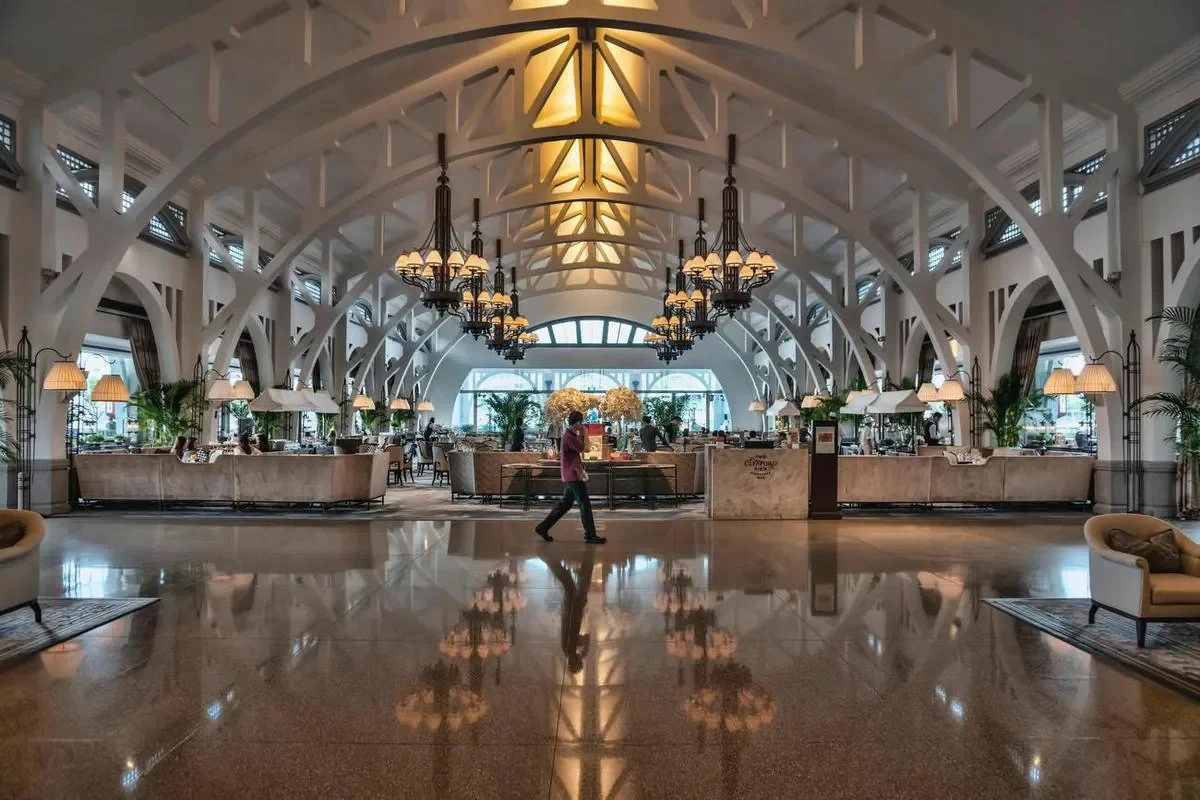
A hotel is a building full of moments where a guest needs the right information, from which ballroom the wedding is in to when breakfast ends, what the spa is offering, and how late the pool is open. Hotel digital signage puts those answers on screens that update themselves, from the front desk to the back of house, managed by your team from a browser.
Hotels are, by nature, full of people who are new to the place and looking for information, which is exactly the situation signage exists to solve. This page covers hospitality digital signage from the front desk to the back of house, including where screens earn their keep, what a setup requires, how multi-property groups manage every screen from one dashboard, and what it costs.
Why hotels use digital signage
Daily information changes daily. Event schedules, meeting room assignments, restaurant hours, and weather-dependent amenities change constantly. Printed signs and letterboards cannot keep up, and screens that pull from a schedule can.
Guests get answers without queuing. Every question a screen answers is a question the front desk does not field. Clear screens at decision points reduce lines and free staff for the interactions that actually need a human.
Amenities sell themselves. Screens promote spa openings, dinner specials, late checkout, and loyalty offers, putting the property’s own revenue lines in front of a captive, relevant audience at the right moments.
The brand stays consistent. For groups and franchises, centrally managed screens keep promotions, branding, and standards uniform across every property without depending on each site to print the right poster.
Staff see the same truth. Back-of-house screens carry shift information, occupancy, VIP arrivals, and safety notices, so the team works from current information rather than a morning printout.
Where signage works in a hotel
Reception and welcome screens
The screens guests see first carry welcome messages, check-in information, today’s highlights, weather, and transport. A well-run reception screen sets the tone for the stay, and our broader lobby screens use case covers patterns that apply beyond hotels. Ready-made digital signage templates cover the welcome layout, the day’s calendar, and the weather frame without design work.
Daily event and meeting boards
The classic hotel use, and the one with the fastest payoff. Screens outside ballrooms and meeting rooms show the day’s events, times, and room assignments, and a screen near the elevators carries the full schedule. Because the content is scheduled, the 7am conference and the 6pm reception each appear at the right time with nobody updating anything. With the Screenly API and Edge Apps, event boards can be driven directly from the schedule your events team already maintains.
Guest information and local guides
Screens in corridors and near elevators answer the recurring questions about amenity hours, dining options, local recommendations, and directions to facilities. For helping guests navigate larger properties, see our guide to wayfinding with digital signage, and larger properties with many facilities can add a digital directory.
Restaurants, bars, and breakfast areas
Hotel food service gets the same value restaurants do, meaning current hours, today’s offerings, and pricing that updates in seconds. Properties running full menu displays should see our digital menu boards page for the deeper treatment.
Spa, pool, and amenity promotion
Rotating promotional content near high-traffic points fills appointment books and seats, from spa availability today to happy hour and seasonal packages. Scheduling means promotions start and end themselves.
Back-of-house staff screens
Staff corridors and break rooms carry shift schedules, occupancy and arrivals, recognition, training reminders, and safety information. The same dashboard manages guest-facing and staff-facing screens, with permissions controlling who can publish to which.
Back-of-house screens and management metrics
The same platform that runs guest-facing screens can put hospitality metrics in front of the management team. Occupancy, average daily rate, revenue, arrivals, and service scores on a screen in the office keep the whole team working from live numbers rather than a morning report. Our dashboard signage page covers connecting data sources, including authenticated tools, and the hardware that renders dense dashboards well.
What a hotel signage setup requires
Screens. Hotels usually have more screens than they think. Public-area TVs can often be repurposed, and Screenly Anywhere runs on supported smart TV platforms including Samsung Tizen, plus Android, ChromeOS, and the Amazon Signage Stick. Hospitality TVs vary in what they support, so the universal route is a dedicated player behind any screen with HDMI, and our guide to digital signage on TV covers which sets take which route. For screens you are buying new, our guide to digital signage displays covers brightness, orientation, and duty ratings.
Players. Each screen needs one, either a Screenly Player ($219) or Screenly Player Max Mk3 ($699) for the screens that must not fail, or Screenly Anywhere on supported TVs you already own. Content is cached on the device, so screens keep playing through network hiccups, which matters in buildings where Wi-Fi competes with a thousand guest devices.
Software. One dashboard covers every screen on the property, handling content, playlists, schedules, monitoring, and user permissions, so the events team manages event boards, food and beverage manages restaurant screens, and HR manages back-of-house, each within their own lane.
A hotel digital signage display needs those three things, meaning a screen, a player or a supported smart TV running Screenly Anywhere, and the software that manages them. Hotel digital signage solutions that bundle these are really just those three parts sold together, and the full cost breakdown shows what each one costs.
Managing signage across a hotel group
Multi-property groups get the most from central management, with brand campaigns published to every property at once, property teams handling their own local content under group-level permissions, and playback monitoring that shows a dark screen in any building before a guest notices. Screens sit on the property network for years, which is why security is part of the buying decision. Screenly is ISO 27001 and SOC 2 Type II certified, built on a zero-trust architecture, with no default credentials, no open inbound ports, and automatic security updates.
What does hotel digital signage cost?
Each screen costs roughly $200 to $500 for a consumer TV if the spot needs one (many spots will not), $219 to $699 one-time for a dedicated Screenly player (or nothing where Screenly Anywhere runs on an existing TV), plus a per-screen monthly subscription, with current plans on the pricing page. A property typically starts with three to five screens (reception, events, restaurant) and expands as each proves itself, all without adding management overhead. Our full cost breakdown covers each component in detail.
Getting started
- Start a trial and pick the highest-impact screen, usually the event board or reception screen.
- Connect a player or activate Screenly Anywhere on a supported TV.
- Publish the daily schedule and a welcome loop. Google Slides is enough for day one.
- Add scheduling so event boards, restaurant hours, and promotions change themselves.
- Expand across the property, then across properties, under one dashboard with per-team permissions.
Frequently asked questions
Can we use the TVs the hotel already owns?
Often, yes. Screenly Anywhere runs on supported platforms including Samsung Tizen, Android TV, ChromeOS, and the Amazon Signage Stick. Hospitality TV models vary in app support, so for any screen where that is uncertain, a Screenly Player behind the TV works with anything that has HDMI.
Is this the same as in-room entertainment?
No. Screenly is digital signage for shared and public spaces, meaning reception, events, corridors, restaurants, and staff areas. In-room entertainment and IPTV systems are a separate product category.
Can event boards update automatically from our schedule?
Yes. Screens can be updated in minutes by staff through the dashboard, and the Screenly API and Edge Apps make it possible to drive event boards directly from the scheduling systems the hotel already runs.
Can different teams manage different screens?
Yes. Permissions let events, food and beverage, marketing, and HR each publish to their own screens without access to the rest.
What happens when the network is congested or drops?
Screens keep playing. Content is cached on each player, so playback does not depend on a live connection, and updates sync when the network recovers.
Can a group manage many properties from one place?
Yes. One dashboard covers all properties, with group-level campaigns and per-property permissions, and monitoring that shows the status of every screen in every building.
What is hospitality digital signage?
Hospitality digital signage means the screens a hotel, resort, or venue uses to welcome and inform guests, promote amenities, run daily event boards, and communicate with staff, all managed remotely through software. It covers public and shared spaces rather than in-room entertainment.
Can hotel screens show management metrics as well as guest content?
Yes. Back-of-house screens can display occupancy, average daily rate, revenue, and other hospitality KPIs from the systems the hotel already uses, with permissions keeping management screens separate from guest-facing ones.
Every screen on the property, working
From the reception screen to the last back-of-house display, Screenly keeps hotel signage current, secure, and running around the clock, at one property or across the whole group.
