
Screenly Sync is your monthly update on all things Screenly, including our Player, Backend, Apps, and Anthias.
In this first edition and 2025 year end review, we look back at a year of major progress across Screenly. We started 2025 with the launch of Screenly Anywhere, enabling Screenly to run on any device with a modern browser. Throughout the year, we delivered significant improvements to our players and core infrastructure, rolled out new device UI updates, introduced the Screenly Player Max Mk II, launched a new bug bounty program to secure the platform, expanded apps and integrations, and continued enhancing the CLI.
We also strengthened platform reach by improving the Screenly Android TV app and our Samsung Tizen app. Our team achieved milestones such as hosting the Screenly team summit in Thailand, delivering conference talks, and engaging our growing community.
Below, you’ll find more on each of these updates.
Platform Updates
Here we outline the major Screenly platform and infrastructure updates delivered in 2025, including improvements to performance, stability, scalability, and security. This includes faster device-to-server communication for quicker updates and more responsive screen management, along with a stronger focus on security across authentication and integrations. Additional updates are listed below.
Screenly Anywhere, Android and Tizen App
We kicked off 2025 by launching Screenly Anywhere, which lets you turn the devices you already own into fully functional digital signage players. From smart TVs in reception areas to mini PCs in executive suites, you can now use any device with a modern browser to run Screenly Anywhere without additional hardware.
Building on this momentum, later in the year, we introduced the Screenly Android App, enabling any Android powered device to act as a digital sign. Whether it’s an Android smart TV, an affordable HDMI stick, or a spare tablet, users can easily repurpose existing hardware to display content. The app is available on the Google Play Store, making setup as simple as installing any standard app.
Continuing our expansion, we then brought Screenly Anywhere to an even wider audience with the release of the Tizen App for Samsung commercial displays. This allows Samsung displays to run Screenly content natively in full 1080p or 4K resolution, leveraging the Tizen OS with no additional hardware required.
Magic Links and Security Incident Response
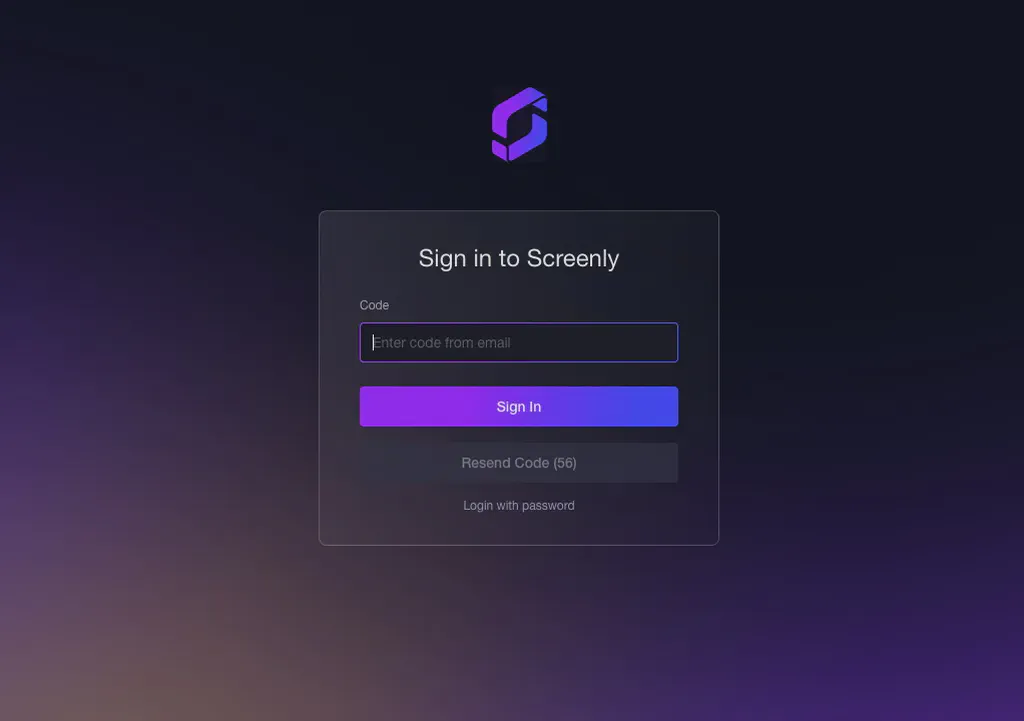
We have recently upgraded our login system to be more secure and effortless by adopting Magic Links, eliminating passwords for a safer and smoother user experience.
This update follows our public write-up of a recent Security Incident, which outlined what happened, our response, and the improvements we implemented.
You can find more information at: Security Incident Response: How We Investigated a Data Leak and What We’re Doing Next
Server-Side Rendering for Hardware Devices (Faster, Lighter, More Efficient)
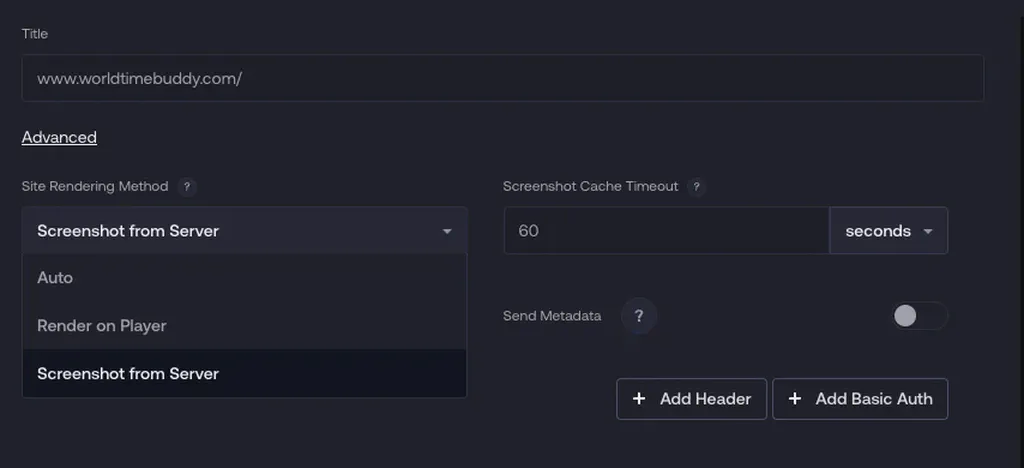
In the past, complex dashboards and large web pages were rendered directly on the Screenly Player. This required the device to load and render the user interface, often resulting in slow performance and high resource usage. Large dashboards could also use a lot of bandwidth, take a long time to load, and cause frequent API calls, especially when retrieving real-time data from BI or analytics tools.
With our new server-side rendering system, all processing occurs on Screenly’s servers, and the player only receives the optimised output. Users can configure where the asset is rendered, on the device or on the server. This results in:
- Much faster loading times for heavy or data-rich dashboards
- Reduced resource usage on the player, leading to improved stability and performance
- Lower bandwidth consumption, as the player no longer needs to fetch large datasets
- Fewer external API calls, which helps avoid rate limits and enhances reliability
- A new caching mechanism that allows users to control how long rendered content is cached before refreshing, keeping dashboards up to date while minimizing unnecessary re-renders or data requests
Screenly CLI v1.0.5 Release
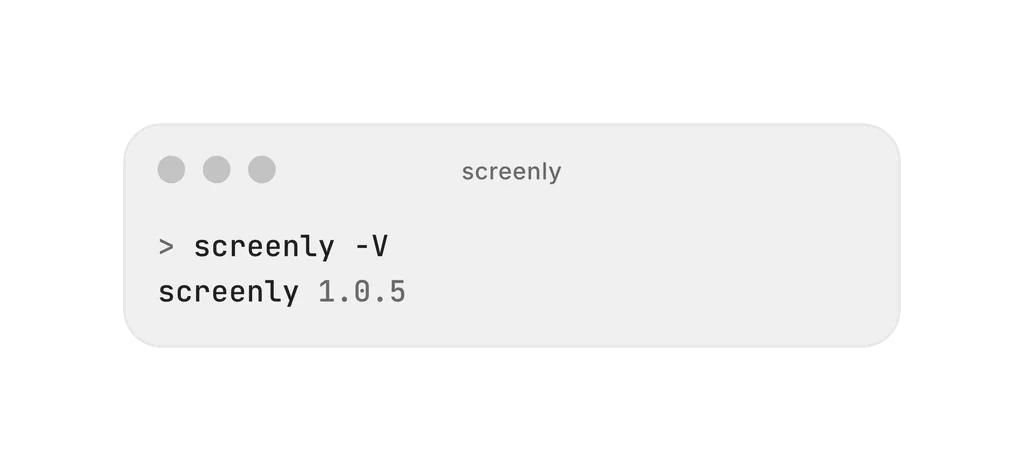
With the release of CLI v1.0.5, we made major improvements to the Edge App framework, improving how users build, document, and configure apps.
At the core of these improvements is our new Structured Help Text system, which employs a YAML based format to define how each setting should be described and presented. This approach provides developers with a clean, standardized method to offer guidance, examples, and context directly within the app settings interface, making it much easier for users to understand and configure apps.
Building on this foundation, we have extended the Edge App manifest to include a range of advanced input field types, such as:
- Datetime
- Number
- Select (dropdown choices)
- Boolean (toggle switches)
- Textarea (multi-line text input)
- URL
Learn more: developer.screenly.io, Edge App Input Field Types
Bug Bounty & Vulnerability Disclosure Policy
Screenly is built on a security first philosophy, and in 2025, we put that commitment into practice by launching a formal bug bounty program. The program provides clear rules and a safe harbor for security researchers to responsibly report vulnerabilities, allowing us to proactively improve the platform and better protect our customers by encouraging responsible disclosure rather than ignoring or discouraging it. You can find more deatils here
Apps & Integrations
In 2025, we shipped a wide range of apps and integrations across the Screenly ecosystem. All Apps are open source and available in the screenly/playground repository and can be easily installed from the app page. We also developed a new Apps library with shared utilities and helper functions to simplify the development and maintenance of Edge Apps, You can find the details here.
We also saw many users building their own custom Apps to meet their specific needs, which has been exciting to watch. If you’re working on a custom app or need help getting started, reach out to our support team for guidance or resources.
Below, we’ve highlighted some of the latest apps and integrations released.
New Power BI App with Upgraded Integration
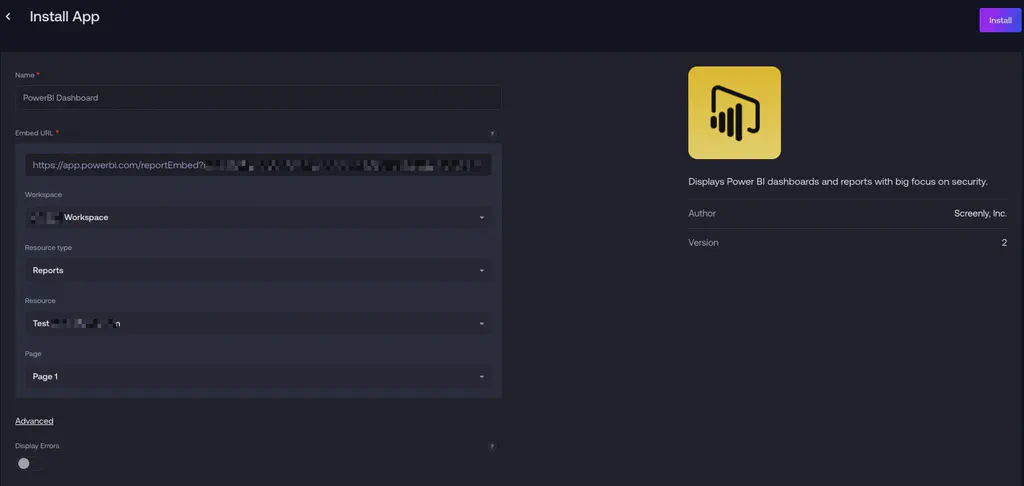
We have completely redesigned our Power BI integration, transitioning from a legacy system to a modern, user friendly experience. The new Power BI App enables seamless dashboard embedding without the setup challenges of the past.
With this update, users no longer need to input API keys, dataset IDs, report IDs, or other technical identifiers. Once a user connects their Power BI account via the Screenly integration, all available dashboards are automatically displayed in the Power BI app, ready for selection. Simply choose the dashboard you want displayed, and It becomes available as a piece of content that can be added to your playlist with no extra steps, no manual configuration, and no risk of mistyping complex IDs.
This significantly reduces onboarding friction, making dashboard publishing faster, simpler, and much more user friendly.
Learn more: Introducing the New Power BI Integration for Screenly Apps
Google Calendar App with Integration
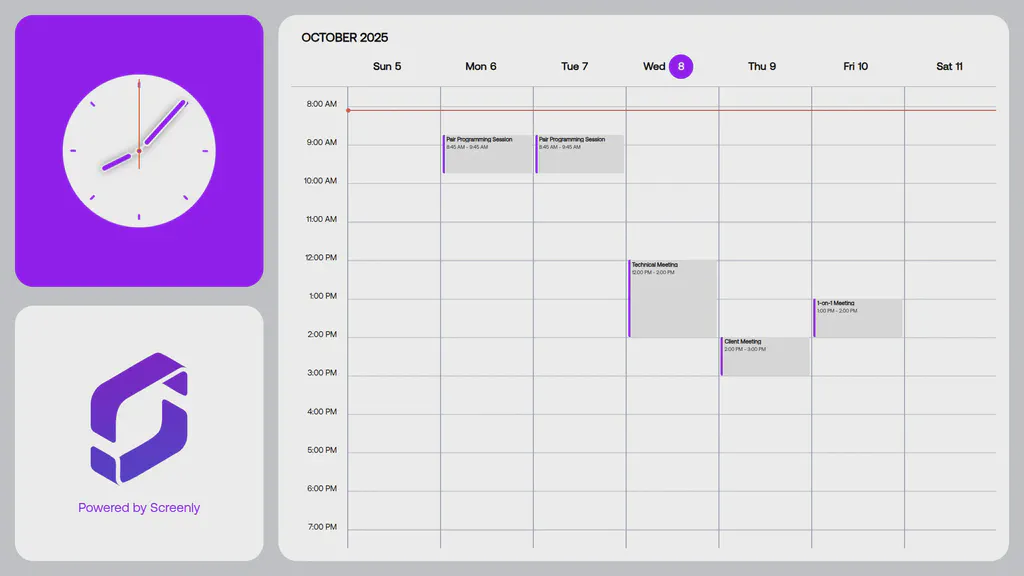
Our new Google Calendar App lets you quickly display events. When you connect your Google account, you no longer have to copy calendar IDs, API keys, or secret tokens. The app automatically retrieves your calendars and displays them in a clean list.
Select the calendar you want to display, and the app adds it to your playlist instantly, no technical setup required.
Learn more: Google Calendar App
Outlook Calendar App with Integration
Similar to Google Calendar, you can add integrations to connect your Outlook Calendar with other tools and services, enhancing your workflow and productivity.
Learn more: Outlook Calendar App
Generic Calendar App with iCal Support
For organizations that utilize custom calendar systems, we have introduced a versatile iCal-based Calendar App. By simply pasting your iCal link, the app handles everything else.
Although the app relies on an external link, it provides a universal solution suitable for nearly any calendar system, making it perfect for specialized industry tools.
Learn more: Calendar App
QR Code App with UTM Tracking
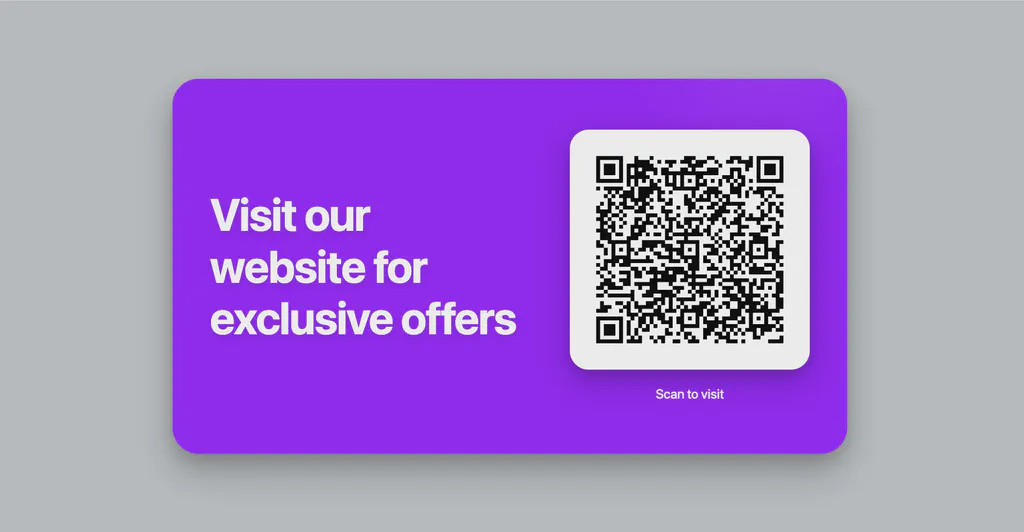
We introduce our powerful new QR Code App, designed to simplify the creation and display of trackable QR codes. With this app, you can easily generate high-resolution QR codes directly in Screenly, without third-party tools or manual image uploads.
Once you input a target URL, the app quickly generates a QR code optimized for digital signage. A key feature is the option to enable automatic UTM tracking right inside the app. When UTM parameters are activated, Screenly automatically adds analytics tags, such as utm_source, utm_medium, utm_location, and utm_placement, based on your signage metadata. This functionality provides valuable insights into how and where scans occur.
Additionally, you can customize optional text elements, such as a headline (e.g., “Scan to Learn More”) and a call-to-action (e.g., “Get the App”), ensuring they align with your display’s theme for a cohesive visual presentation.
This update makes the QR Code App perfect for a wide range of use cases, including customer engagement, surveys, menus, promotions, and campaign tracking — all managed seamlessly within the Screenly platform.
Learn more: QR Code App
News Apps (RSS-Based): BBC, Al Jazeera, Fox News, NYT, NPR, WSJ & More
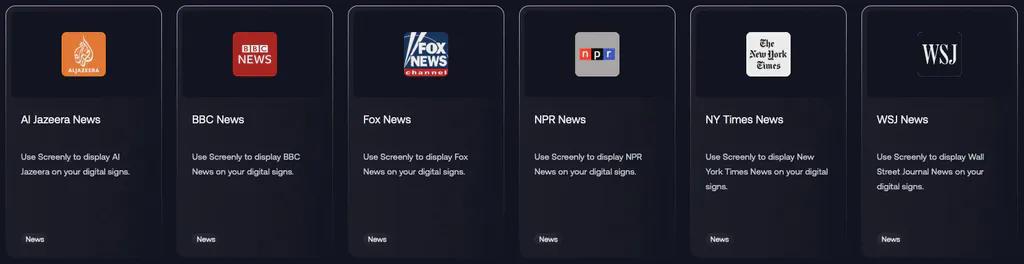
Continuing our efforts to expand Screenly’s capabilities, we have introduced a comprehensive suite of news apps powered by RSS, providing real-time headlines from major global sources, including:
- BBC News
- Al Jazeera
- Fox News
- The New York Times
- NPR News
- The Wall Street Journal
These feeds make it easy to keep your screens up to date with live, reliable information.
Simple Table App (CSV-Powered Table Generator)
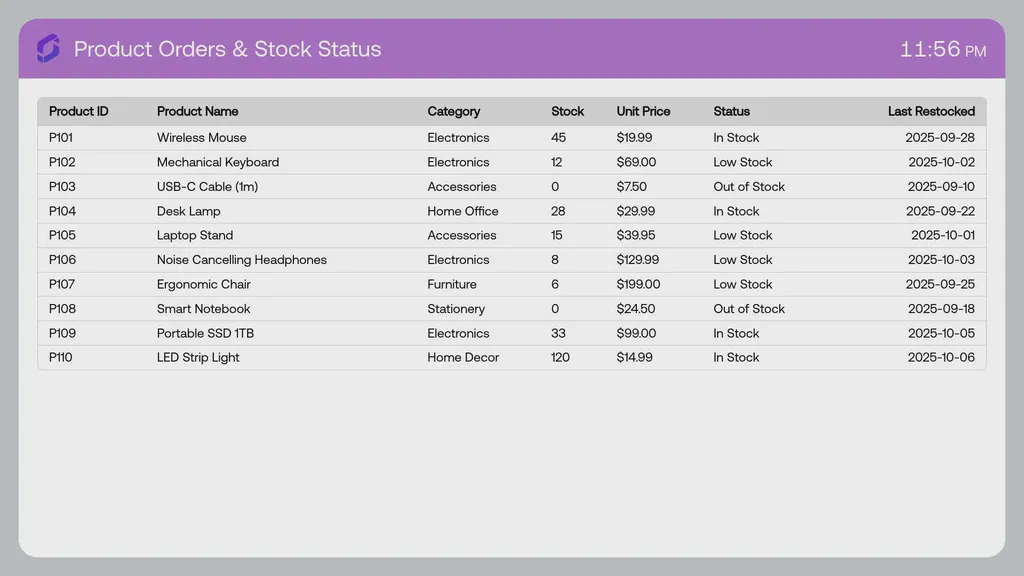
We launched the Simple Table App for structured displays menus, schedules, KPIs, pricing sheets, rosters, and more without custom design or coding.
With the Simple Table App, upload a CSV file, and Screenly creates a formatted table for digital signage. The app handles column sizing, spacing, typography, and layout for maximum readability.
Update your CSV file, re-upload, and the table refreshes in seconds. This is especially useful for settings with frequent information changes, such as restaurants, warehouses, universities, offices, hotels, and retail environments.
You will find the Simple Table App in the Apps section, as part of our expanding library of plug-and-play, no-code content tools.
Learn more: Simple Table App
Strava Club Leaderboard App
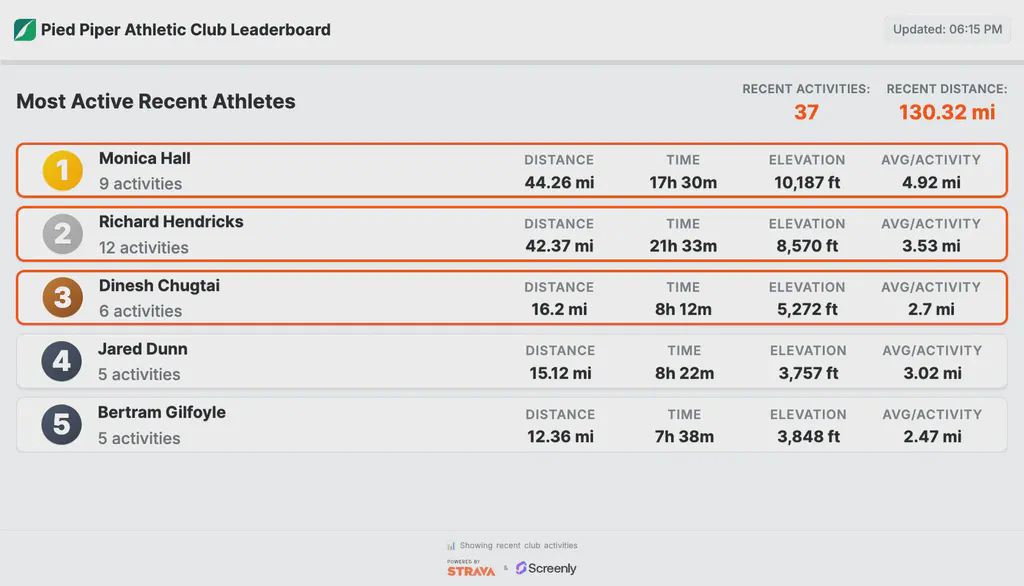
We believe digital signage can do more than display content, it can bring people together. As a remote team, we’re always exploring new ways to stay connected and motivated, which led to the creation of our Screenly Strava Club.
The Strava Club Leaderboard App turns that idea into a plug and play digital signage experience, displaying real time activity data from Strava on your Screenly powered screens. From highlighting top performers to celebrating milestones and tracking weekly totals, the app helps keep teams and communities engaged and moving.
Learn more: Introducing the Strava Club Leaderboard App, Strava Club Leaderboard App.
CharlieHR Dashboard App
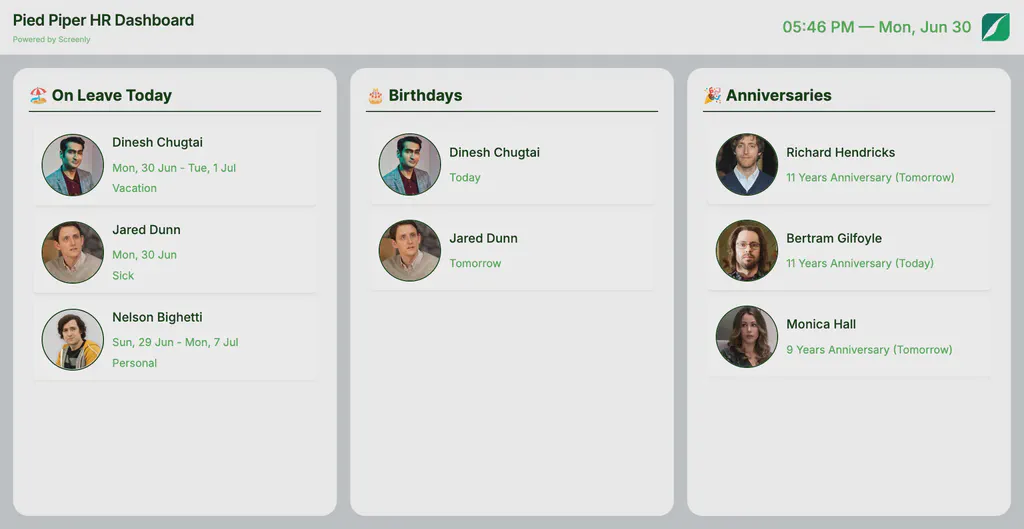
We focus on building apps that solve real-world problems. We use CharlieHR to manage our team, from tracking birthdays and work anniversaries to managing time off, and we saw an opportunity to make this information more visible and useful in day-to-day work.
The CharlieHR Dashboard Edge App brings real-time employee data from CharlieHR directly to your Screenly powered displays. From celebrating birthdays and work anniversaries to showing who’s out of the office today, the dashboard helps teams stay informed, connected, and engaged through digital signage.
Learn more: Introducing the CharlieHR Dashboard App, CharlieHR Dashboard App.
We have many more new apps and integrations to share, but to keep this post focused, you can explore the full list in our fully redesigned Apps section.
Player & Hardware Updates
In 2025, we made significant investments in our players and underlying hardware platform to improve performance, reliability, and long term maintainability. This includes the launch of the all new Screenly Player Max Mk II, expanded Raspberry Pi 5 support, and a major refresh of the device software stack. From a redesigned onboarding experience and faster device provisioning to modern graphics with Wayland, improved logging, and more deterministic device behavior, these upgrades collectively deliver a faster, more secure, and more predictable digital signage player. The highlights below capture the key improvements shipped this year.
Introducing the Screenly Player Max Mk II
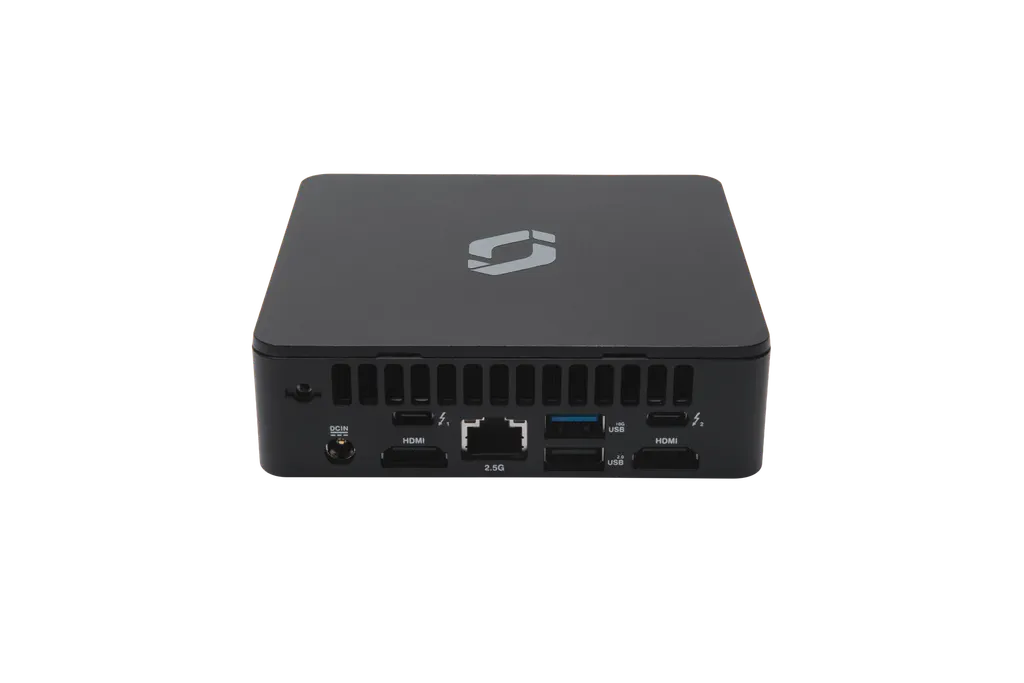
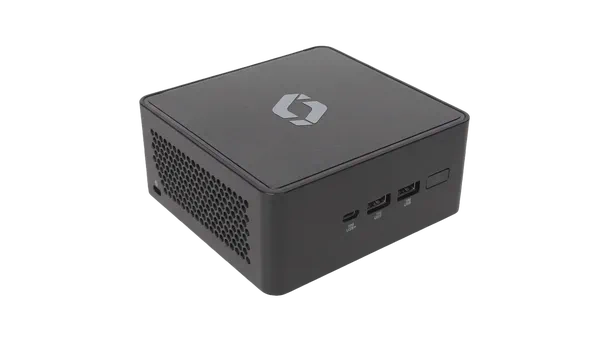
Meet the Screenly Player Max Mk II, our most powerful and secure digital signage player yet. Built in partnership with System76, this compact device delivers top tier performance with Screenly’s security first approach at its core.
In simple terms: it’s the fastest and most secure digital signage player we’ve ever built, designed for demanding deployments where reliability and protection matter most.
Read the full announcement: Meet the Screenly Player Max Mk II - Secure, High‑Performance Digital Signage
Screenly now supports Raspberry Pi 5 Latest
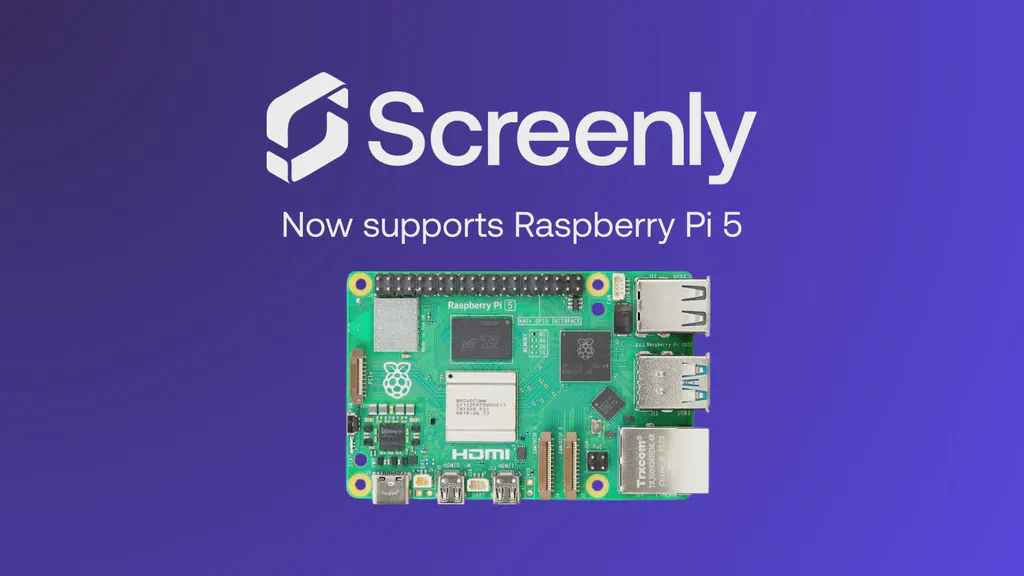
Screenly now fully supports and is optimized for the Raspberry Pi 5, delivering improved performance, smoother playback, and a better overall experience when upgrading or expanding fleets.
During this work, we identified an issue in the Raspberry Pi 5 bootloader and reported it to the Raspberry Pi team. This was promptly addressed by releasing a new bootloader.
All New Player Onboarding Experience

We redesigned the Player interface to enhance its intuitiveness, offer better information, and align it with our contemporary design standards. These updates help users troubleshoot and pair devices faster and with less confusion, making the overall experience smoother and more reliable.
Anthias: 2025 in Review

Anthias is Screenly’s open source, self hosted digital signage platform. In 2025, it saw major improvements in performance, playback, media support, and long term maintainability, alongside strong community growth to 1,626 forum members and 3,286 GitHub stars.
Raspberry Pi 5 support: Added support for Raspberry Pi 5 devices, which feature a faster central processing unit (CPU) and increased random access memory (RAM).
Smoother asset transitions: Removed the blank gap between web and image assets and fixed navigation issues with the Previous and Next asset buttons.
New media format support: Added native support for GIF and WebP images, removing the need to convert assets to JPEG or PNG.
Modern front-end overhaul: Migrated the UI from CoffeeScript and Backbone.js to TypeScript and React, enabling better theming, smoother animations (including drag and drop), clearer tooltips, and improved alert messages.
AI ready development workflow: Introduced custom context rules to support AI assisted coding tools while minimizing errors. These rules will be standardized via
AGENTS.mdto remain tool agnostic and make onboarding easier for new contributors.
Anthias continues to grow as an open source, community driven digital signage platform. Help improve performance, extend media support, refine the user experience, or explore new ideas by contributing today.
Get involved: open pull requests, report or discuss issues, and share feedback or use cases with other users. Visit our forum to connect with the Anthias community, ask questions, collaborate, and stay up to date.
Whether you are fixing a small bug or working on a larger feature, every contribution helps move Anthias forward.
Company & Team Highlights
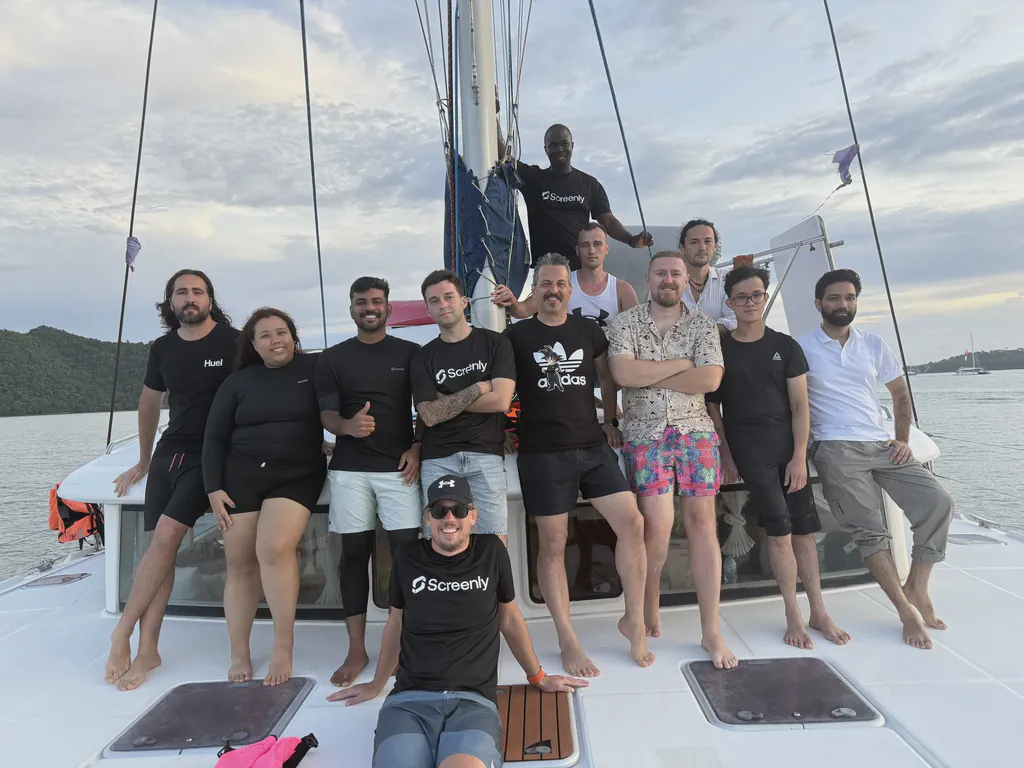
Remote work gives Screenly global reach and flexibility, but nothing replaces the energy of face-to-face connection. While we’ve been fully remote for over a decade, as Viktor, our CEO, puts it: “Remote work works great, but only if you get people in the same room at least once a year.”
This belief shapes our annual summits. Instead of traditional retreats centered on presentations, our summits offer immersive experiences that build personal connections. They remind us that every Slack message or GitHub comment comes from a real person with unique stories, humor, and perspectives.
This year, we brought the team together in Thailand, prioritizing a smooth, enjoyable experience and meaningful connections. The summit led to deeper cross team collaboration and a clearer collective understanding of our company vision and priorities. It was a defining moment for our team. Read more about our summit here.
That’s a Wrap
That wraps up the first edition of Screenly Sync and our 2025 year end review. This year, we shipped meaningful updates across the entire Screenly ecosystem, from Players and Backend to Apps, Integrations, and Anthias. Going forward, Screenly Sync will be your monthly source for staying up to date on everything new and improved.